AI Sprite Animation Generator for Playable 2D Motion

Use an AI Sprite Animation Generator to Turn Your Saved Character into a Motion Draft

4-14 framesTransparent GIF

Motion setup

Build your animation

Choose a sprite to animate
Motion
Animation frames
frames
42 credits8 frames · Transparent GIF

Example output

See the motion before you create

Run animation frame 1
Frame 1 / 8
Frame timeline8 frames · 6 FPS

The active frame and export settings stay visible while the animation loops.

Animation features

What the AI Sprite Animation Generator Helps You Create

The AI sprite animation generator connects character creation, My Sprites, the animation sprite sheet generator, and loop review in one SpriteSheetMaker workflow. It helps you explore an animation sprite sheet concept while keeping expectations clear: the current downloadable result is a transparent GIF, and every generated draft should be reviewed.

Saved pixel art character selected for an AI-generated sprite animation preview
01

Animate a Character You Already Created

Select one saved design from My Sprites, then let the AI sprite animation generator use it as the reference for character sprite animation. The sprite animation generator aims to preserve the silhouette, proportions, colors, clothing, and held items, but every frame still needs inspection during a 2D sprite animation test.

View My Sprites
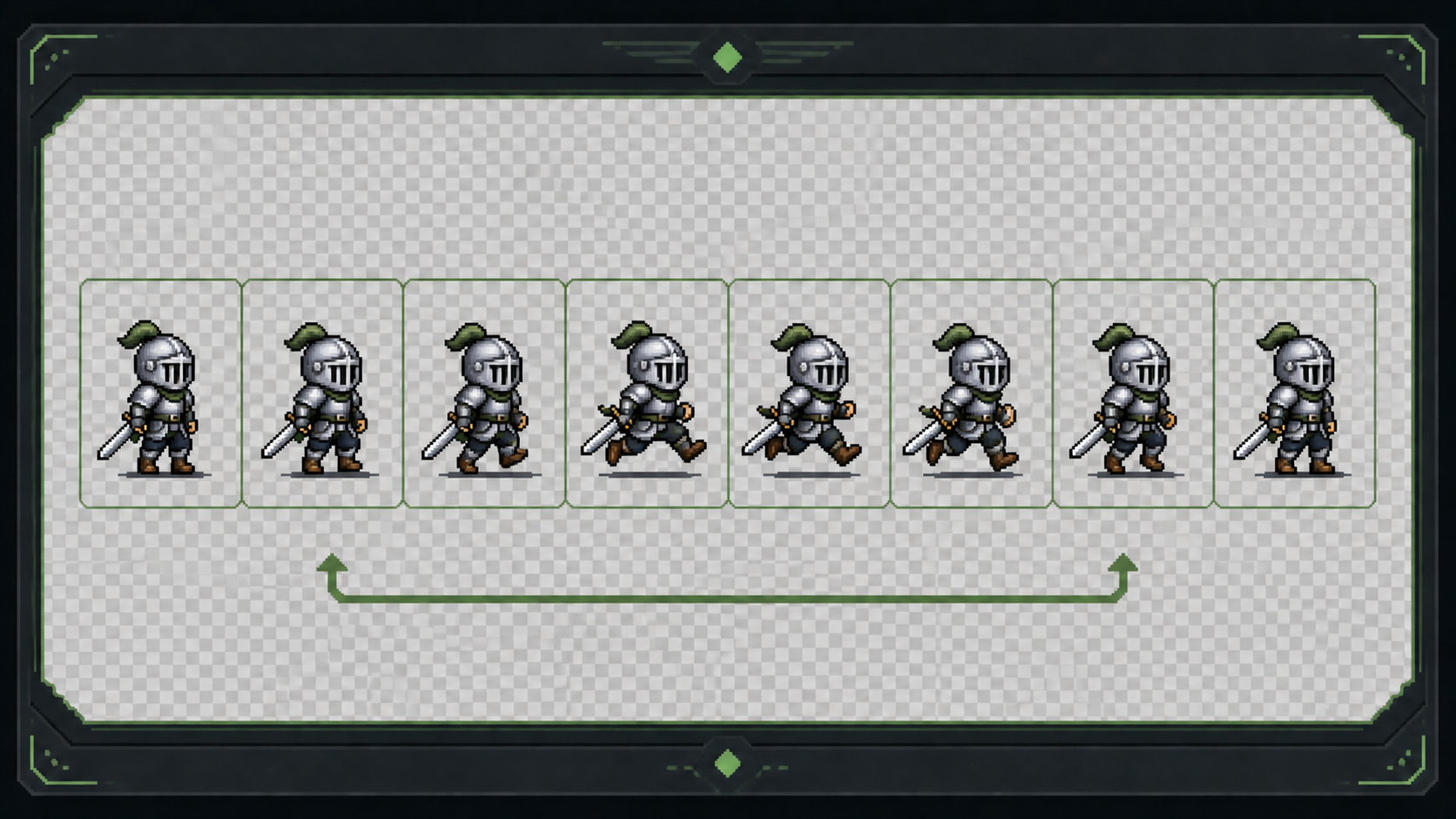
Pixel art character previews for eight supported animation actions
02

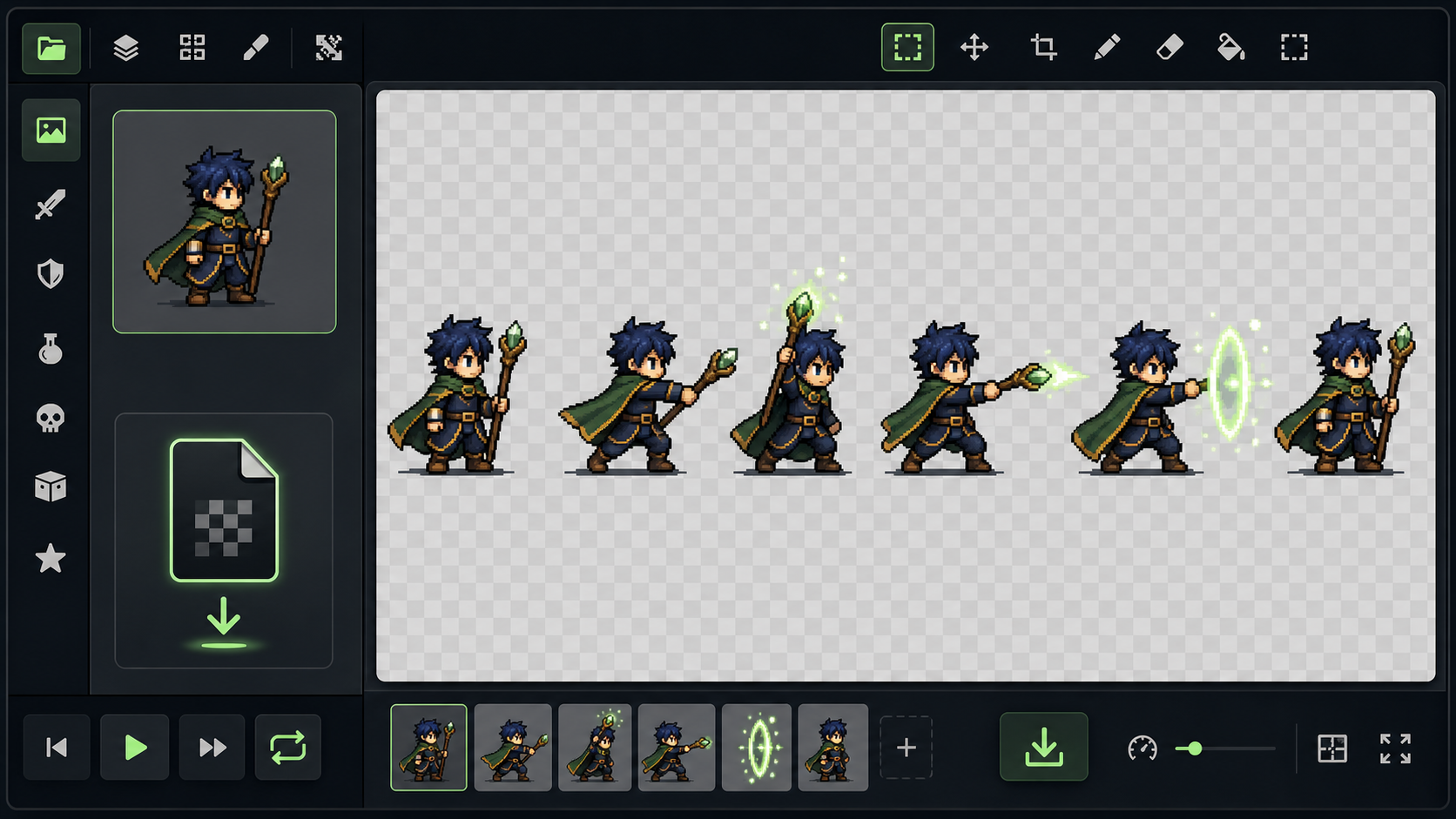
Choose Eight Action Types or Describe Your Own

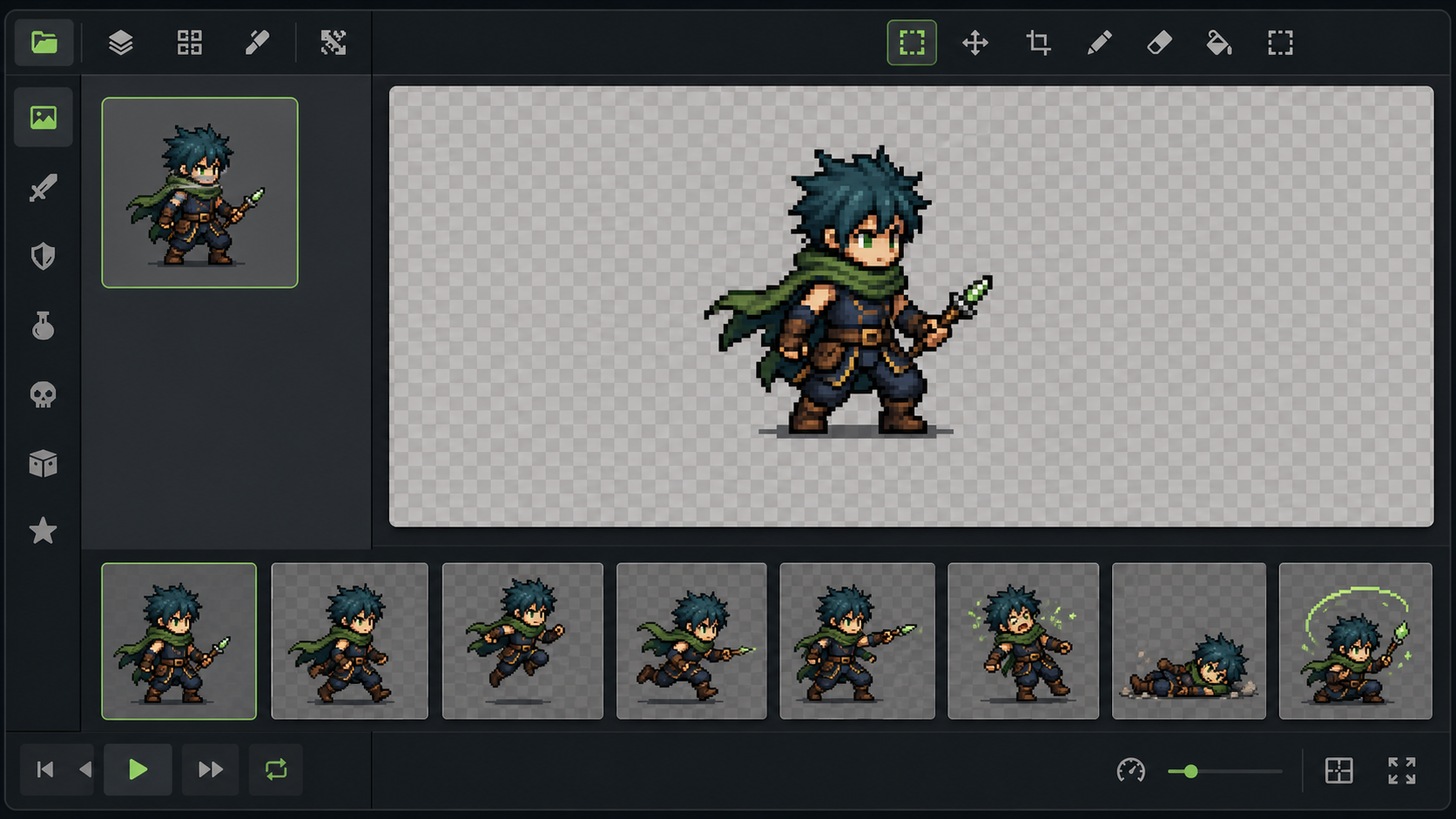
The AI sprite animator supports Idle, Walk, Jump, Run, Attack, Hurt, Death, and Custom. Use the AI sprite animation generator for a preset, or describe the beginning, movement, ending pose, and return for Custom motion. This sprite animation generator can draft an idle animation sprite sheet concept for review, while the current download remains a GIF.

Choose an Action
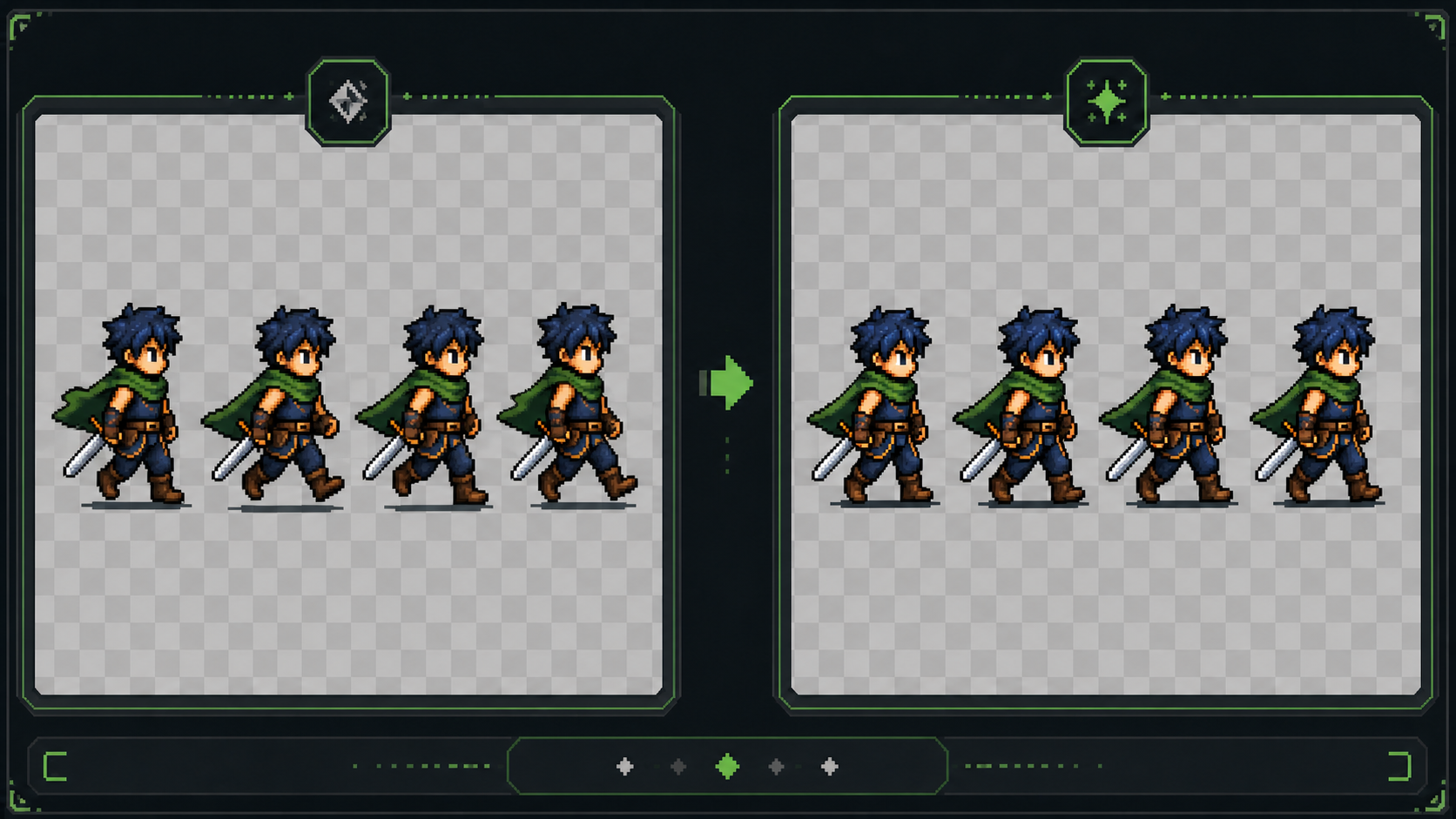
Standard and Advanced pixel art animation sequences shown side by side
03

Compare Standard and Advanced Generation

Use Standard for a direct multi-frame draft or Advanced to explore usually more continuous motion. The AI sprite animation generator offers 4–14 frame choices; Standard maps them to 4, 6, 8, 9, or 12 output frames, while Advanced follows the selection. This makes the sprite animation maker and AI sprite animator useful for different review needs.

Compare Modes
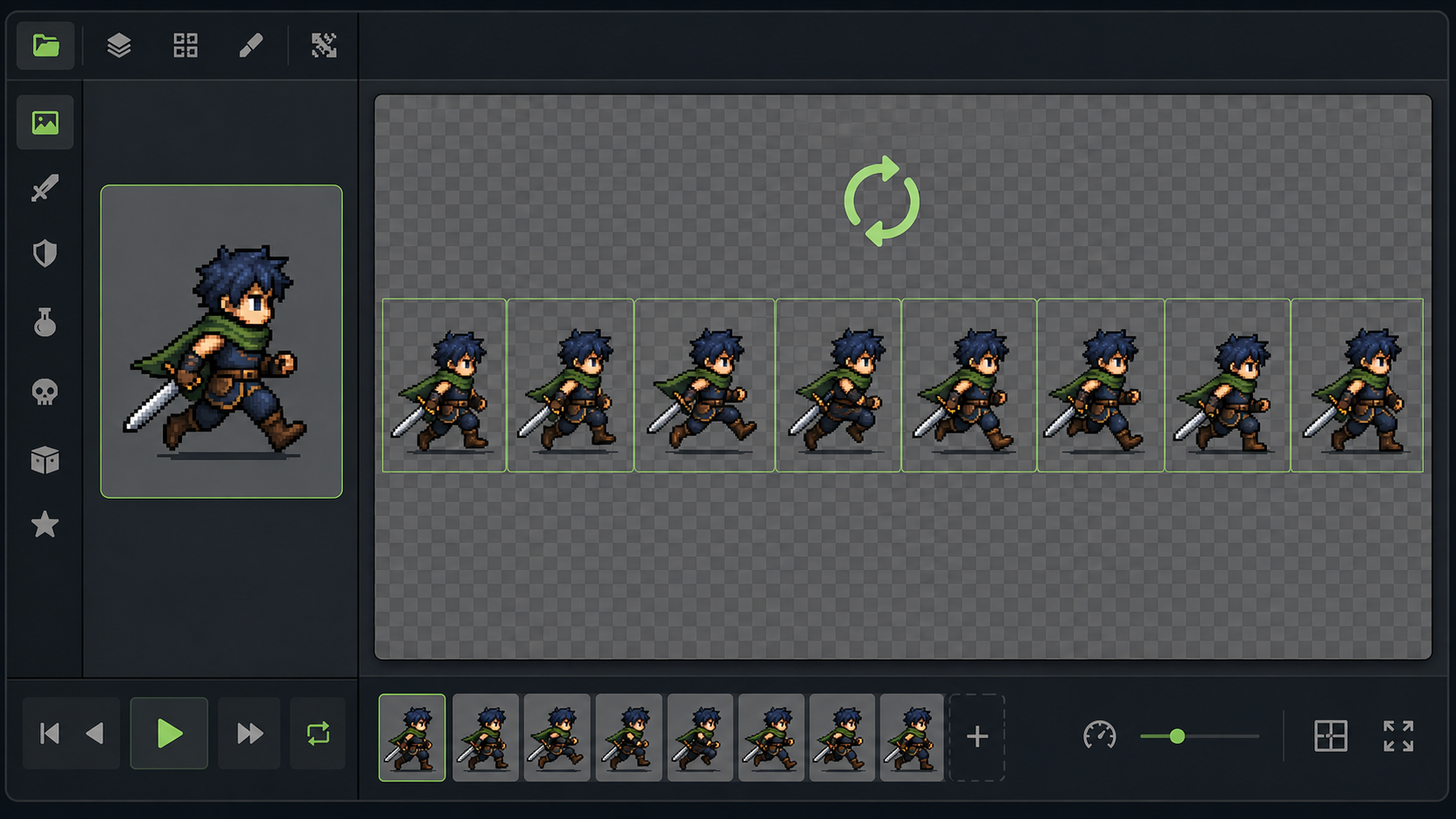
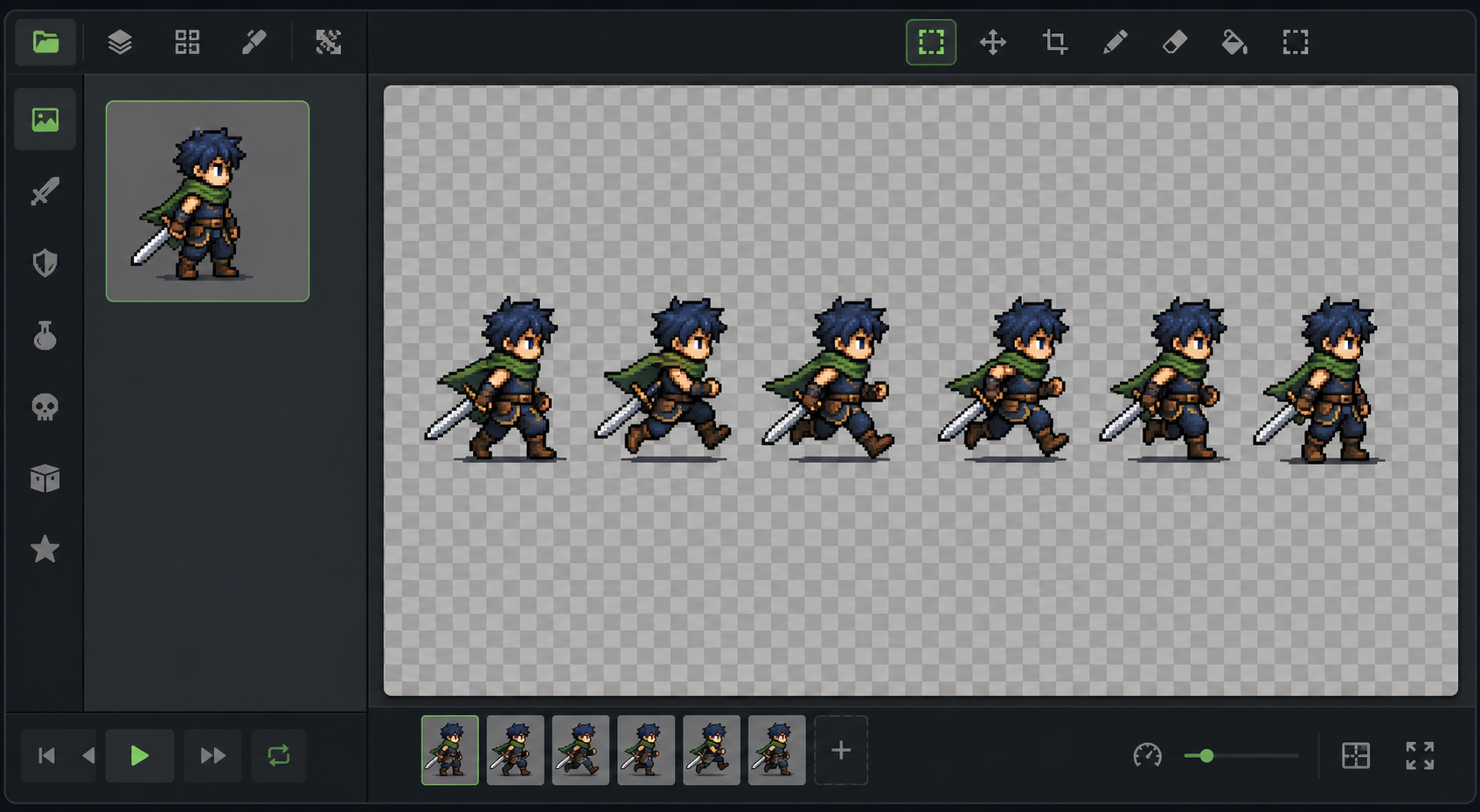
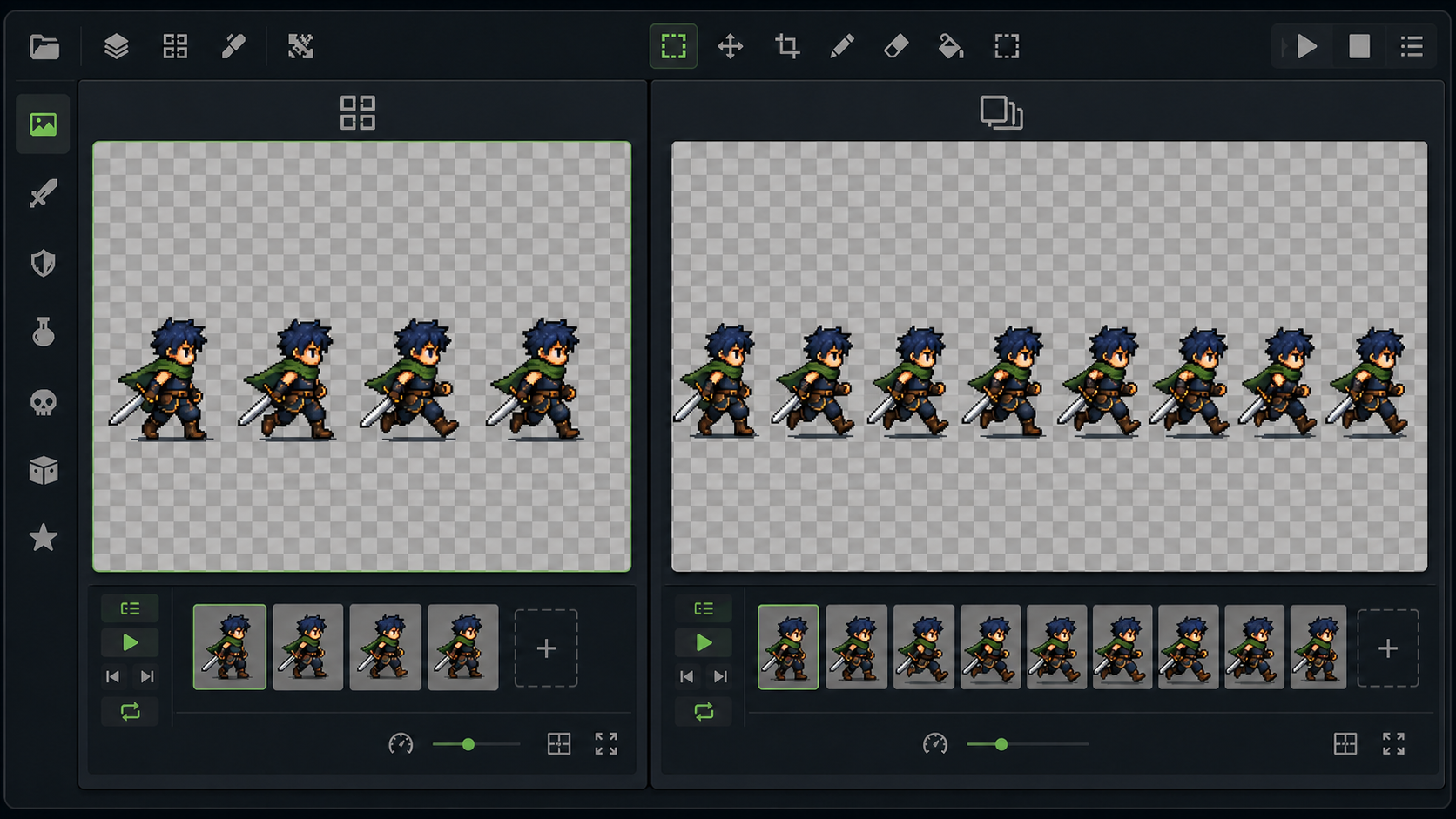
Loop preview used to inspect a pixel art run animation
04

Preview the Loop Before You Keep It

An animation sprite sheet needs readable frame order, anchors, and silhouettes. The AI sprite animation generator plays the result at the current fixed 12 FPS, helping you spot jitter, clipping, flicker, background remnants, or a hard seam. The animation sprite sheet generator assembles the ordered preview, making 2D sprite animation easier to review; a sprite sheet animation still needs separate slicing and engine setup.

Open Animator
Transparent GIF preview of an original pixel art character animation
05

Keep a Transparent GIF for Review and Prototyping

Download the AI sprite animation generator result as a transparent GIF for playback or prototype review. SpriteSheetMaker does not currently expose its internal PNG animation sprite sheet or metadata as user downloads. The animation sprite sheet generator works behind the preview; for pixel art sprite animation, check edges and clarity before further use.

Animate My Sprite

Three-step workflow

How to Use the AI Sprite Animation Generator in Three Steps

The AI sprite animation generator keeps the path short: choose a saved character, define the motion, then inspect and keep the version that supports your prototype. A sprite animation maker requires no rigging timeline for the first draft, but visual review remains part of the process.

  1. 01

    Step 1: Choose a Character from My Sprites

    Select a static character stored in My Sprites, or create one first and return. The AI sprite animation generator does not accept a direct external upload on this screen. A clean silhouette and enough space give the sprite animation maker a clearer motion reference. That also gives the sprite animation generator a stronger starting point for 2D sprite animation.

  2. 02

    Step 2: Set the Action, Mode, and Frame Count

    Choose seven preset actions or Custom, select a mode, and set 4–14 frames. Describe the start, movement, ending, and return for Custom. The AI sprite animation generator then works as an AI sprite animator and animation sprite sheet generator. Standard maps your request to its supported grids.

  3. 03

    Step 3: Generate, Review, and Download the GIF

    Inspect identity, movement, anchors, cropping, edges, and the return to frame one. The AI sprite animation generator can produce another candidate when needed. Use the sprite animation maker to compare the animation sprite sheet in motion, then download the transparent GIF.

Production use cases

Where an AI Sprite Animation Generator Fits into Game Production

An AI sprite animation generator is most valuable when a team needs to test an idea before investing in polished frame work. Used as a sprite animation generator, it supports practical drafts, not guaranteed final assets.

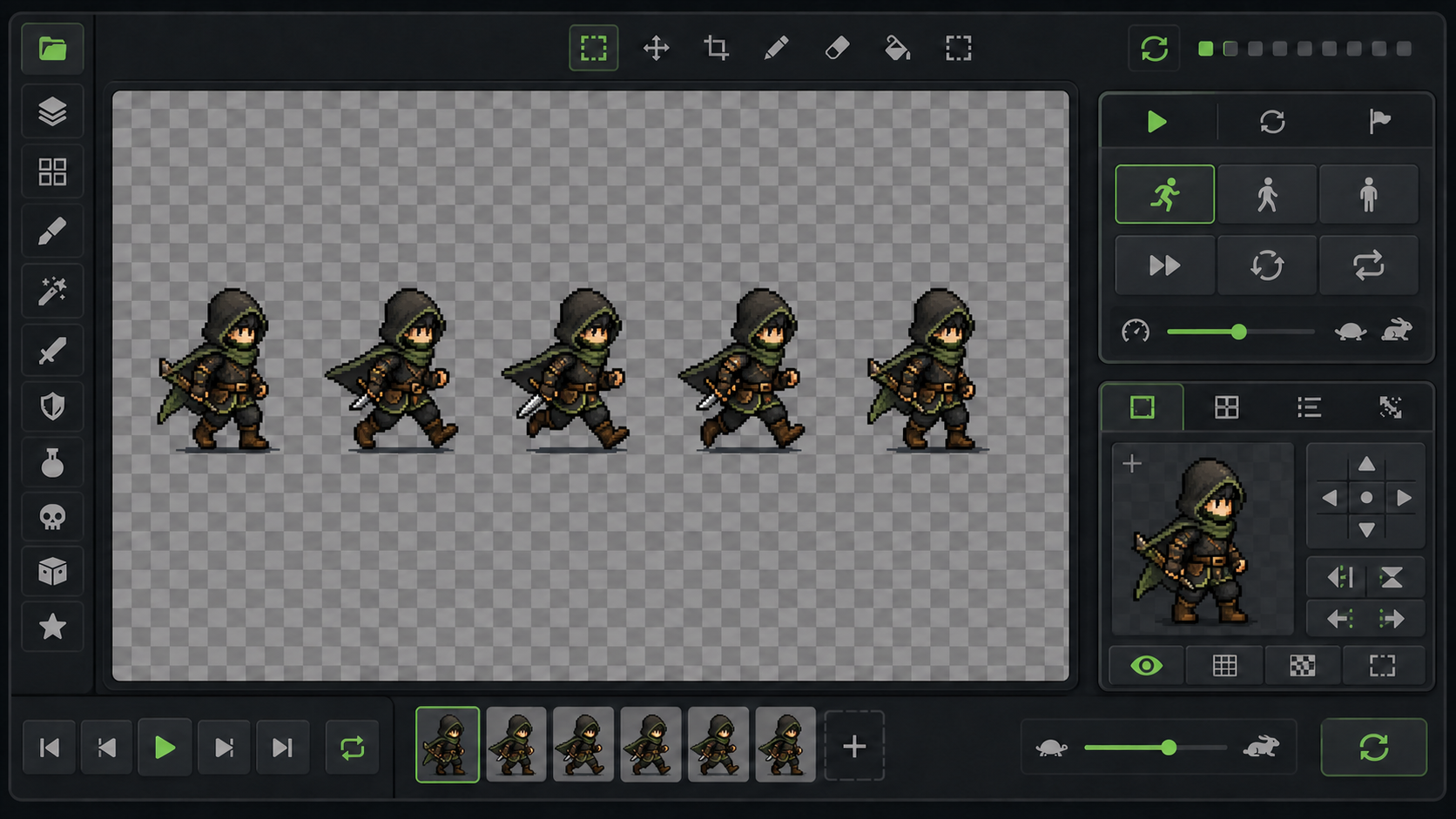
Indie game hero shown as a pixel art run animation draft
01

Bring an Indie Game Hero into a Movement Prototype

Select a saved side-view hero, generate Walk or Run, and test it at gameplay scale. The AI sprite animation generator creates a 2D sprite animation draft for discussion. Review the animation sprite sheet for foot contact and scale, then share the GIF. The sprite animation generator does not replace an artist's final pass.

Original enemy attack and hurt animation drafts for game prototyping
02

Add Clear Combat Feedback to an Enemy

Explore Attack, Hurt, and Death drafts before choosing poses for cleanup. The AI sprite animation generator gives the AI sprite animator a saved design to follow, while the sprite animation maker helps compare alternatives. Check weapon clearance, anticipation, impact, and recovery. This use of sprite animation AI supports decisions, not guaranteed final frames.

Game Jam character shown with idle jump and hurt animation drafts
03

Complete Essential Feedback During a Game Jam

During a short build, a creator may need Idle, Jump, and Hurt motion quickly. The AI sprite animation generator provides a starting point without a full frame-by-frame workflow. Use the animation sprite sheet generator to preview the 2D sprite animation at gameplay size. Complex movement may still need retries or editing.

Pixel artist inspecting an AI-generated flying creature animation frame sequence
04

Explore Motion Before Pixel-Level Cleanup

A pixel artist can use the AI sprite animation generator to compare gesture, timing, and silhouette. The AI sprite animator provides a candidate; the artist decides what to redraw, recolor, or align. This animation sprite sheet review can reveal unstable anchors and awkward arcs. Treat an AI sprite animation draft as source material for judgment.

Why SpriteSheetMaker

Why Build Your Motion Draft with the AI Sprite Animation Generator

The AI sprite animation generator is designed around a real SpriteSheetMaker path rather than an abstract promise: start with a saved character, choose the motion, compare modes, review the loop, and keep a transparent GIF. For 2D sprite animation, that clarity matters when generated movement informs a game decision.

Connected workflow from saved character sprite to animation preview and editing
01

One Connected Character-to-Motion Workflow

Create a character, store it, and open the Animator within one product family. The AI sprite animation generator makes that handoff clear. The sprite animation generator and related AI sprite sheet generator serve different intentions: this page covers motion drafts, while static sheet creation has its own workflow.

Create a Sprite
Action mode and frame controls for a pixel art character animation
02

Practical Controls Without a Rigging Setup

Preset actions, Custom descriptions, two modes, and frame choices provide meaningful control. The AI sprite animation generator works as a focused sprite animation maker for ideation, not every animation task. The AI sprite animator helps a producer or programmer communicate motion through a visible loop.

Open Animator
Pixel art animation quality review with frame boundaries and loop preview
03

Reviewable Results and Honest Output Boundaries

The browser loop gives you a result to accept, reject, or regenerate. The AI sprite animation generator reveals jitter and rough loop seams. Although an animation sprite sheet generator prepares ordered frames, SpriteSheetMaker offers a transparent GIF rather than a PNG sheet, JSON metadata, or one-click engine package.

Preview a Motion Draft
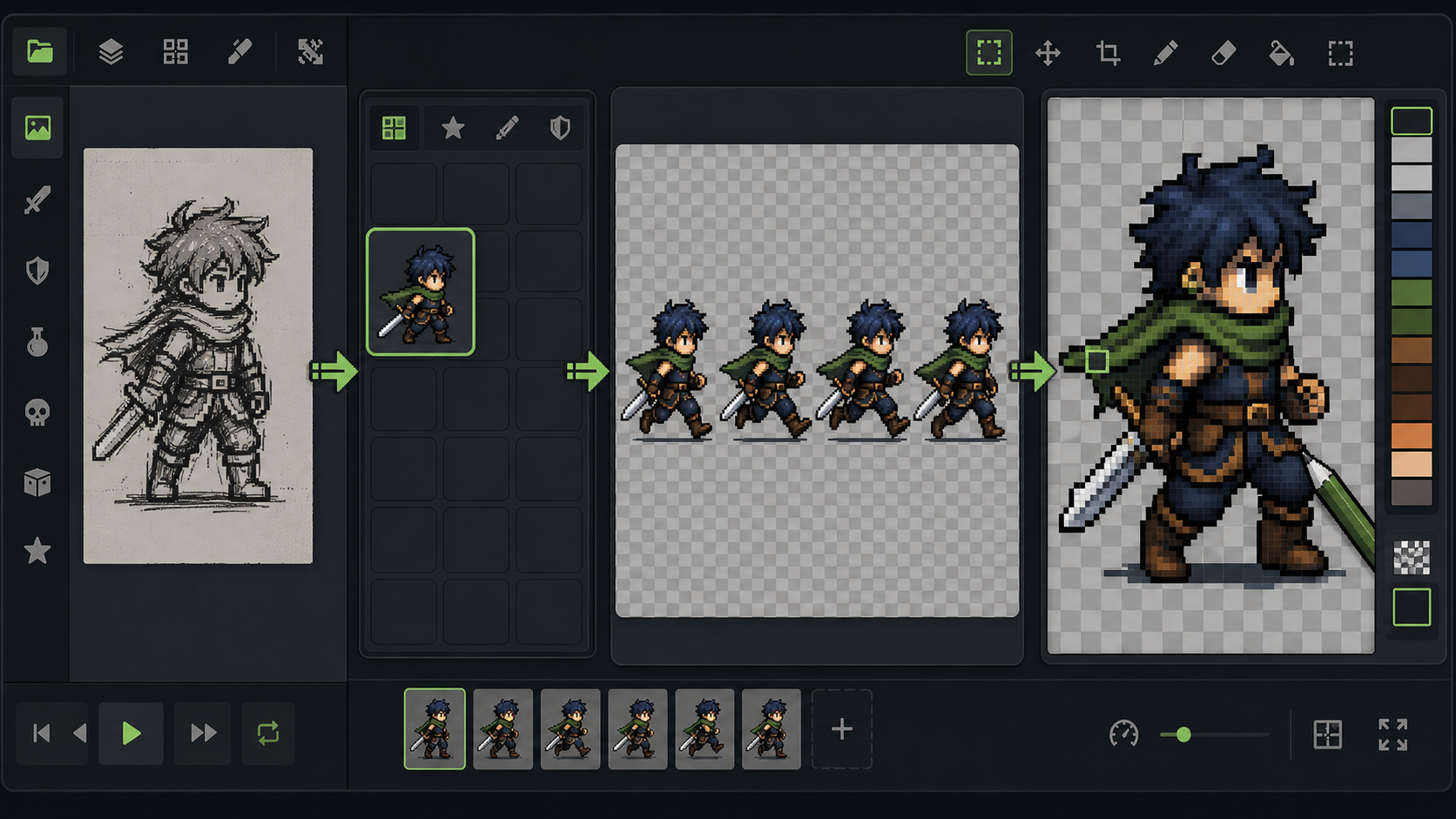
Generated pixel art motion draft compared with a refined animation sequence
04

A Better Starting Point for Human Refinement

AI sprite animation can help test a direction, while an artist remains responsible for style, timing, contact poses, and cleanup. The AI sprite animation generator supports that division: generate, judge, then refine. For demanding 2D sprite animation, automatic output still requires review.

Generate a Draft

Common questions

AI Sprite Animation Generator FAQ

These answers explain what the current Animator does, what you can download, and where human review still matters.

The AI sprite animation generator turns one static character saved in My Sprites into a multi-frame motion draft. Choose Idle, Walk, Jump, Run, Attack, Hurt, Death, or Custom, then review the loop in your browser. It is a sprite animation generator for exploration and prototyping, not a guarantee of finished game art.

Start creating

Start with the AI Sprite Animation Generator

Choose a character from My Sprites and use the AI sprite animation generator to explore its next Idle, Walk, Jump, Run, Attack, Hurt, Death, or Custom motion. Review the loop, keep the transparent GIF when it supports your prototype, and regenerate or refine the result when it does not.