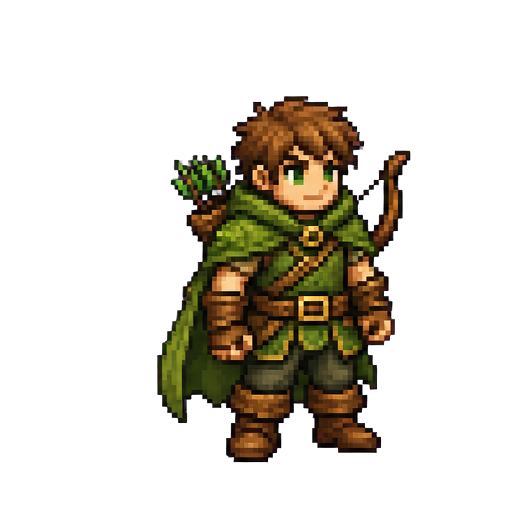
Forest adventurer
Sprite setup
Example output
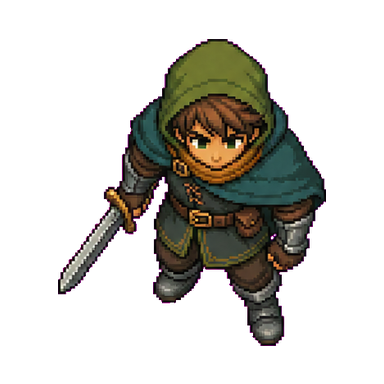
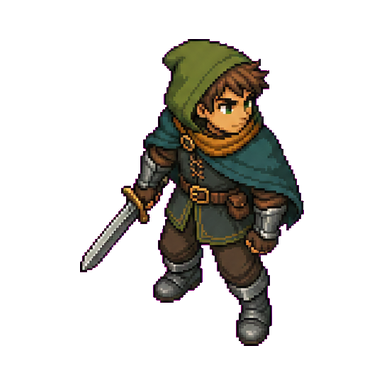
The general generator supports different subjects without limiting the page to one asset type.
A general-purpose creation tool
An AI sprite generator creates 2D visual assets from a written description or other creative input. Instead of drawing every idea from scratch, you can describe the subject, style, view, colors, and level of detail you need, then generate visual directions for your project.
SpriteSheetMaker's AI Sprite Generator is a general starting point for sprite creation. It is not limited to characters, pixel art, or a single game genre. Use it when you need an original sprite concept, then continue with the dedicated sprite sheet, animation, editing, or object-specific tools required by your workflow.
Two ways to begin
Start from a description when the idea is still open, or add a reference when composition and art direction need tighter guidance.
Write a focused description of the sprite you need. Include the subject, visual style, camera view, direction, color palette, scale, and details that must remain readable at game size.
Choose artwork, a sketch, or another visual reference to guide composition, proportions, colors, or art direction while your description explains what should change.
Beyond one asset type
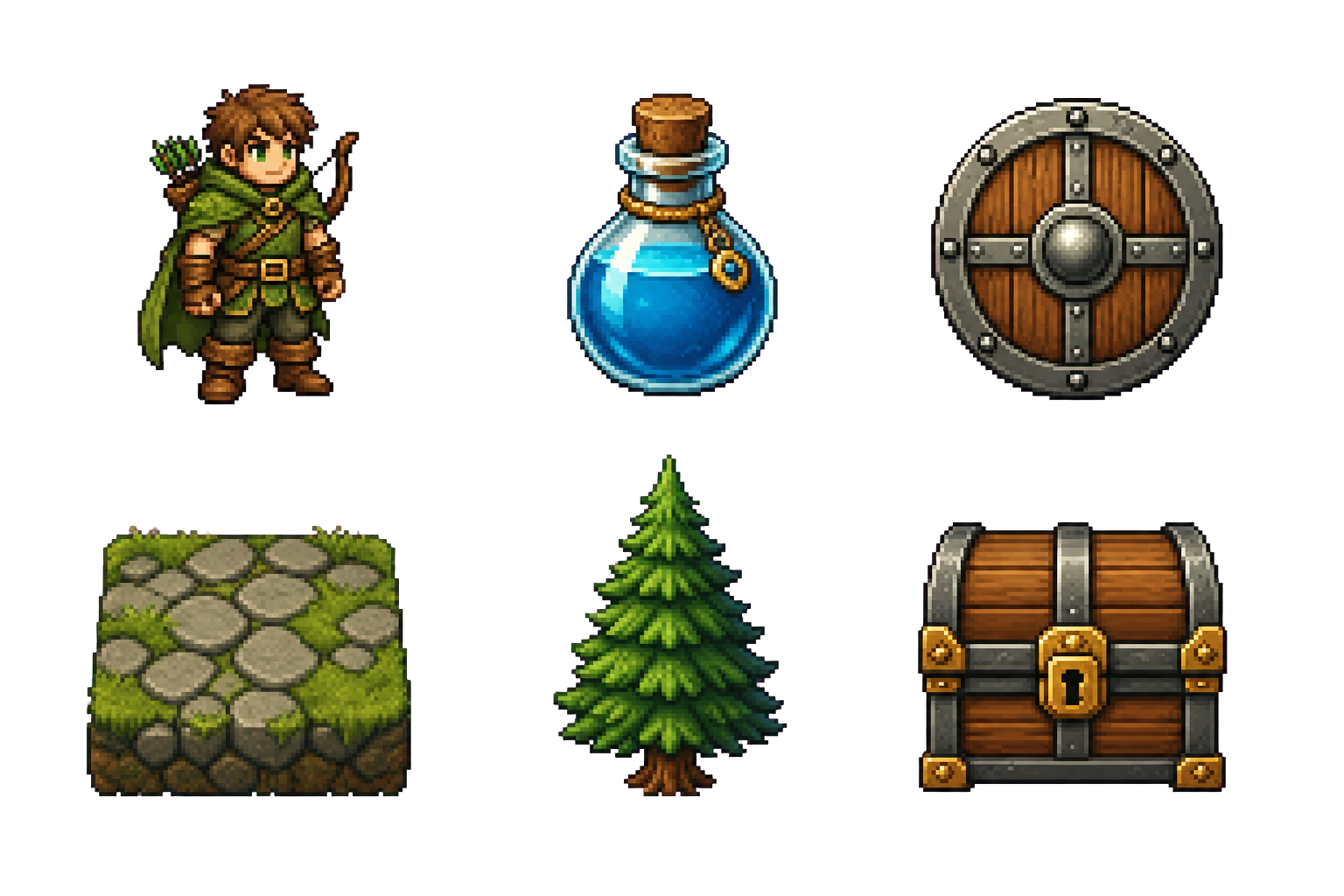
Create sprites for many parts of a 2D game, including characters, props, equipment, tiles, scenery, and other visual assets.
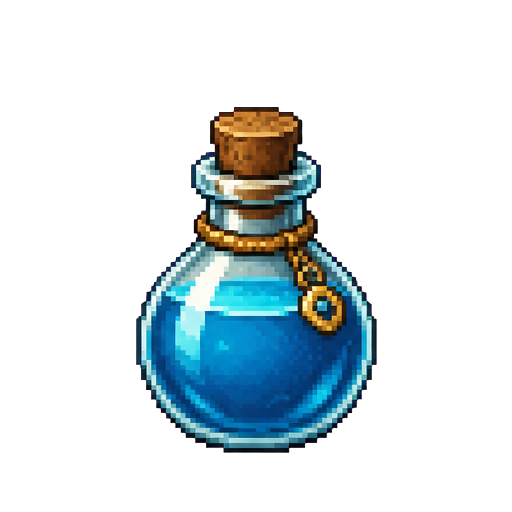
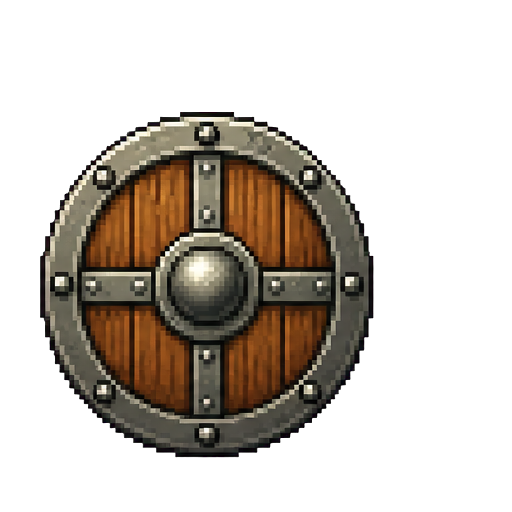
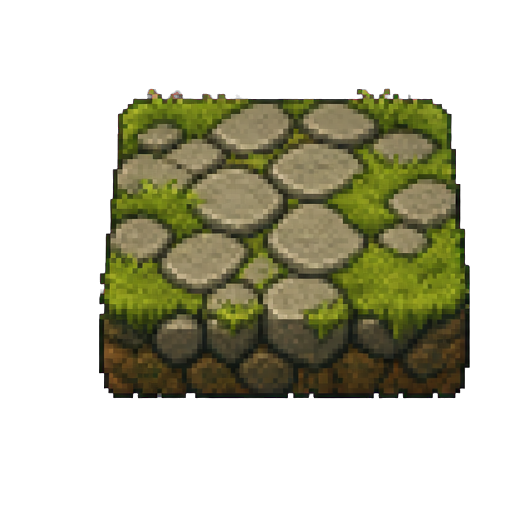
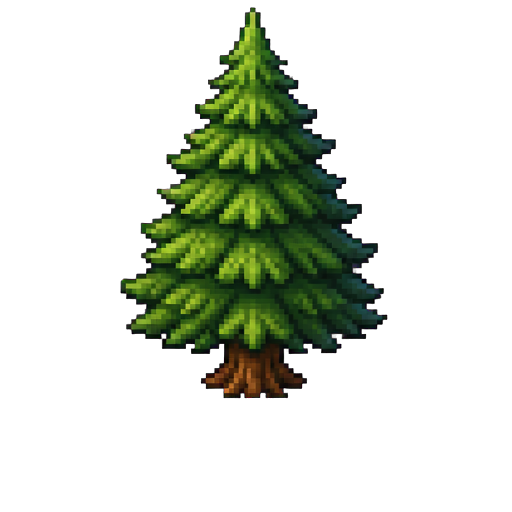
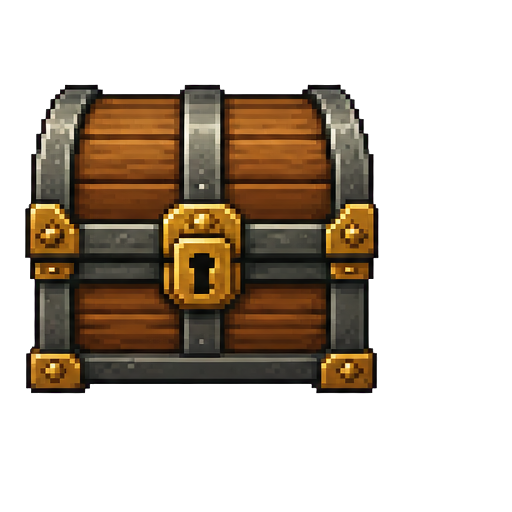
These examples show the range of subjects the general game sprite generator can handle; they are not separate modes or character-only templates.
Art direction and game space
Fit the result to the visual language and camera system of your game instead of forcing every idea into the same template.
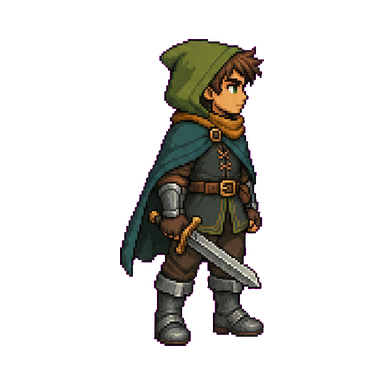
Describe a clean 2D look, pixel-art treatment, retro palette, painted game art, or another supported direction.
Use a side, top-down, or isometric view so the asset reads correctly in your game's space.
Select a specific direction or let the generator choose automatically for a readable base asset.
A focused creation loop
Move from an idea to a reviewable 2D asset without mixing generation with animation or manual editing.
Identify the subject and its role. Add the style, view, colors, scale, and important visual details.
Choose settings that match the project and add a reference when it communicates the intended design more clearly.
Check silhouette, readability, proportions, colors, and consistency. Refine the input when needed.
Download the PNG, build a sprite sheet, create animation frames, or refine the result.
Part of a wider production process
Use AI sprite generation during concept exploration, rapid prototyping, game jams, asset planning, and broader 2D content production.
Review every result against your project's art direction, target resolution, technical requirements, and licensing rules, then move into a specialized workflow for the next step.
Common questions
What the general generator covers, what to include in a description, and when to move to a dedicated sprite tool.
Keep building
Choose the next focused tool for your production workflow.
Create the asset your game needs
Describe the subject, set the visual direction, and generate a transparent 2D game asset in one workspace.