Character Sprite Generator for Game Characters

Create a character sprite from a description or reference image, review the result, and continue into animation when the design is ready.

1 of 5

Describe your character

Reference sprite (optional)

Keep the prompt focused on one clear asset and the details that should remain readable at game size.

Animation features

Create Game Characters with a 2D Character Sprite Generator

A useful character sprite generator should help you make a clear design decision before you spend time on animation. SpriteSheetMaker keeps the workflow in two connected stages: shape the character first, then explore motion with the same character. You can start with a prompt, add a reference image when you have one, and adjust the settings that matter to your game art direction.

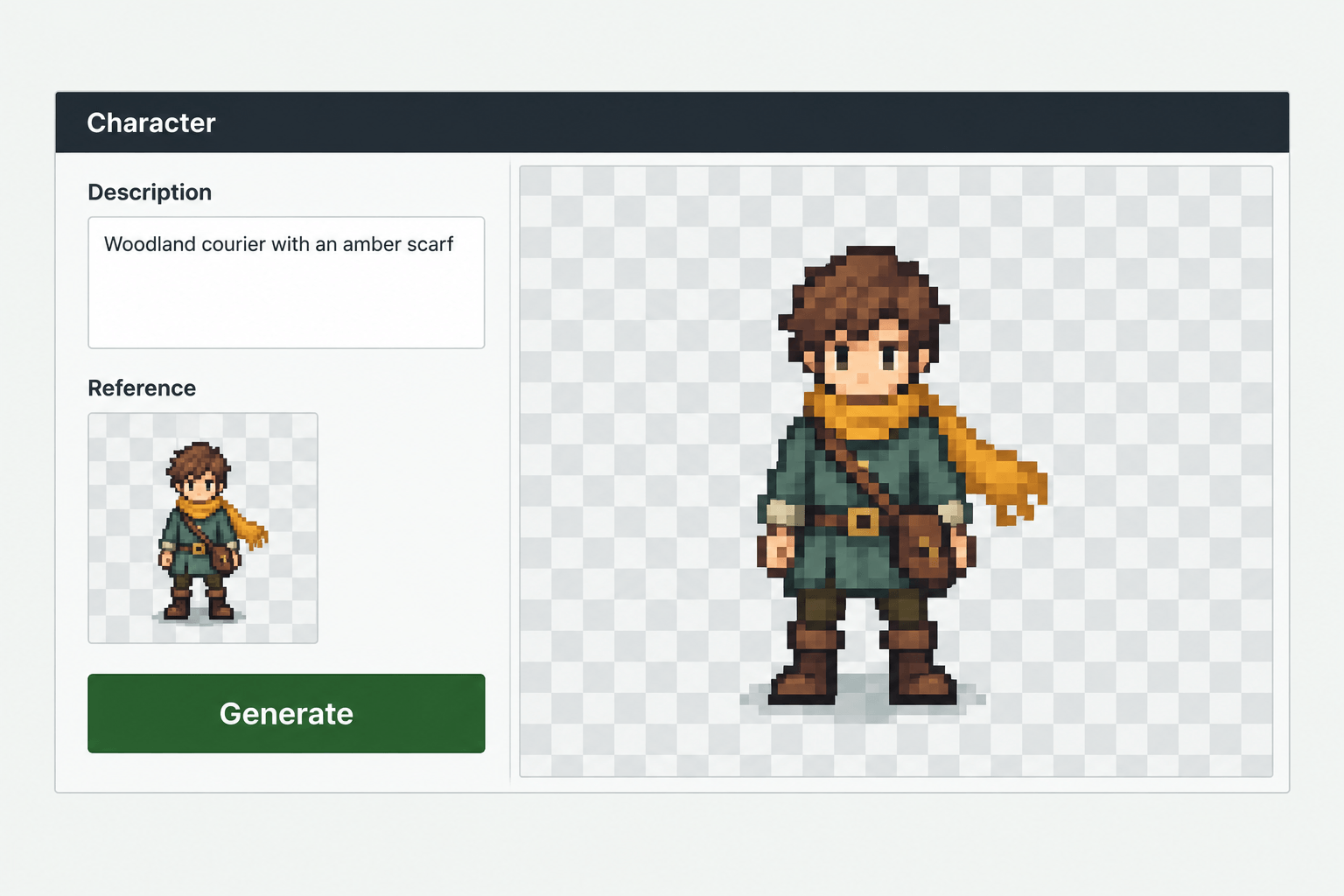
Illustration of a text prompt and reference image beside a pixel art courier sprite.
01

Describe the Character You Need The character sprite generator supports this decision point without forcing you to commit to a full production asset.

Starting from a blank canvas can make early game design feel slow. Describe the character's role, silhouette, clothing, colors, or mood in plain language. You can also add a reference image to communicate an existing direction. The character sprite generator turns that brief into a character candidate you can inspect before deciding what to do next. Use references you have the right to use, and treat the first result as a working draft rather than a final art review.

Create a Character Sprite
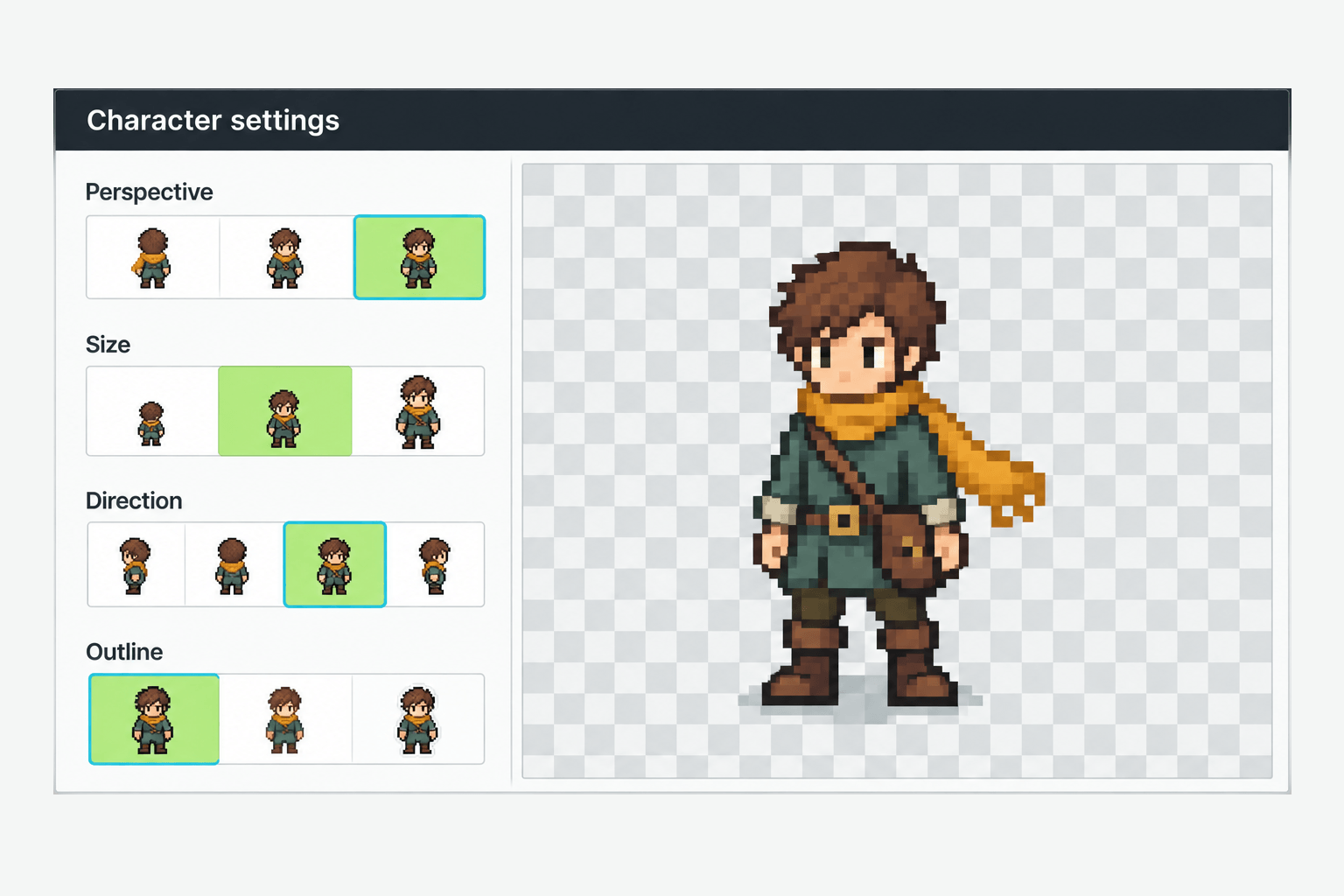
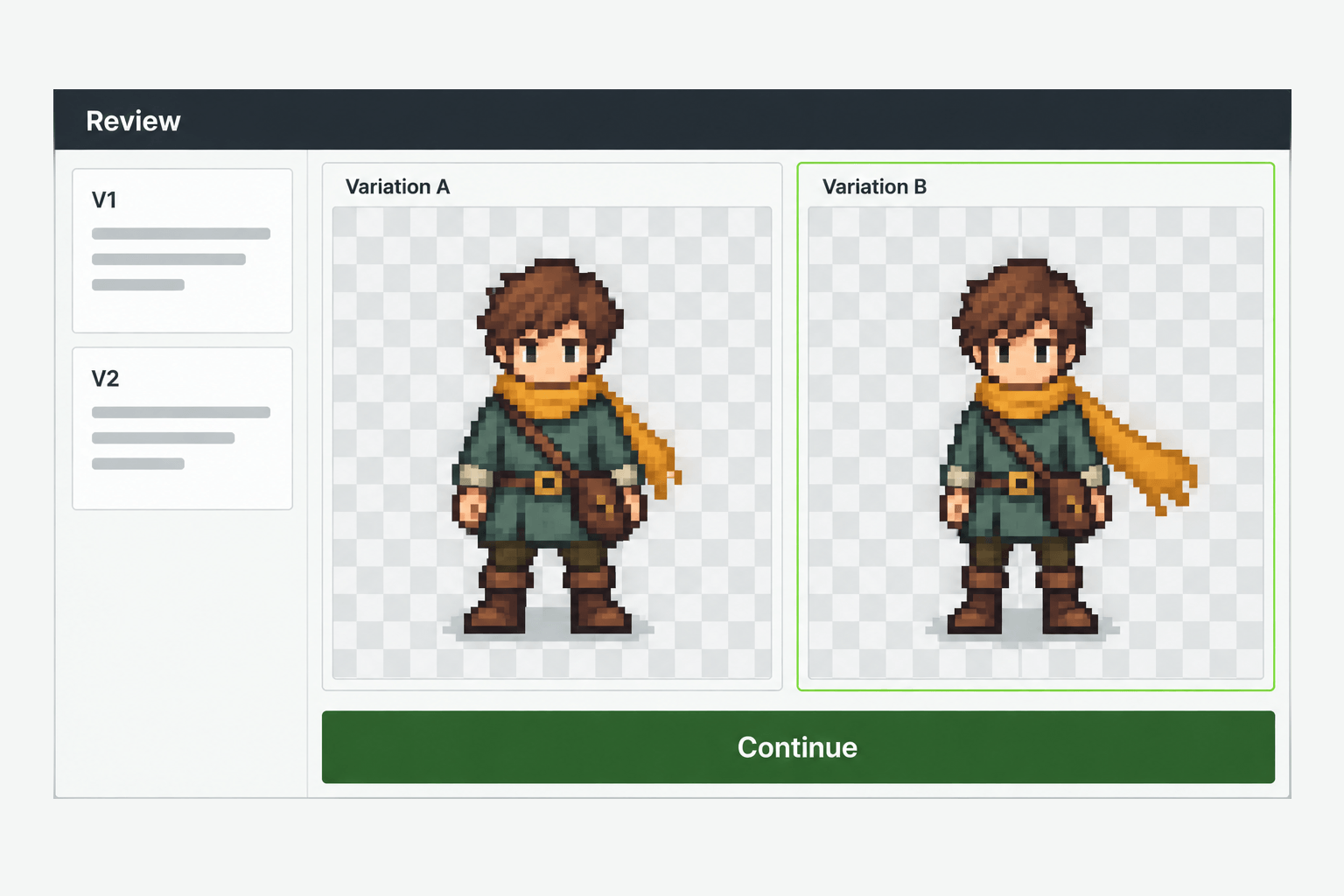
Illustration of perspective, size, direction and outline controls beside a pixel art courier.
02

Set Perspective, Size, Direction, and Outline The character sprite generator supports this decision point without forcing you to commit to a full production asset.

Small choices affect how a character reads in a game. Before generating, configure Perspective, size, Direction, and Outline to match the kind of asset you are exploring. These controls help you compare a front-facing concept, a directional character, or a cleaner silhouette without rewriting the whole brief. The exact options depend on the current tool experience, so choose the setting that matches your test instead of treating one preset as a universal art standard.

Try Character Creation
Illustration comparing two courier sprite variations before animation.
03

Review Before You Animate The character sprite generator supports this decision point without forcing you to commit to a full production asset.

A static character is a checkpoint. Look at the silhouette, important props, colors, and empty space around the body. If the result misses the brief, reuse the prompt, revise the description, or make a manual edit before you move on. This review step helps you avoid spending animation time on a design that is not ready. It also makes the character sprite generator useful for early prototypes and visual direction reviews.

Review the Character
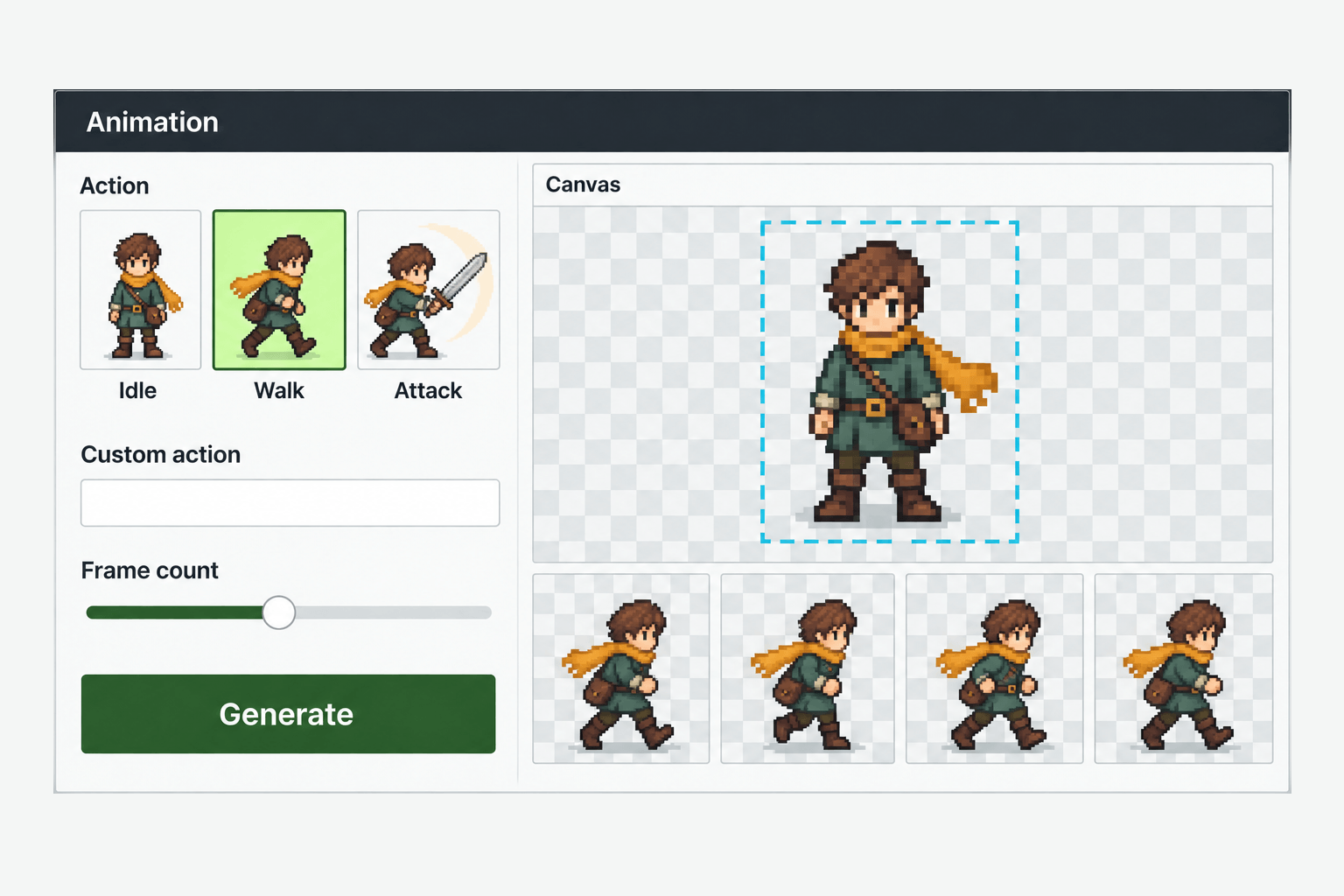
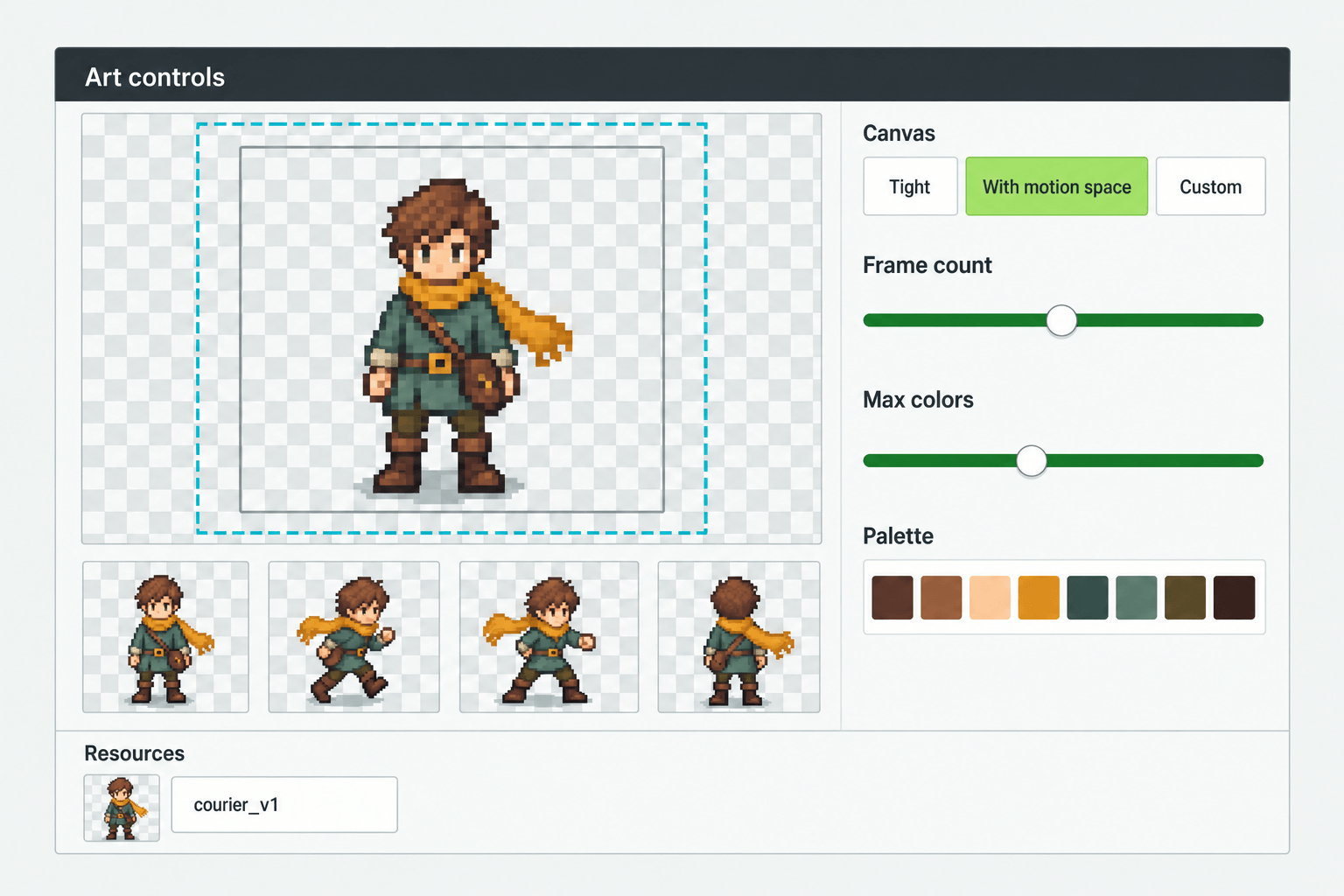
Illustration of action selection, frame count and canvas space for a courier walk sequence.
04

Add Preset or Custom Actions The character sprite generator supports this decision point without forcing you to commit to a full production asset.

When the character direction is ready, continue to sprite animation. Choose a preset action or describe a custom action in words, then set the frame count for the sequence. You can also adjust the existing character canvas so the motion has enough room. A larger canvas can reduce accidental cropping, while a sensible frame count keeps the test easy to compare. Motion still needs a human check for readability, timing, and position stability.

Animate This Character

Three-step workflow

How to Create Character Sprites in Three Steps

The workflow is designed for a small team or a solo developer who needs a useful visual checkpoint quickly. Move from a clear brief to a reviewable character, then choose whether animation is worth the next step.

  1. 01

    Describe Your Character Use the character sprite generator as a short, repeatable checkpoint in the workflow.

    Write the character brief in plain language. Include the role, visual traits, mood, and any reference direction that matters to your game. Add a reference image when it helps communicate the intended style.

  2. 02

    Configure and Review Use the character sprite generator as a short, repeatable checkpoint in the workflow.

    Set Perspective, size, Direction, and Outline, then generate the character sprite. Check the silhouette, colors, proportions, and space around the character. If the result is off, revise the prompt or edit before continuing.

  3. 03

    Animate and Find the Result Use the character sprite generator as a short, repeatable checkpoint in the workflow.

    Choose a preset or custom action, set a frame count, adjust the canvas when needed, and generate the sequence. When generation finishes, look for the result in Resources and review the frames before using them in a prototype.

Production use cases

Game Sprite Generator Use Cases for Prototypes and Visual Reviews

The examples below are typical use scenarios, not named customer testimonials. They show where a character sprite generator can fit into a real game workflow without promising a particular production result.

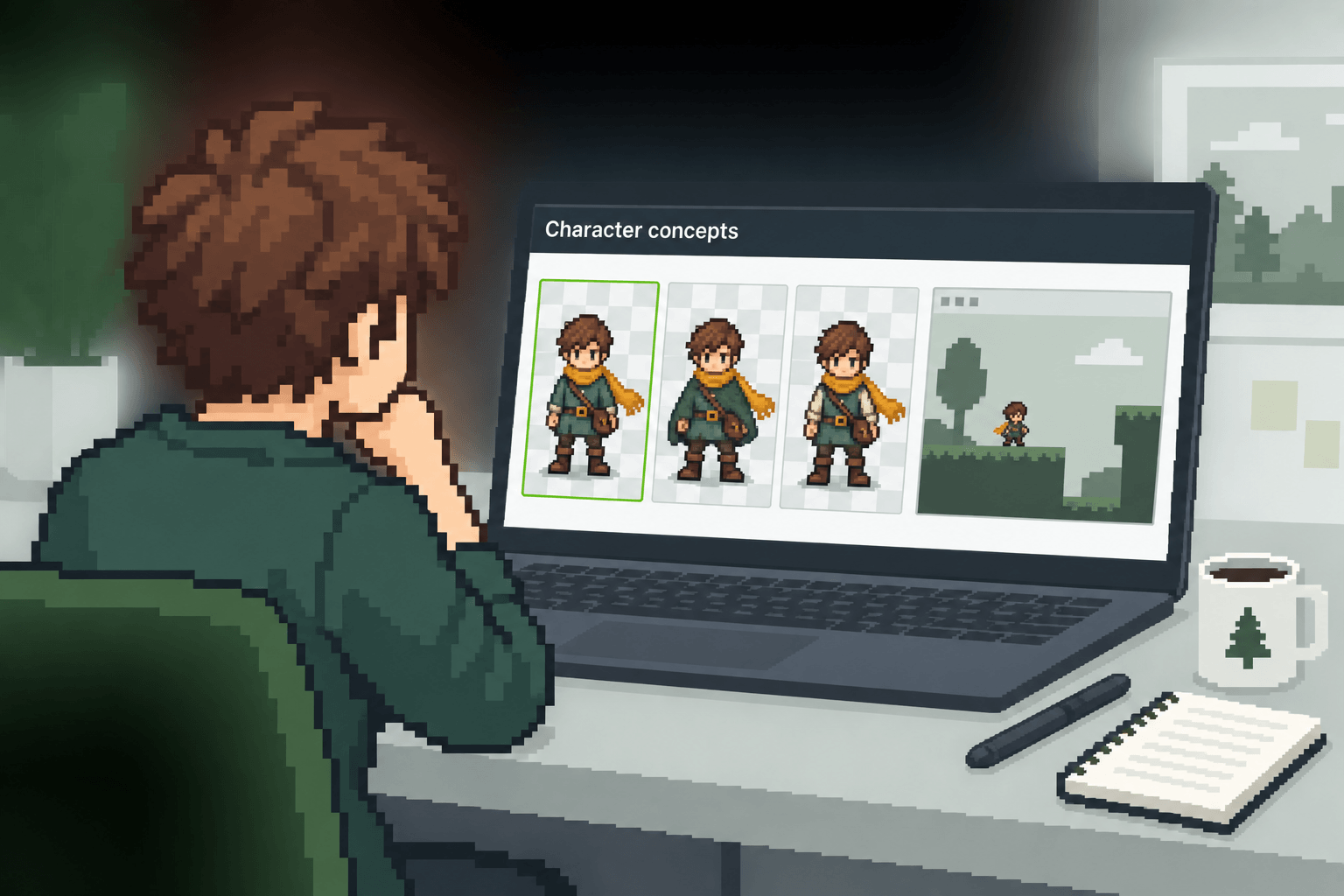
Pixel art illustration of a solo developer comparing three character concepts on a laptop.
01

A Solo Developer Testing a New Hero The character sprite generator supports this decision point without forcing you to commit to a full production asset.

A solo developer has a rough idea for a small RPG hero but does not want to commission a full sheet before testing the game loop. They describe the role, compare a few character directions, and keep the strongest candidate for an early movement prototype. This character sprite generator makes the comparison step visible to the whole team.

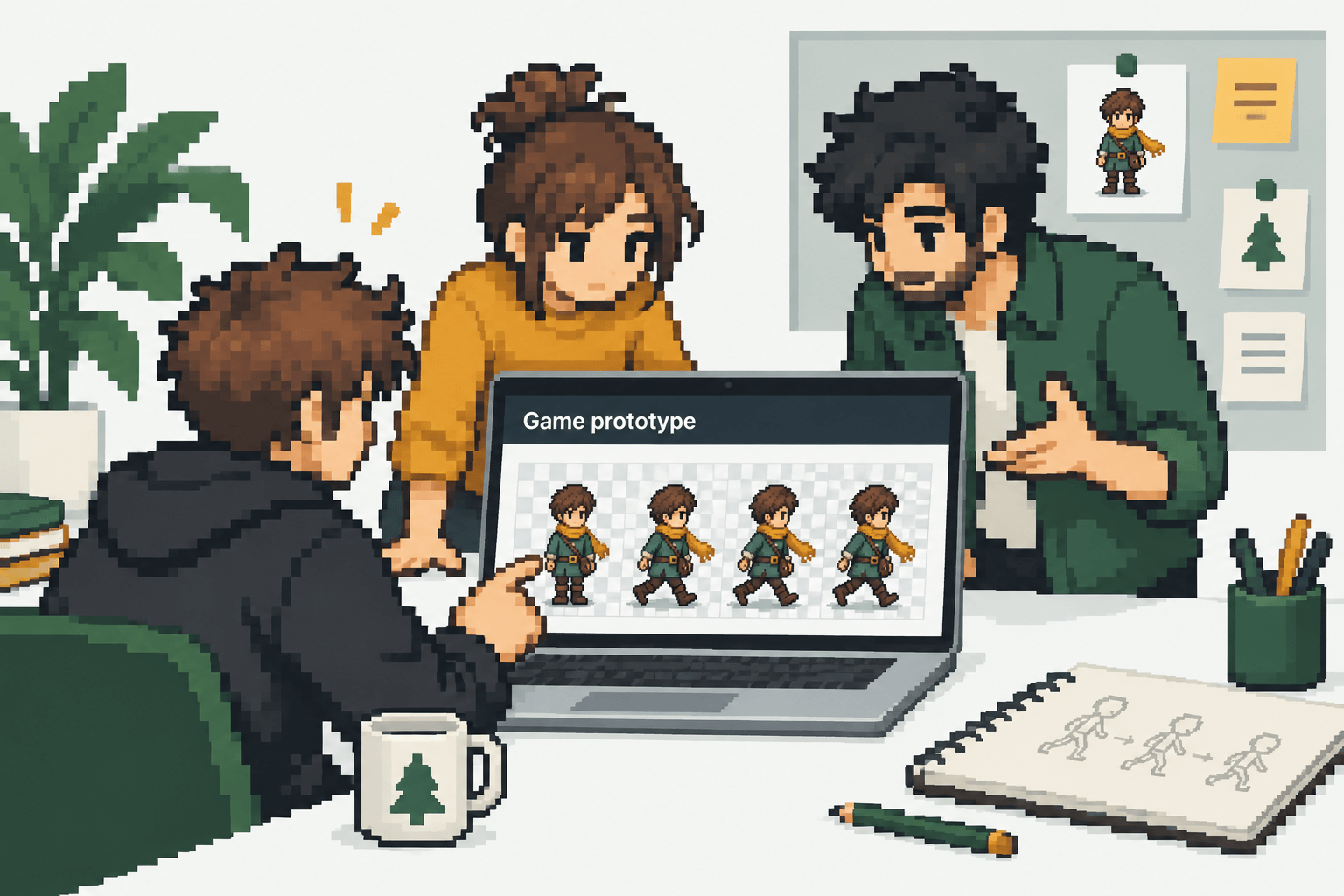
Pixel art illustration of a Game Jam team reviewing a character and walk sequence.
02

A Game Jam Team Exploring Roles The character sprite generator supports this decision point without forcing you to commit to a full production asset.

A Game Jam team needs a readable hero, enemy, or NPC direction before the deadline. A prompt and a reference image give the team a shared visual starting point, while a custom action helps them see whether the character reads during play. Use the character sprite generator output as a reviewable draft before detailed production.

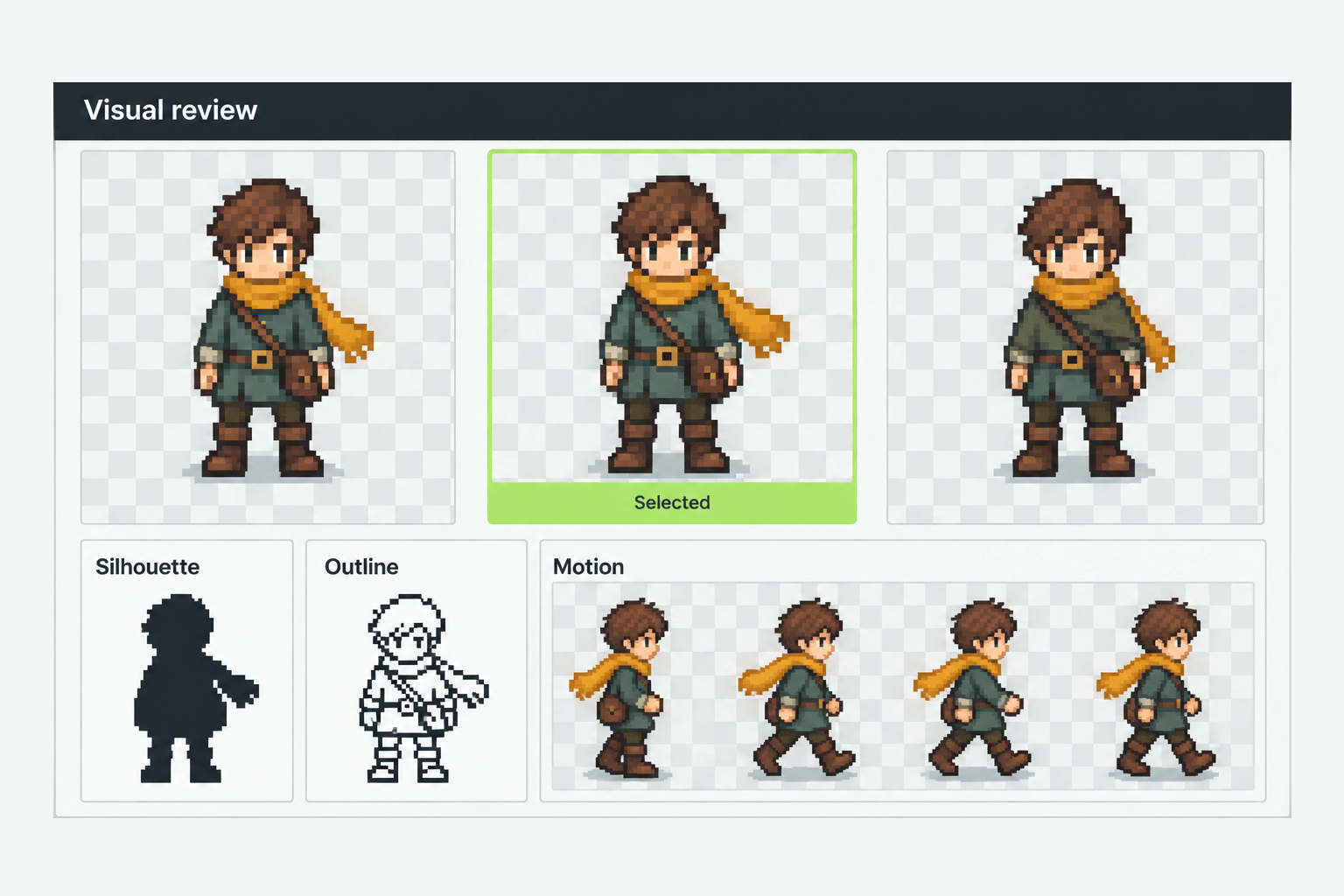
Illustrated visual review board with courier variants, silhouette notes and motion frames.
03

A Designer Preparing a Visual Review The character sprite generator supports this decision point without forcing you to commit to a full production asset.

A designer can prepare several character candidates for a product or art review without presenting an unverified final asset. The group can discuss silhouette, direction, outline, and motion before committing to detailed production work. A character sprite generator workflow is easier to evaluate when the result stays connected to the next action.

Why SpriteSheetMaker

Why Choose SpriteSheetMaker for Character Creation and Animation

SpriteSheetMaker is positioned around a connected character-to-animation task. The advantage is a clearer decision path: create a character candidate, inspect it, then spend the next step on motion only when the design is worth continuing.

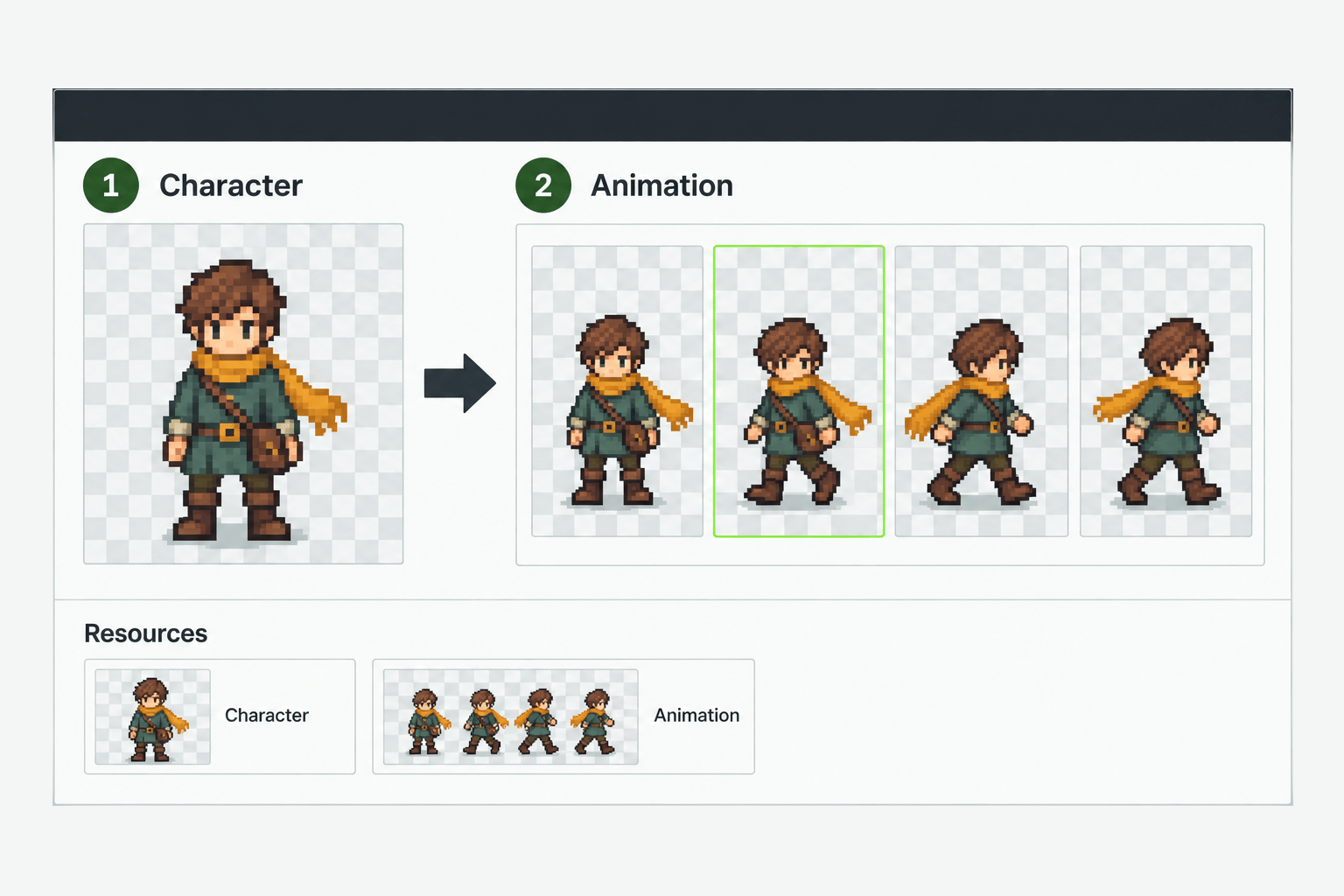
Illustration of a two-stage workflow from a character sprite to animation frames and Resources.
01

A Two-Stage Character Workflow The character sprite generator supports this decision point without forcing you to commit to a full production asset.

Separate character direction from animation exploration. This makes it easier to stop, revise, or compare before a motion pass.

Explore the Character Generator
Illustration of canvas, frame count and color controls beside a pixel character and motion frames.
02

Controls That Match Early Art Decisions The character sprite generator supports this decision point without forcing you to commit to a full production asset.

Perspective, size, Direction, and Outline help frame the initial character test. Frame count, canvas, and maximum colors help shape the next animation experiment.

Explore the Character Generator
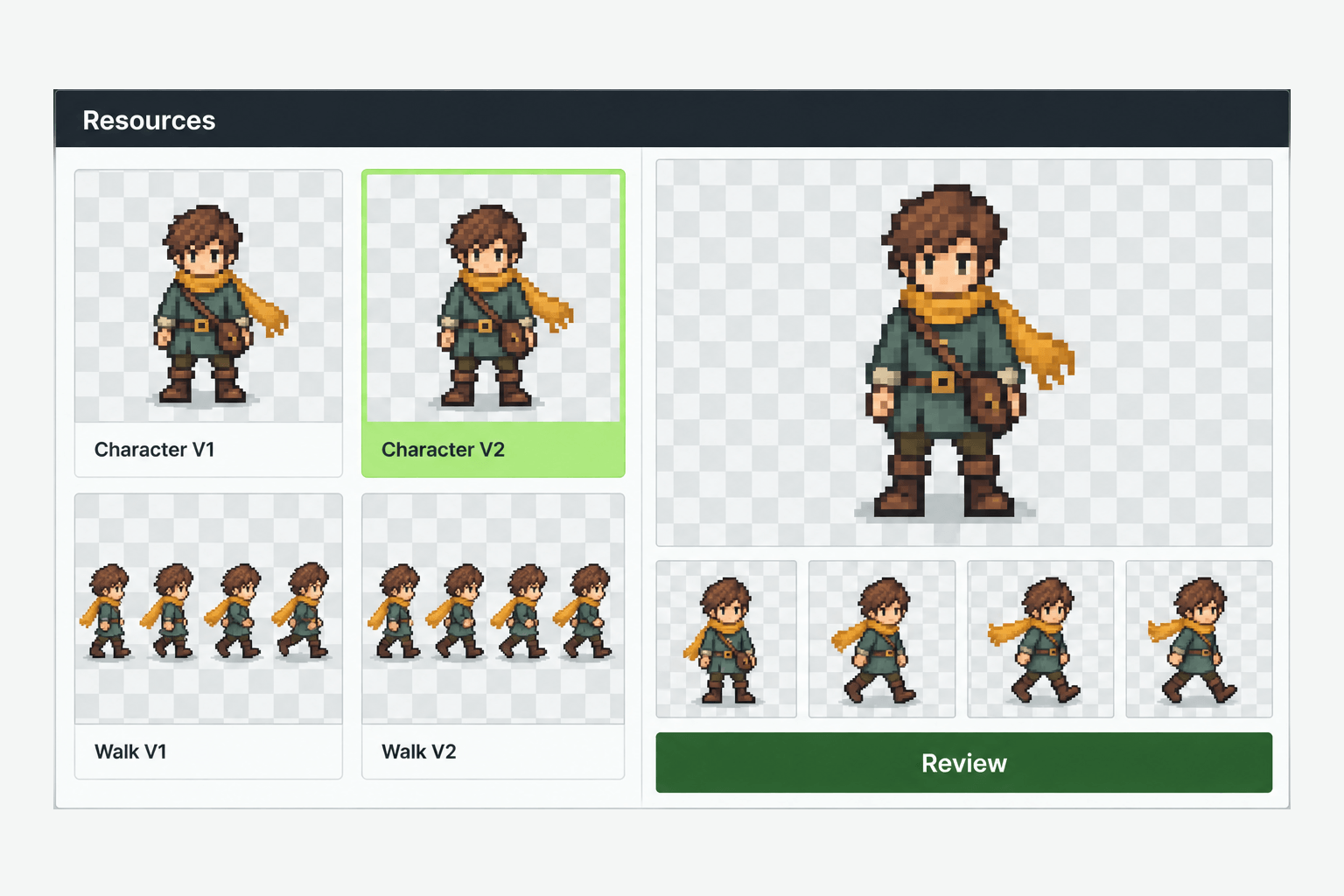
Illustration of a Resources gallery with character and walk variations beside a larger preview.
03

A Place to Continue Reviewing The character sprite generator supports this decision point without forcing you to commit to a full production asset.

Generated results appear in Resources, giving you a clear place to find the output and decide whether it belongs in a prototype, needs editing, or should be regenerated.

Explore the Character Generator

Common questions

Character Sprite Generator FAQs

These answers set expectations before a user starts, including inputs, settings, animation scope, and where to look for results.

It creates a game character sprite from a text description and, when supported by the current workflow, an optional reference image. You can review the character before deciding whether to continue into animation. The character sprite generator is intended to help you inspect the result before the next step. For a character sprite generator page, this sets the right expectation before the first prompt.

Start creating

Ready to Build Your Character Sprite Generator Workflow?

Start with one character brief, review the first result, and continue into animation only when the design direction is worth testing. Use the real tool flow to create, revise, and find your result in Resources.

Start Creating a Character Sprite