GIF to Sprite Sheet

GIF to sprite sheet online for your next game. Customize the layout, preview your animation frames, and download your sheet in one workflow.

Live Preview

Settings

Input

Layout

Grid: —

Image size: —

px
X

Background Color

Your animation, your layout

A GIF to Sprite Sheet Converter That Fits Your Workflow

Make your animation easier to work with using a GIF to sprite sheet maker that puts layout choices in your hands. Choose the arrangement, spacing, size, and background that suit your project.

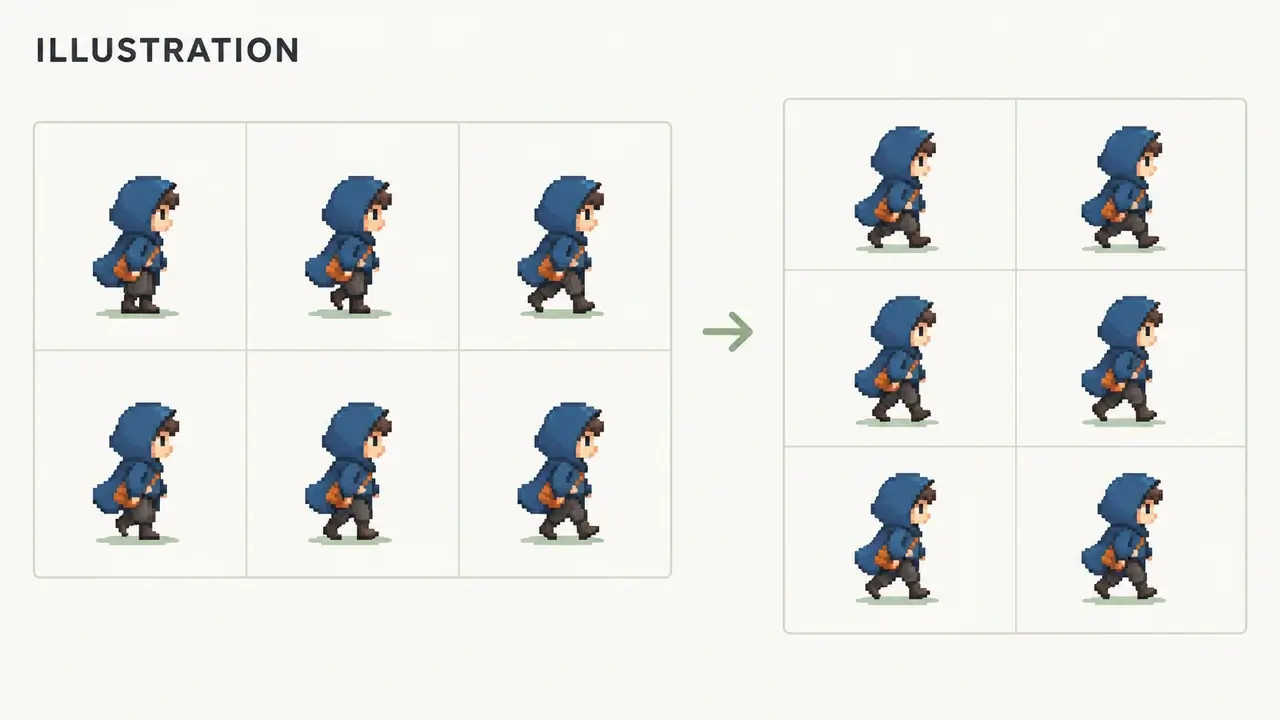
Illustration of an original blue courier in two different sprite grid layouts.
01

Build the Grid Your Project Needs

Arrange your sprite frames in a clear sprite grid with adjustable columns. Choose how many frames appear in each row and see the updated layout in the preview. Keep character poses together in a sheet that is easy to explore.

Create My Sprite Sheet
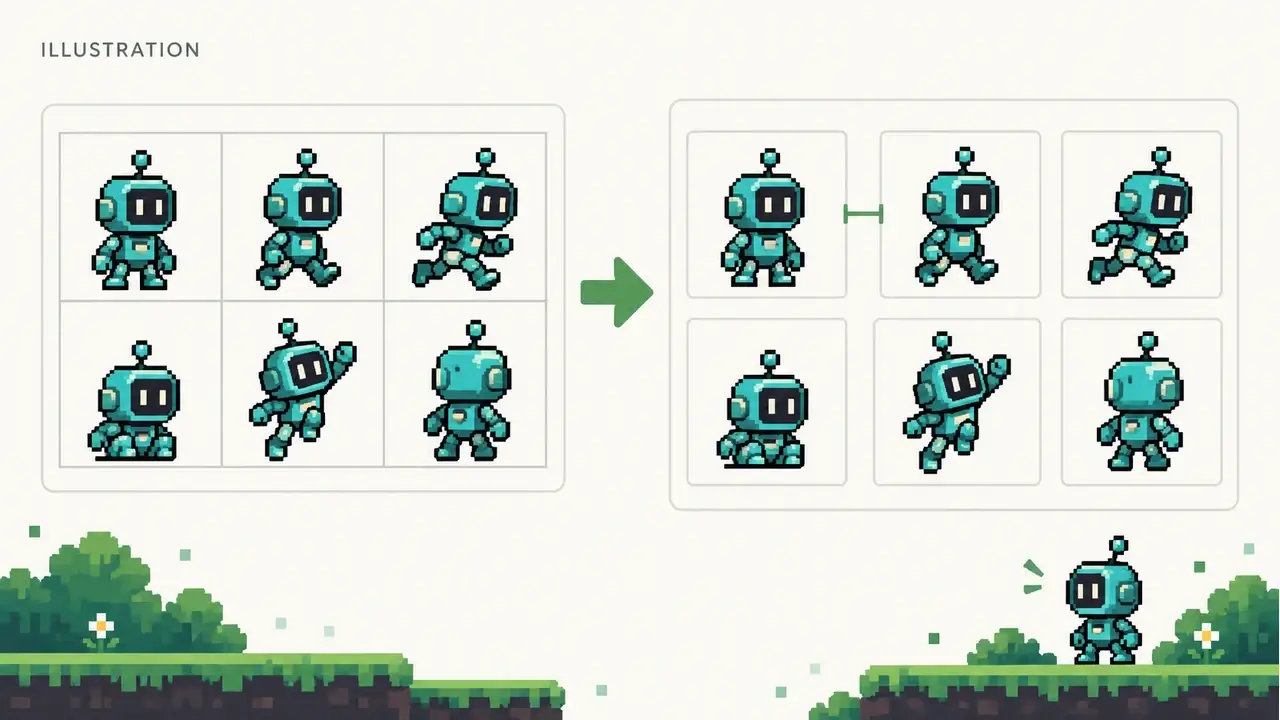
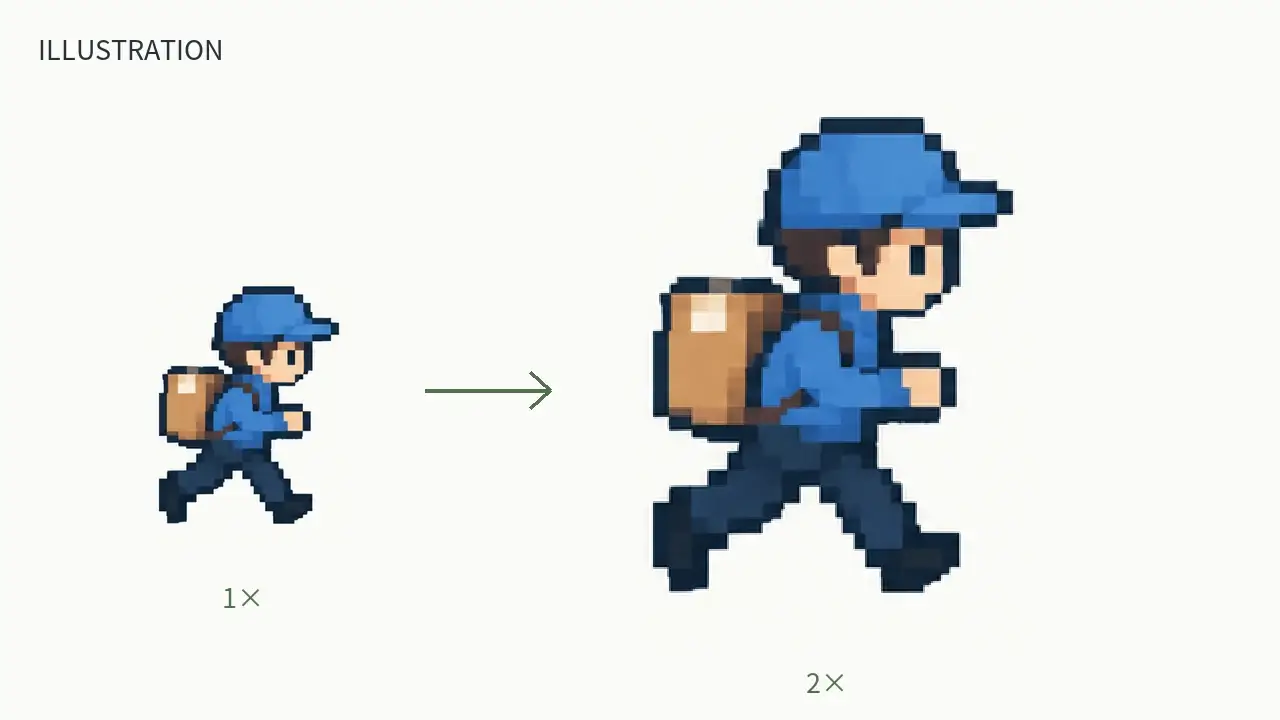
Illustration comparing closely packed animation cells with spaced cells.
02

Give Every Frame the Right Spacing

Add breathing room between animation frames with adjustable Padding. Keep each pose easy to distinguish and choose the spacing that suits your editing workflow. From a compact arrangement to a more open frame sheet, you control the layout.

Create My Sprite Sheet
Illustration of the same original sprite shown at two display sizes.
03

Size Your Sheet for Your Project

Adjust Scale to change the size of your sheet while watching the live preview. Explore a larger presentation for an art review or choose the scale that suits your next editing task, with the image dimensions visible as you work.

Create My Sprite Sheet
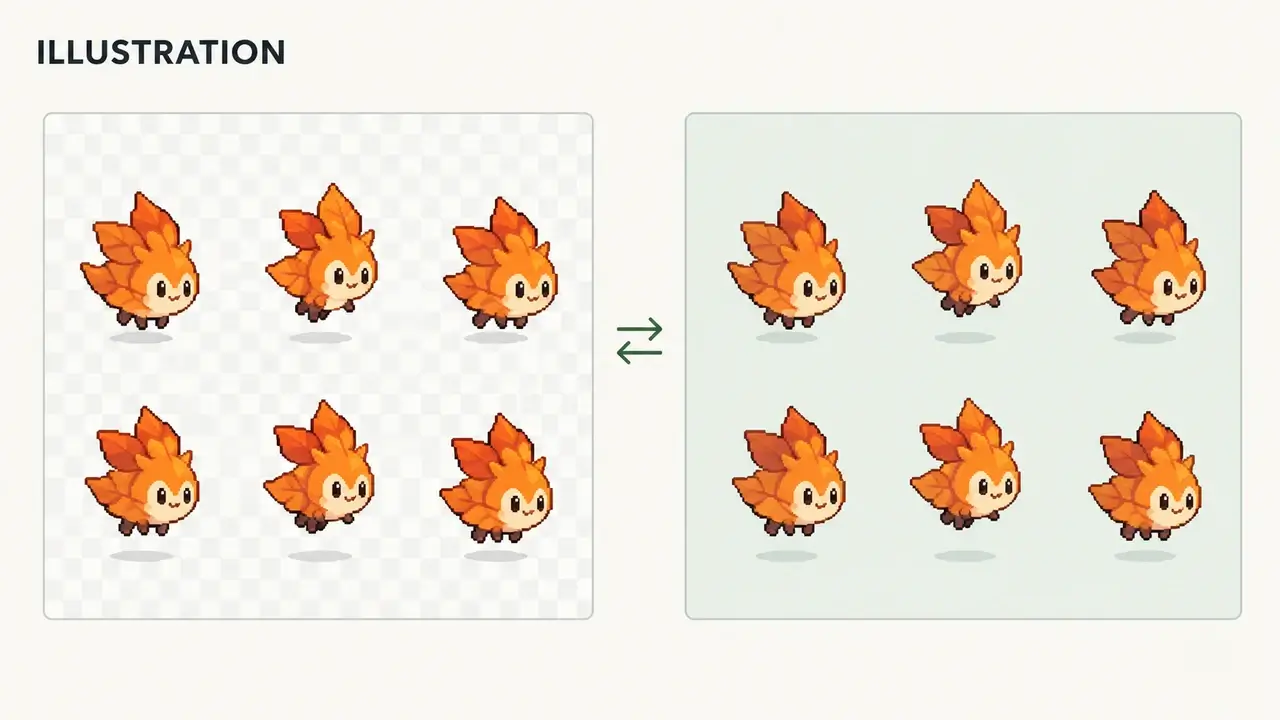
Illustration of a sprite grid viewed against checkerboard and solid backgrounds.
04

Choose a Background That Works for You

Choose a sheet background that complements your artwork. Use the Transparent option or select a background color, then see the appearance alongside your frames. A contrasting color helps character outlines stand out as you choose the presentation you want.

Create My Sprite Sheet

From animation to frame sheet

Convert GIF to Sprite Sheet in Three Steps

Our GIF sprite sheet maker brings uploading, layout controls, and downloading into one workspace. Start with an animation you already have and make its frames easier to work with.

  1. 01

    Upload Your Animated GIF

    Choose a character animation, pixel art loop, or visual effect from your device. Upload the GIF to start arranging its frames. The workspace supports GIF uploads up to 20 MB.

  2. 02

    Customize Your Layout

    Set Columns, Padding, Scale, and Background Color to shape your sheet. See your choices in the live preview, with the grid and image dimensions alongside the artwork.

  3. 03

    Download Your Sprite Sheet

    Finish your GIF to sprite sheet conversion by downloading the layout you like. Take the organized frames into your next editing session, game prototype, or animation project and keep creating.

For games, art, and effects

GIF to Sprite Sheet for Your Next Creative Project

Put your existing animations to work. Organize character movements, explore pixel art poses, and prepare effect sequences for projects that bring your ideas to life.

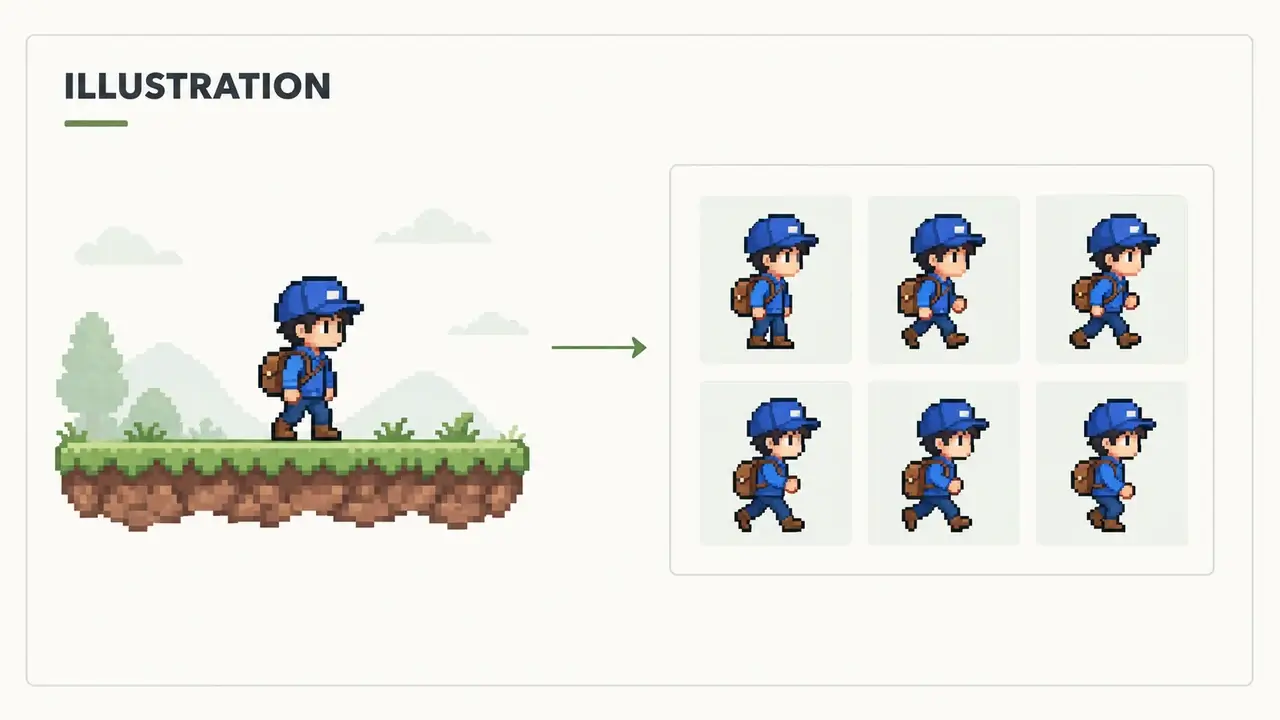
Illustration of an original courier sprite sheet beside a small game prototype.
01

Bring Characters into Game Prototypes

Turn your GIF into sprite sheet artwork for your next movement prototype. Bring walking or running poses together in a layout that suits your project, then download the sheet and continue building with your preferred editor.

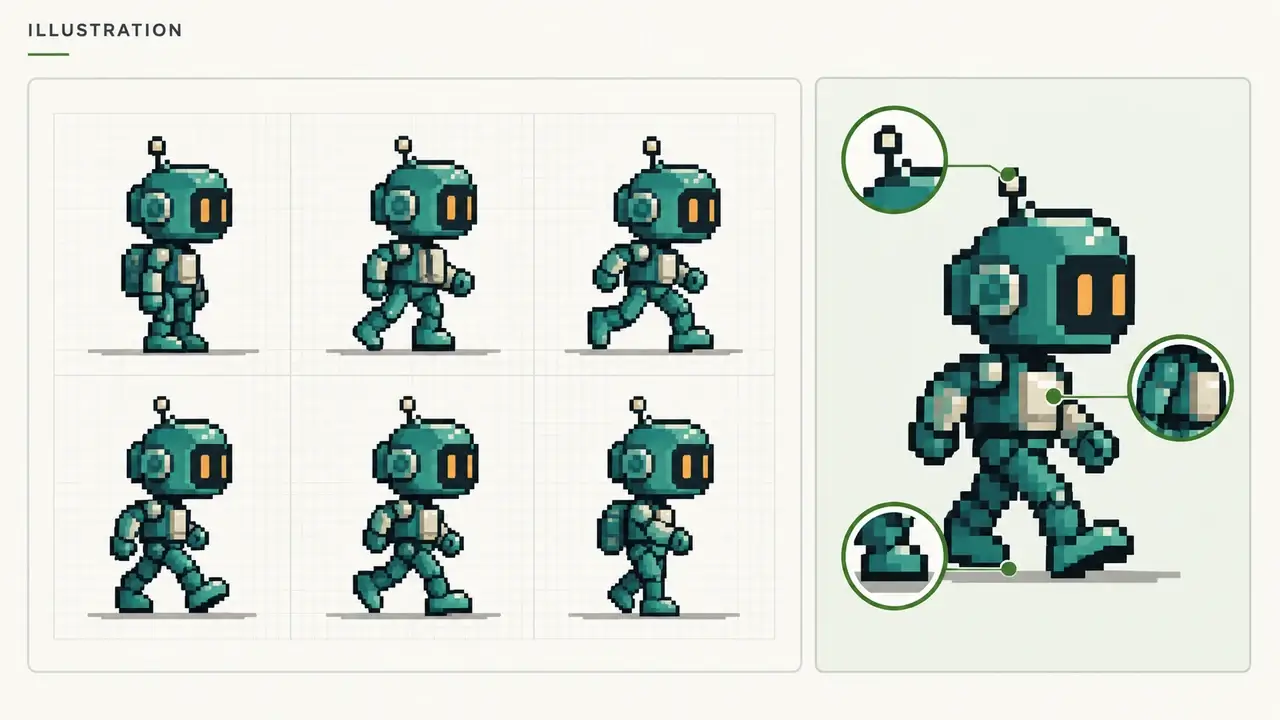
Illustration of six original teal robot poses with foot baselines and enlarged detail views.
02

See Your Pixel Art Poses Together

See the movement at a glance by placing the poses next to each other. Keep a useful reference for silhouettes, foot placement, and transitions between frames as you plan the next pass on your pixel art animation.

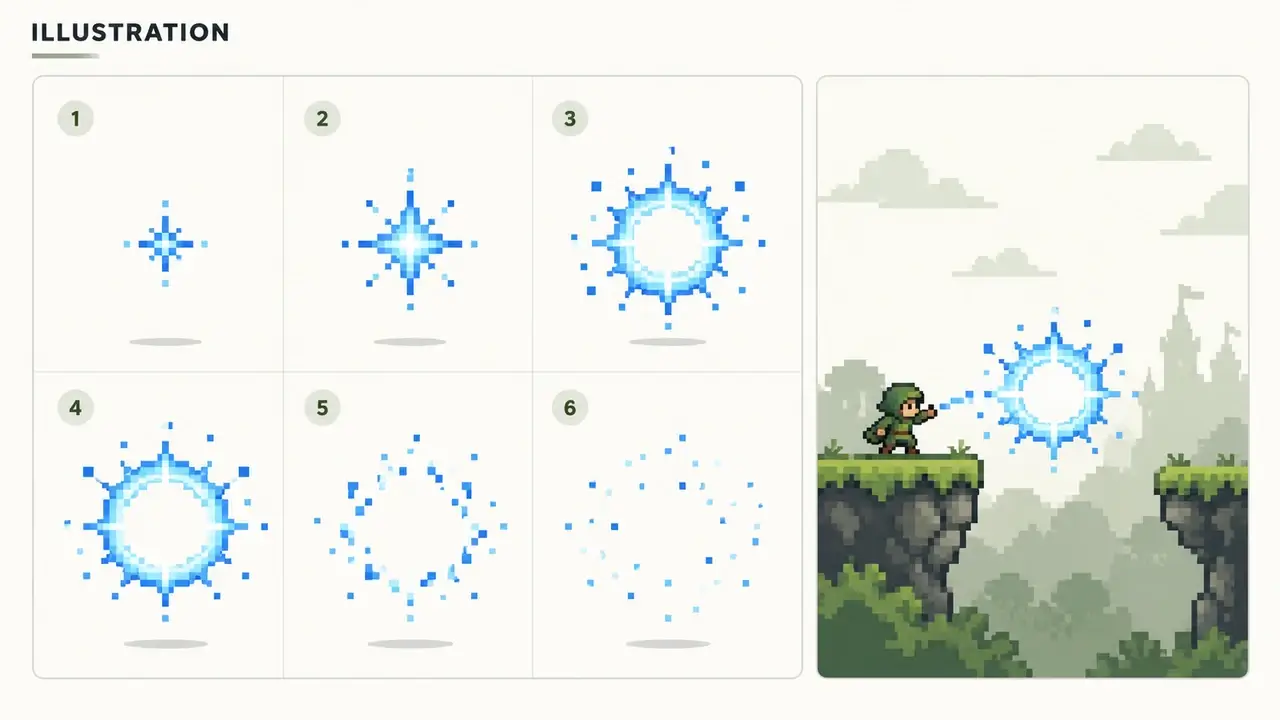
Illustration of six blue spark effect frames arranged beside a simple game scene.
03

Prepare Effects for Your Game Jam

Bring spark bursts, spell effects, or environmental animations into your game jam workflow. Use the GIF to sprite converter to gather the sequence in one image, then customize its layout and keep your favorite effects ready for your next prototype.

More time for your ideas

Why Use Our GIF Sprite Sheet Maker?

Keep the creative momentum of an animation you already love. Bring its frames together, make the layout your own, and carry the artwork into your next project.

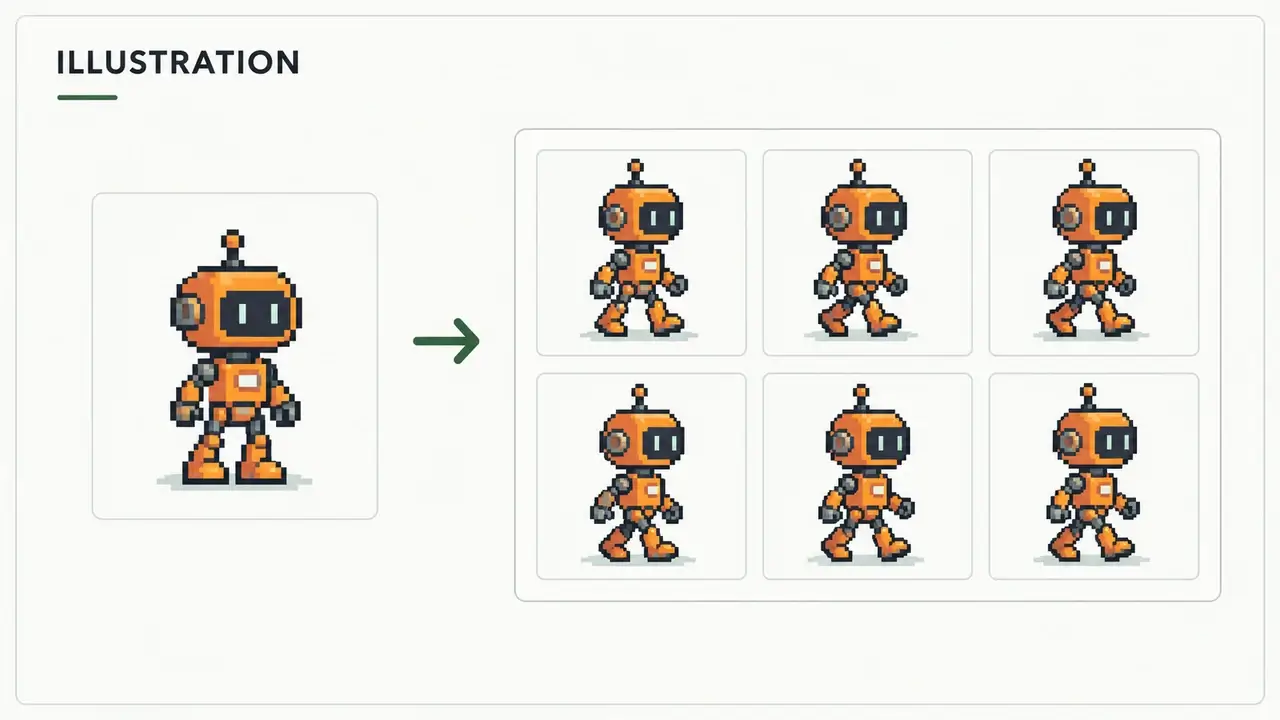
Illustration connecting an original animation source card to its matching frame grid.
01

Skip the Manual Frame Layout

Keep the character, style, and action from your existing animation while bringing its frames into one image. This sprite sheet converter handles the layout, giving you more room to focus on your artwork and the project you want to build.

Convert My GIF
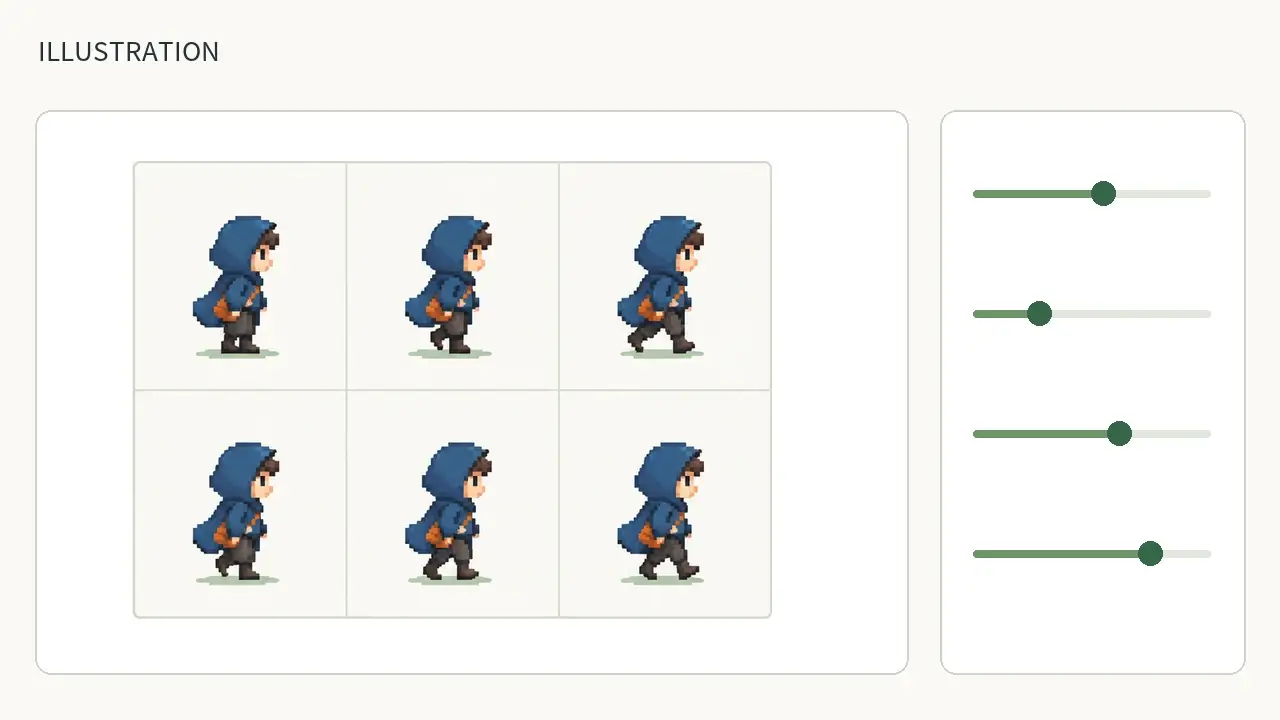
Illustration of a green-accented layout panel beside an original sprite sheet preview.
02

See Your Layout as You Create

Our GIF to sprite sheet converter keeps the preview and layout settings together. Explore columns, spacing, scale, and backgrounds with your artwork in view. Find the arrangement you want with a visible grid and image size guiding your choices.

Convert My GIF
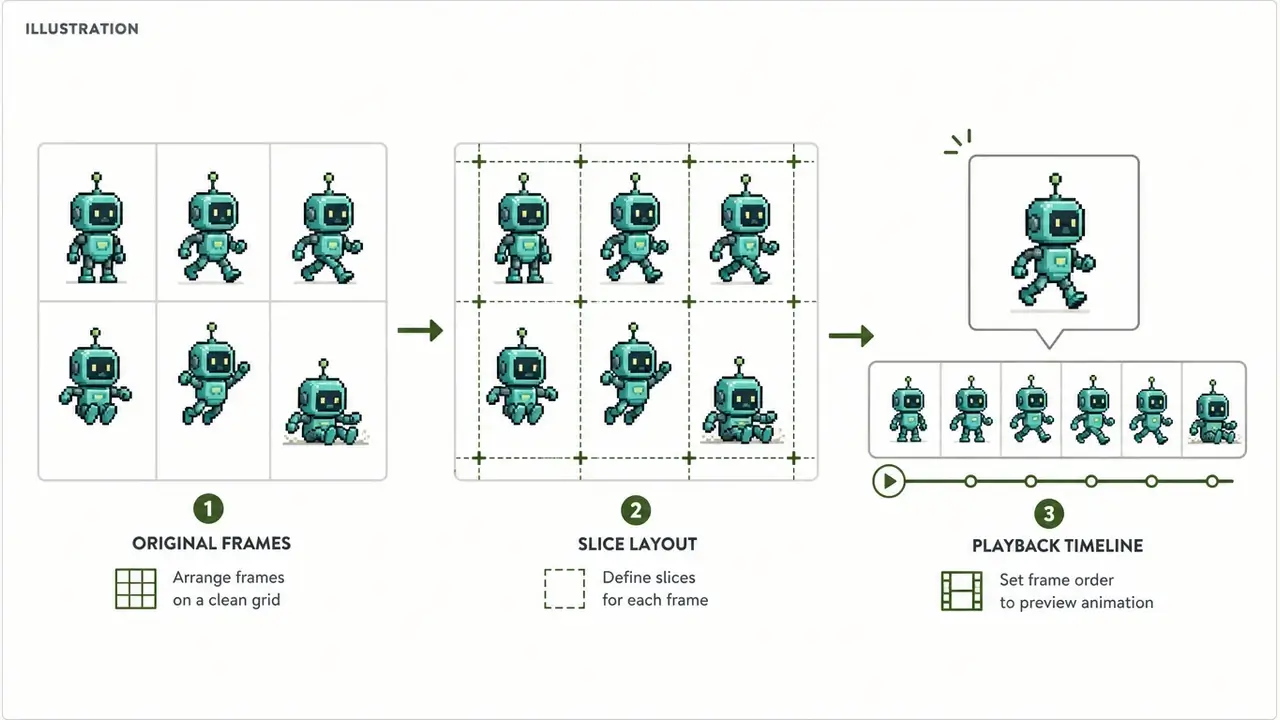
Illustration showing a sprite grid, slicing guides, and a separate playback timeline.
03

Keep Your Artwork Moving Forward

Make GIF to sprite sheet conversion a useful step in your creative workflow. Download an organized frame sheet for your art library, then use it as source artwork for editing, animation setup, or a new game prototype.

Convert My GIF

Start with the essentials

GIF to Sprite Sheet FAQs

Find the details you need to create your sheet and use it in your next project.

Upload your animated GIF, choose your layout settings, and download the finished image. The GIF to sprite sheet workflow brings columns, padding, scale, and background controls together with a live preview, so you can shape the result around your project.

Your next sheet starts here

Convert GIF to Sprite Sheet for Your Next Project

Turn your GIF into a sprite sheet that fits your creative workflow. Upload an animation, customize the layout, and see your frames come together. Create a sheet for your next game, art review, or effect sequence today.