01
Start from the Sprite You Already Have
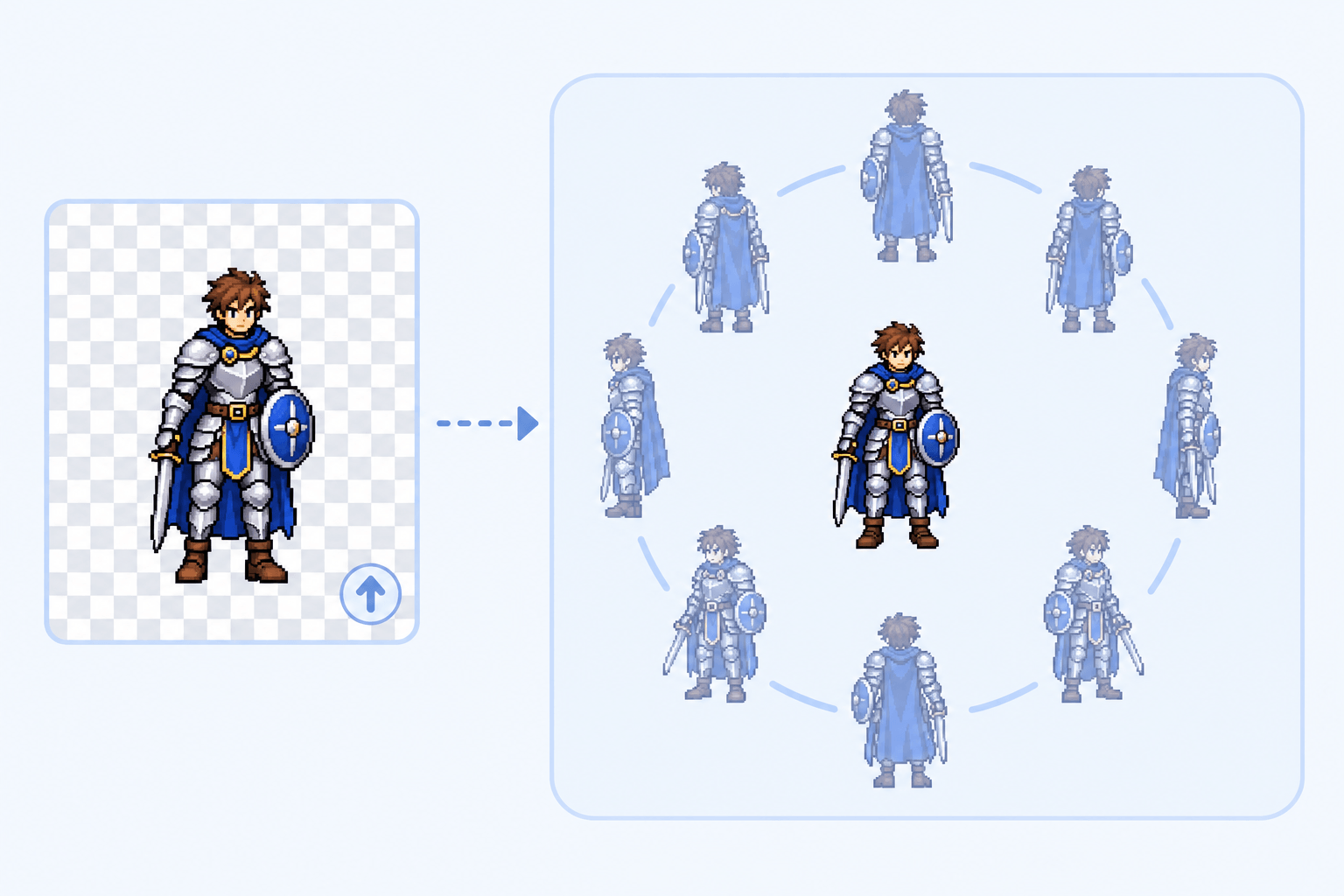
No need to start over. Upload a PNG, JPG, or WebP up to 25 MB, or reuse a design from My Sprites. The 8 directional sprite generator uses it as the reference for every new view.
Choose a SpriteTurn one sprite into every facing your game needs. Upload a character or pick one from My Sprites, and the 8 directional sprite generator draws it in 4 or 8 directions for side, isometric, or top down games.
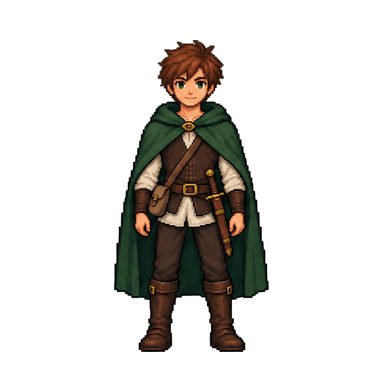
One character, head to feet. Cropped parts get guessed.
Transparent or plain works best. Remove Background →
Pick the view your sprite was drawn in. Tap a view to see its example above.
Rotation features
An 8 directional sprite generator saves you from redrawing the same hero for every angle. Choose the facings, match your game camera, and get views ready for animation.
No need to start over. Upload a PNG, JPG, or WebP up to 25 MB, or reuse a design from My Sprites. The 8 directional sprite generator uses it as the reference for every new view.
Choose a Sprite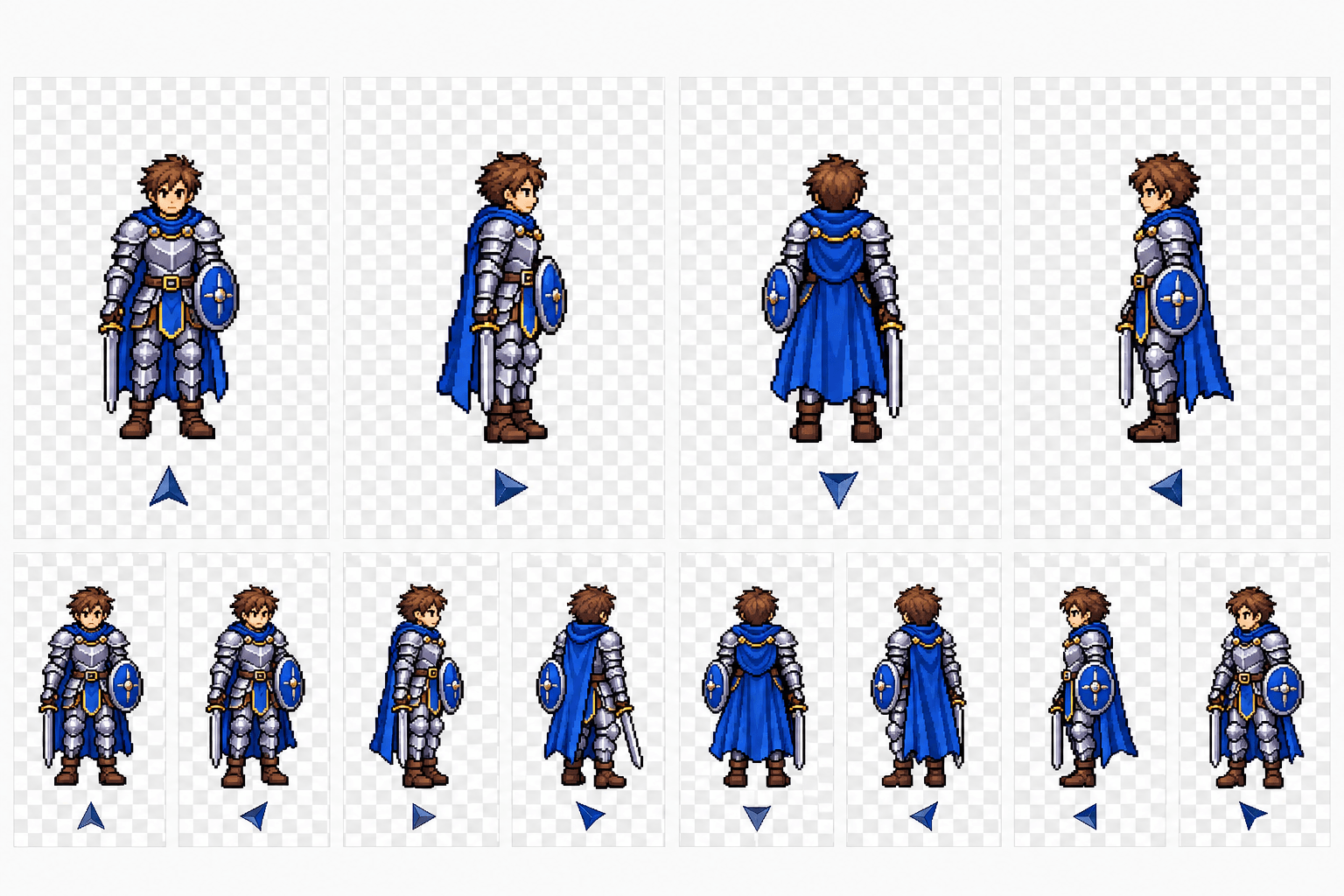
Grid movement often needs four facings, while free movement feels smoother with diagonals. Pick 4 directions for a 4 direction sprite sheet, or 8 for a full 8 direction sprite sheet. Every 8 directional sprite set starts from the front view in a fixed order.
Choose Directions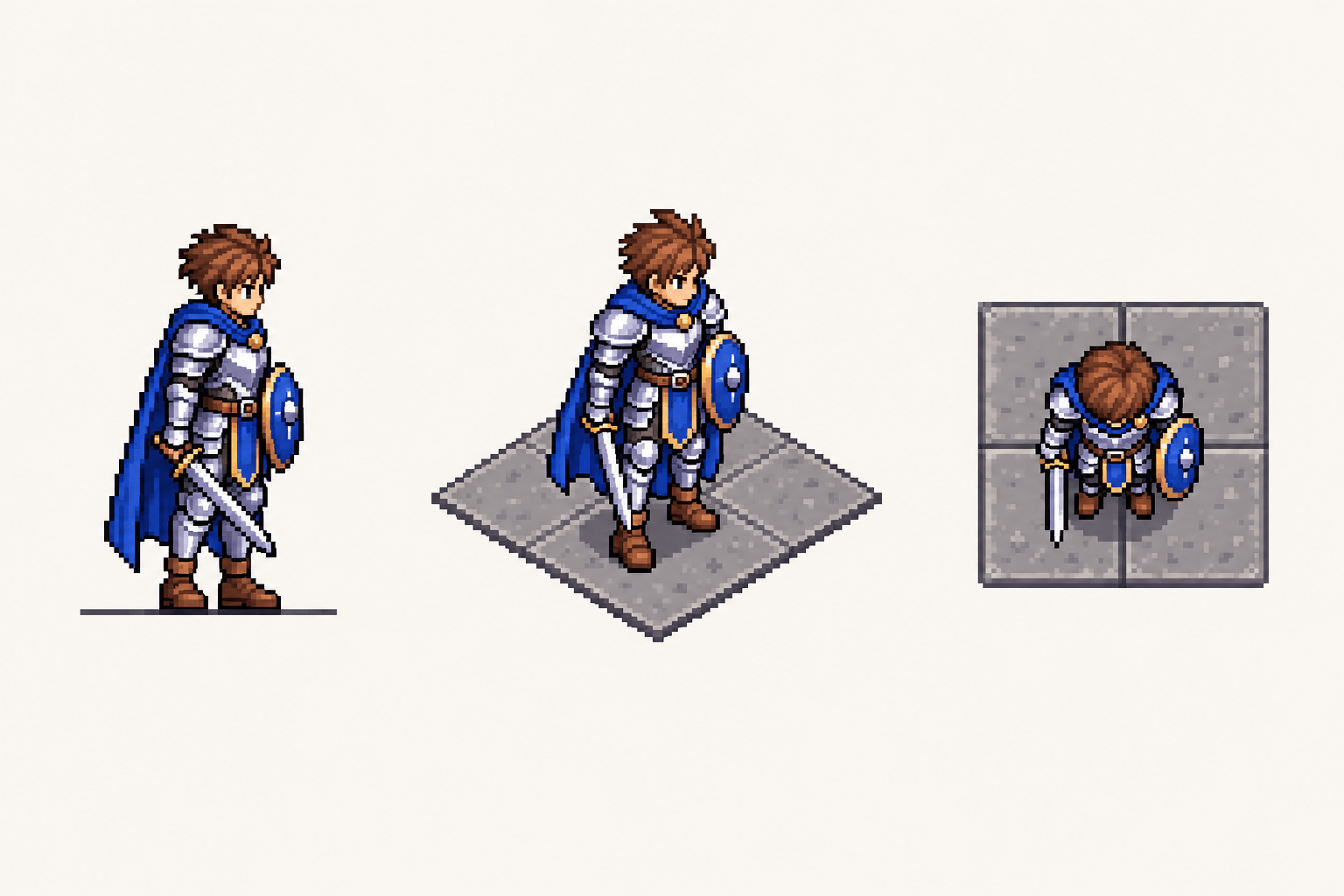
A side-view hero looks out of place on an overhead map. Choose Side view for platformers, Isometric for tactics games, or Top-down for RPGs. The character is reprojected to that camera, so your isometric character sprite sheet or top down sprite sheet fits the scene.
Pick a Perspective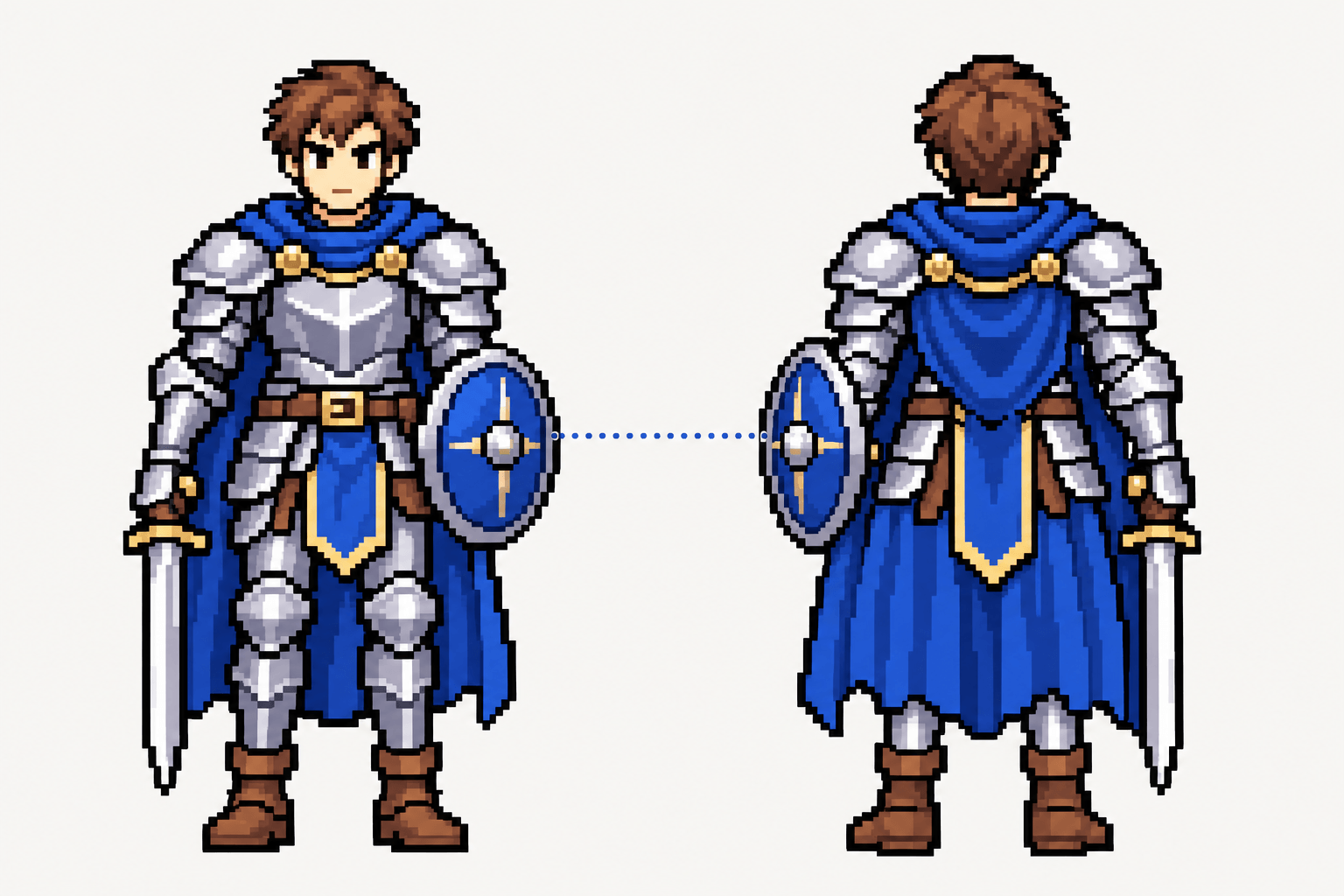
Mirroring one side often swaps the sword hand or flips a badge. The 8 directional sprite generator draws each direction as its own view, designed to keep equipment on the same side with one shared scale and ground line. Your 8 directional character sprite still looks like the same hero.
Rotate My Sprite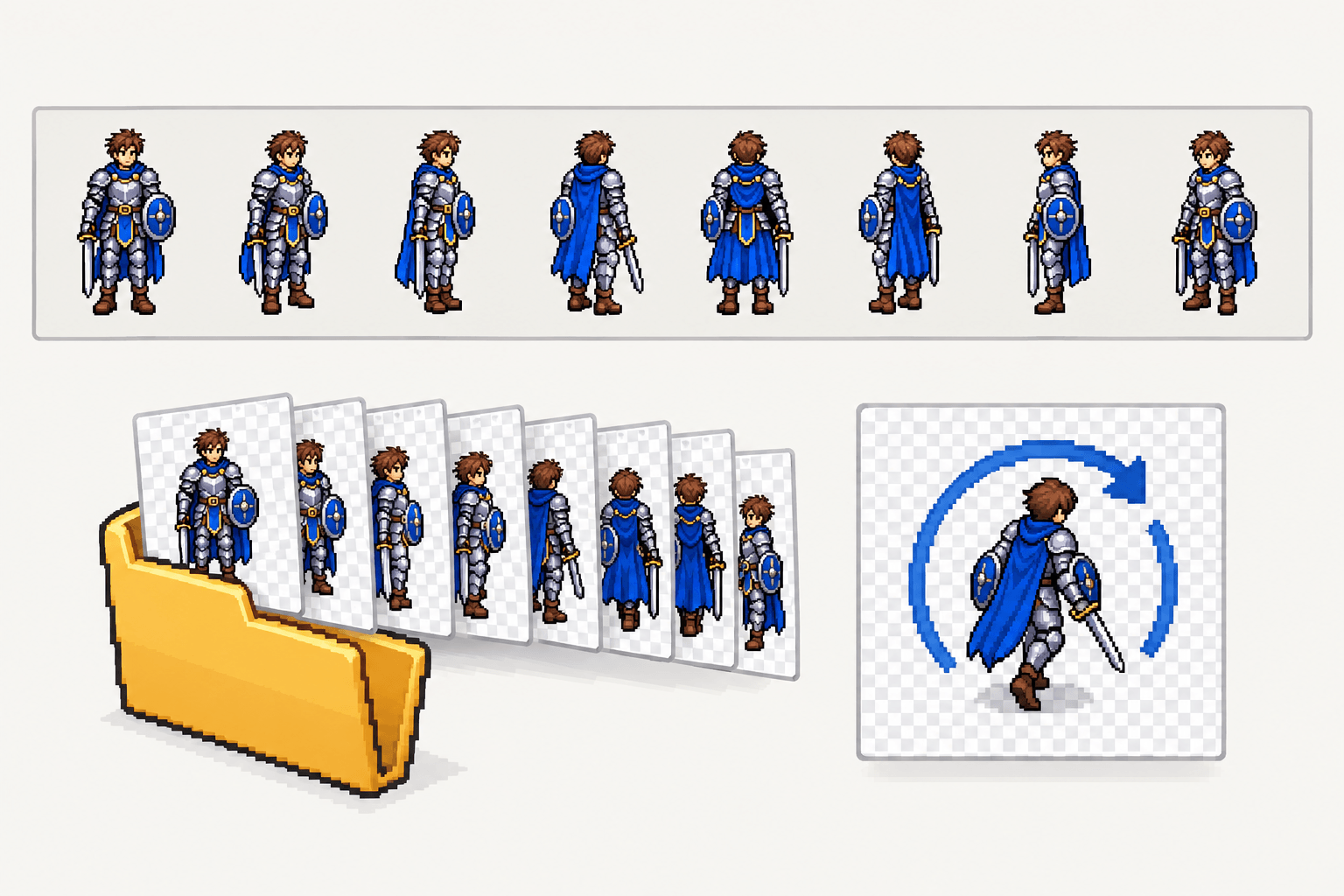
Pick the file for your next step: a single-row PNG sprite sheet in playback order, a ZIP of transparent PNGs named by direction, or an animated GIF that spins your character. Set the canvas from 16 to 256 pixels to match your project.
Get My DirectionsThree-step workflow
Sign in, set up your sprite, and let the 8 directional sprite generator do the turning.
Upload a PNG, JPG, or WebP, or pick a saved design from My Sprites. A single character with a clear silhouette works best.
Choose 4 or 8 directions, pick Side view, Isometric, or Top-down, and set the canvas size with the slider or a preset.
Click Rotate. In Creation Record, watch your 8 directional sprite spin, check each facing, and download the format you need.
Use cases
From a weekend prototype to a long-running pixel art project, directional sprites help at these moments.
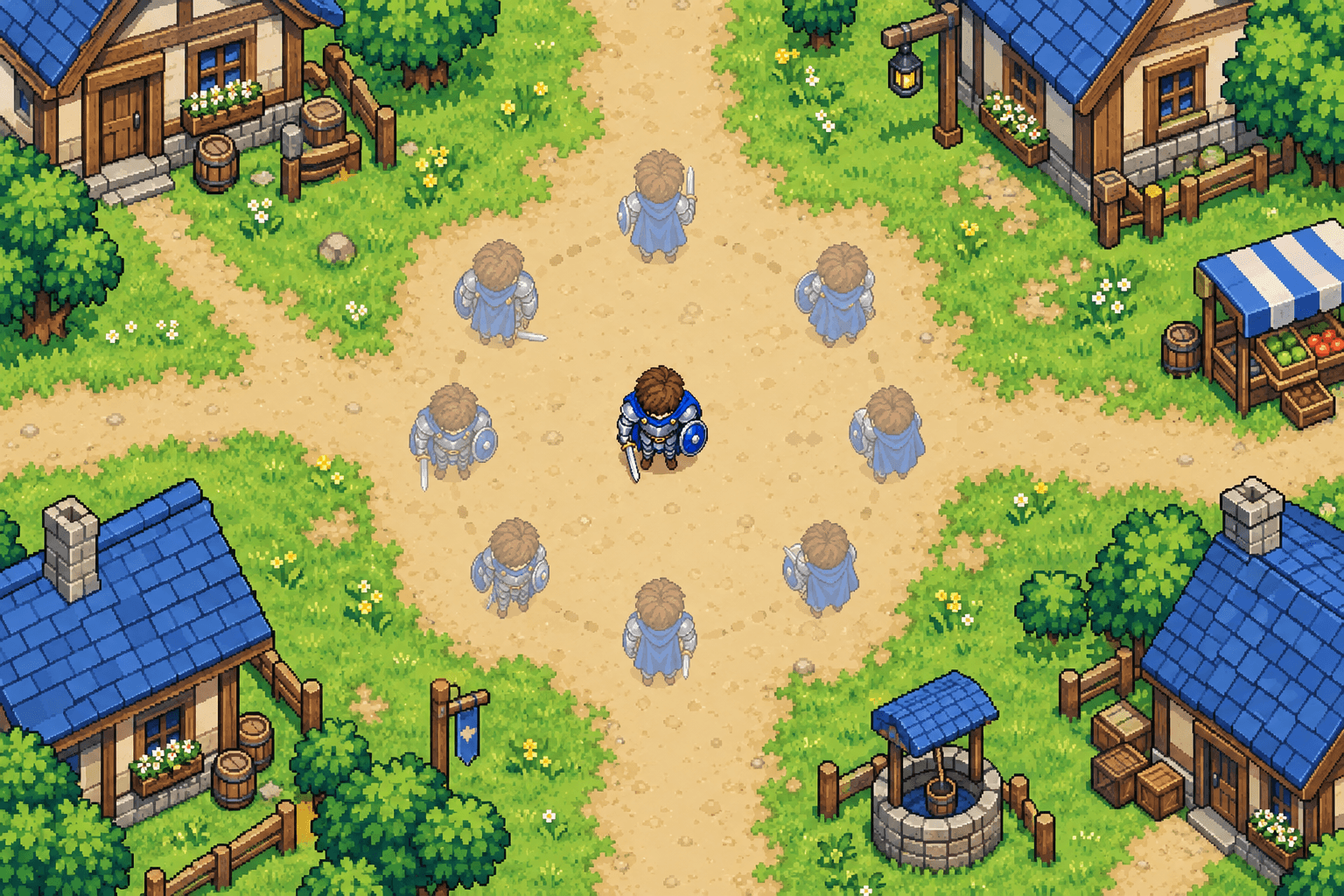
Your hero walks in every direction, so the art should too. Turn a front-facing design into a top down 8 direction sprite set and test movement before you commit to walk cycles, with a top down character sprite players can steer freely.
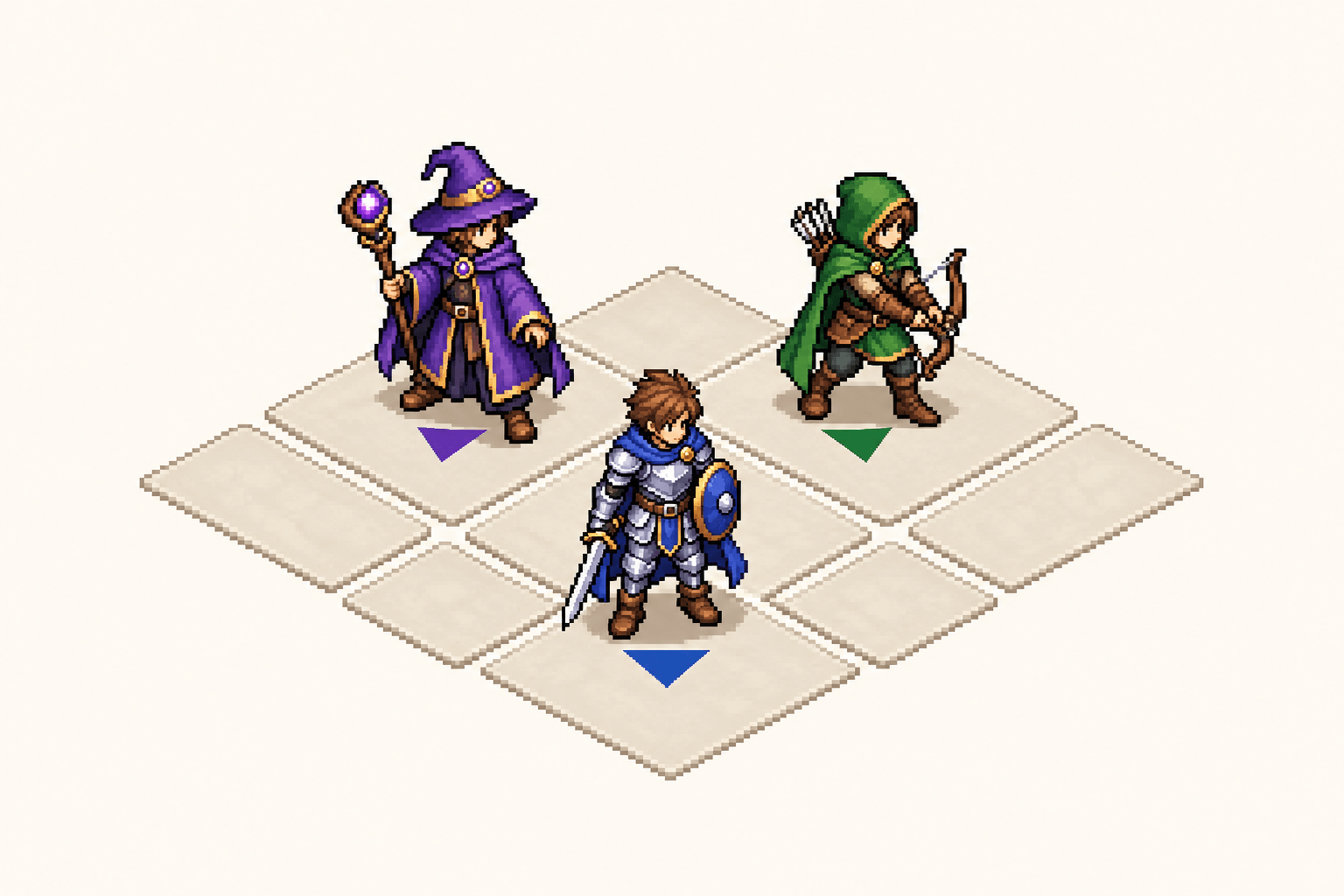
Isometric games need units that face the diamond grid correctly. Rotate each soldier, mage, or worker in Isometric view and keep an 8 direction isometric sprite sheet for every unit type, so your map stays consistent from the first playtest.
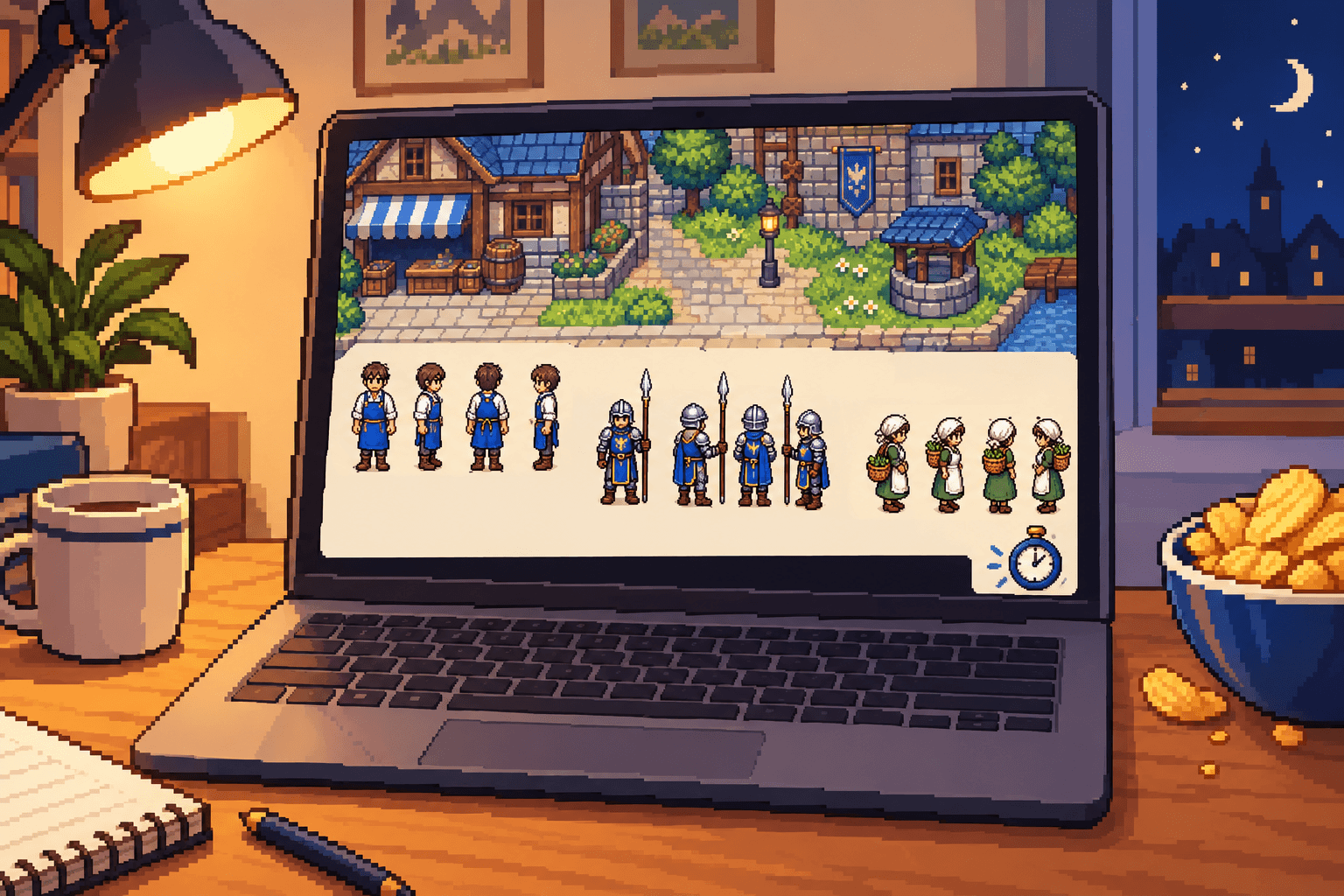
In a 48-hour jam, every hour counts. Generate a 4 directional character sprite for each shopkeeper, guard, and villager, export a 4 direction sprite sheet, and spend the saved time on dialogue and levels.
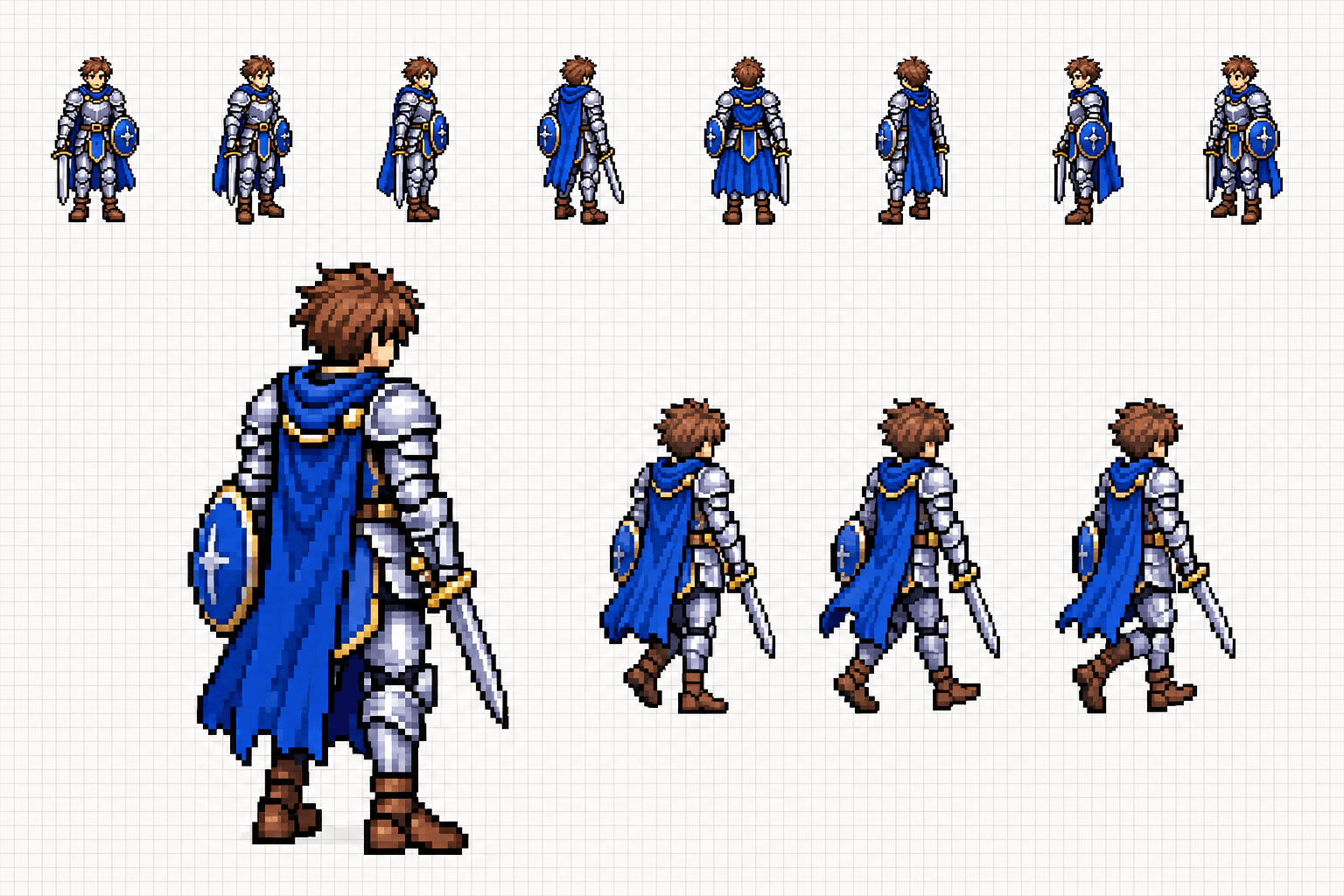
Walk, attack, and idle animations start from a solid pose in each direction. Use views from the 8 directional sprite generator as keyframes, touch up pixels in Pixel Editor, and build every pixel art character sprite animation on one consistent base.
Why SpriteSheetMaker
Rotating game art is more than turning a picture. This 8 directional sprite generator is shaped around how directional sprites are used in 2D projects.
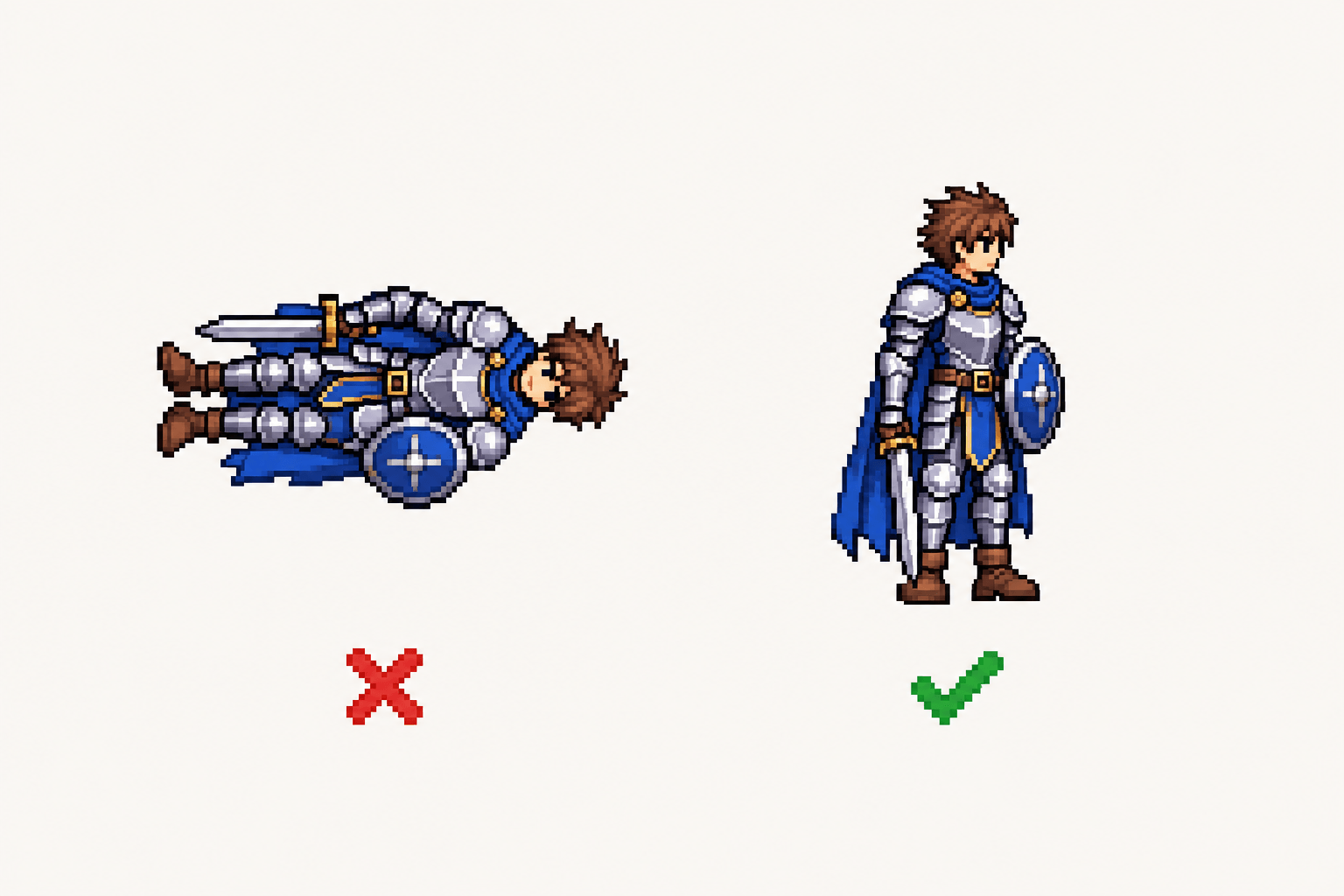
Basic sprite rotation in an engine spins the same pixels, leaving the character lying sideways. The 8 directional sprite generator redraws the character facing a new direction while it stays upright, as top down and isometric games need.
Try a Rotation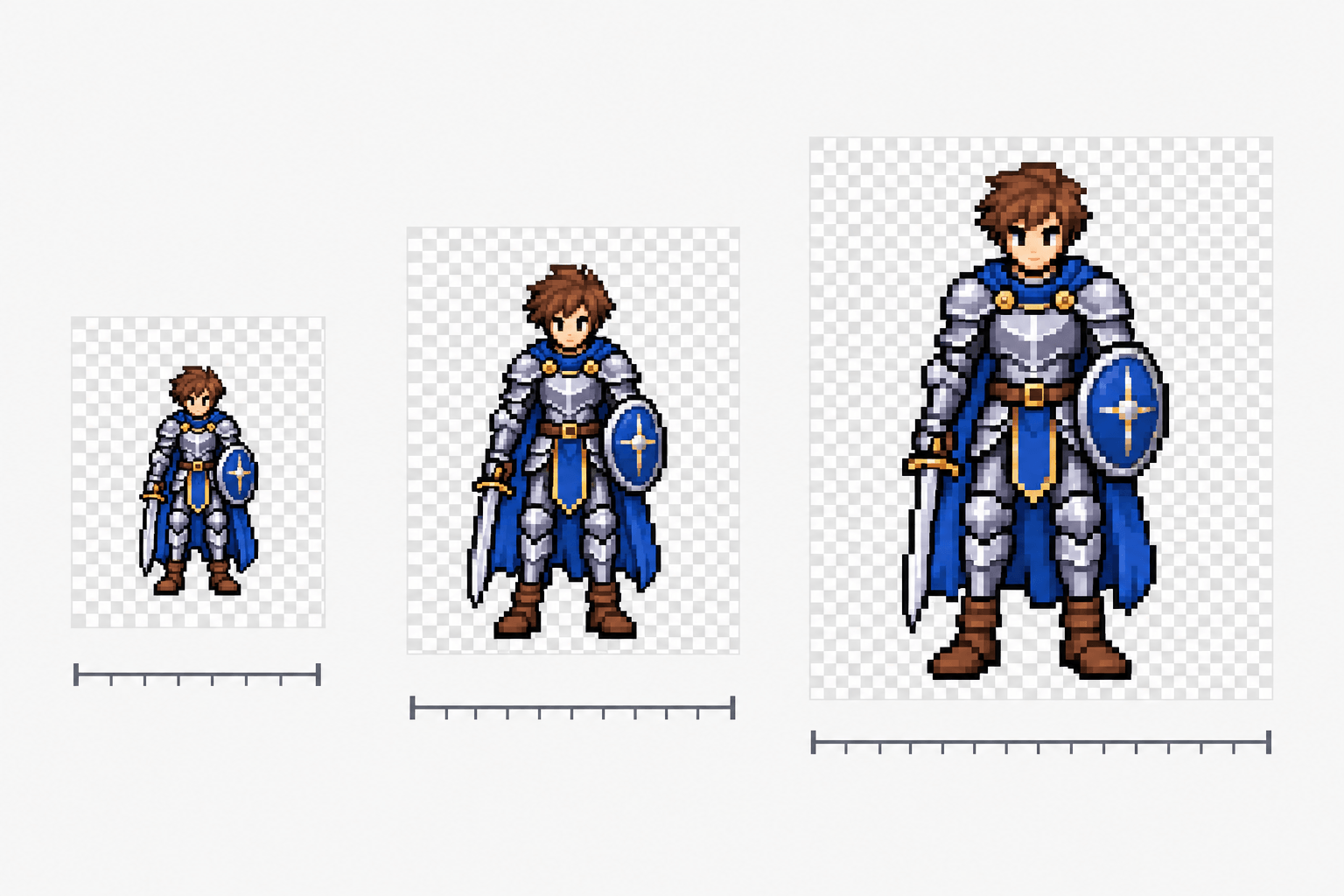
Every facing sits on a transparent canvas at your chosen size, with crisp edges for pixel art. The sheet, frames, and GIF share the same pixels, so every 8 direction sprite sheet matches its frames.
Set My Canvas Size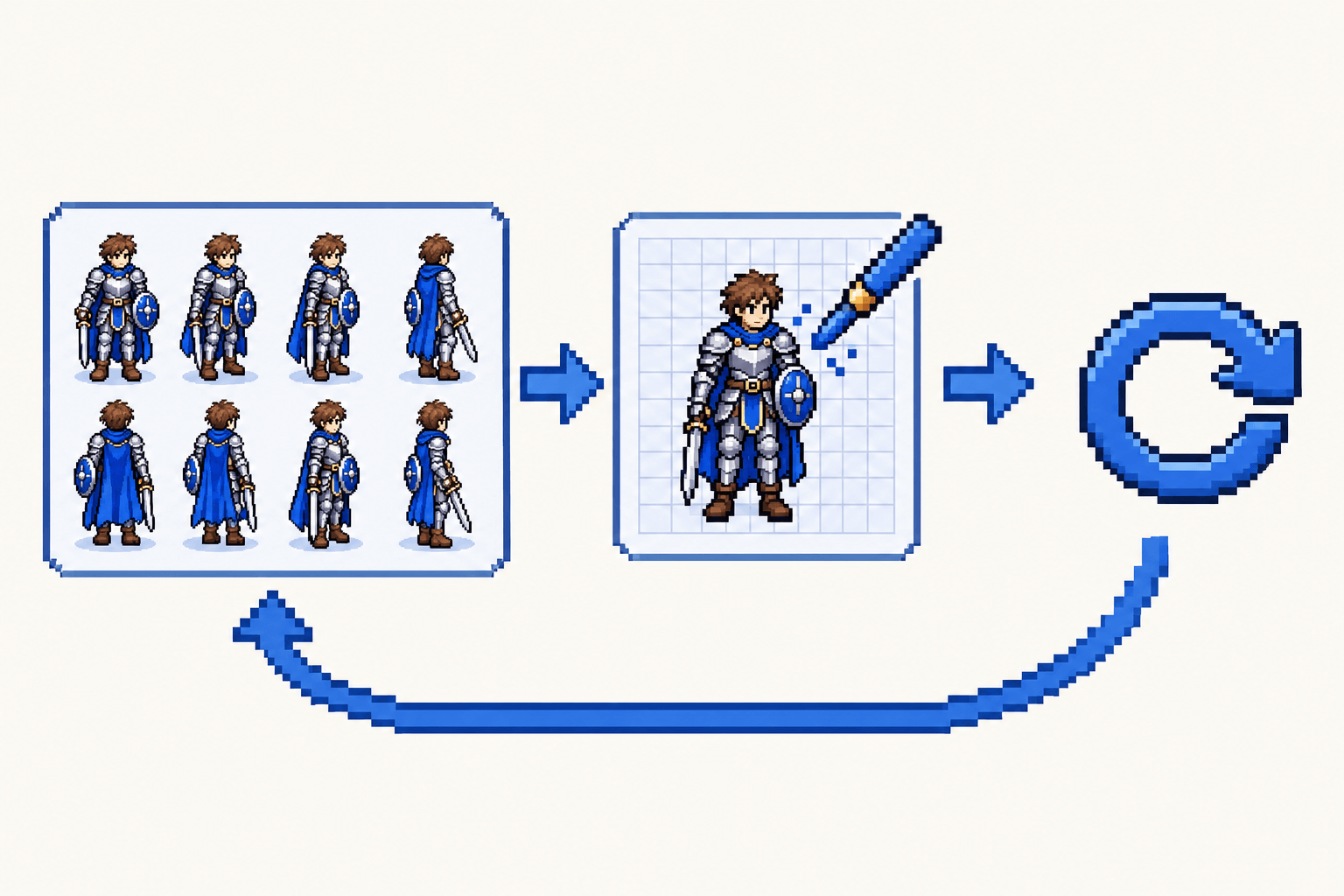
Results stay in Creation Record. Open any 8 directional sprite in Pixel Editor to touch up a facing, or regenerate with the same settings. Your character sprite sheet grows in one workspace.
Open the WorkspaceCommon questions
Quick answers about inputs, settings, files, and costs before your first rotation.
Start rotating
Bring one sprite, choose 4 or 8 directions and your game's view, and download every facing as an 8 direction sprite sheet, separate frames, or a GIF.