Standard
Only edge-connected color is removed
Background color fully enclosed by your sprite stays. Use Smart, or close the gap first.
Use this sprite background remover to clear a busy or solid background from any sprite or sprite sheet. Pick Smart or Standard, compare the result, and download a transparent sprite as a PNG.
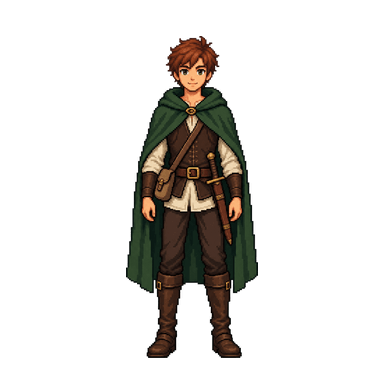
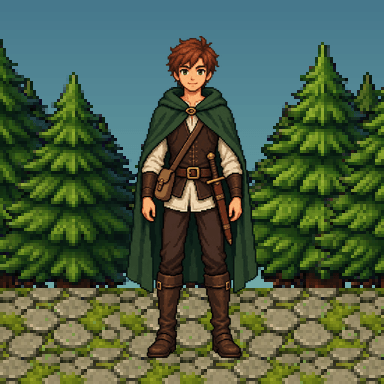
Drag the divider to compare
AI finds the subject on its ownTrees, textures, gradients — no settings needed.
6 CREDITSBackground color fully enclosed by your sprite stays. Use Smart, or close the gap first.
Pixels are kept or removed, never blurred — ideal for pixel art.
Magenta or pure green work best. Shared colors may get removed.
Background removal features
Skip the eraser. The sprite background remover gives you two ways to clear a background and an easy way to check every result.
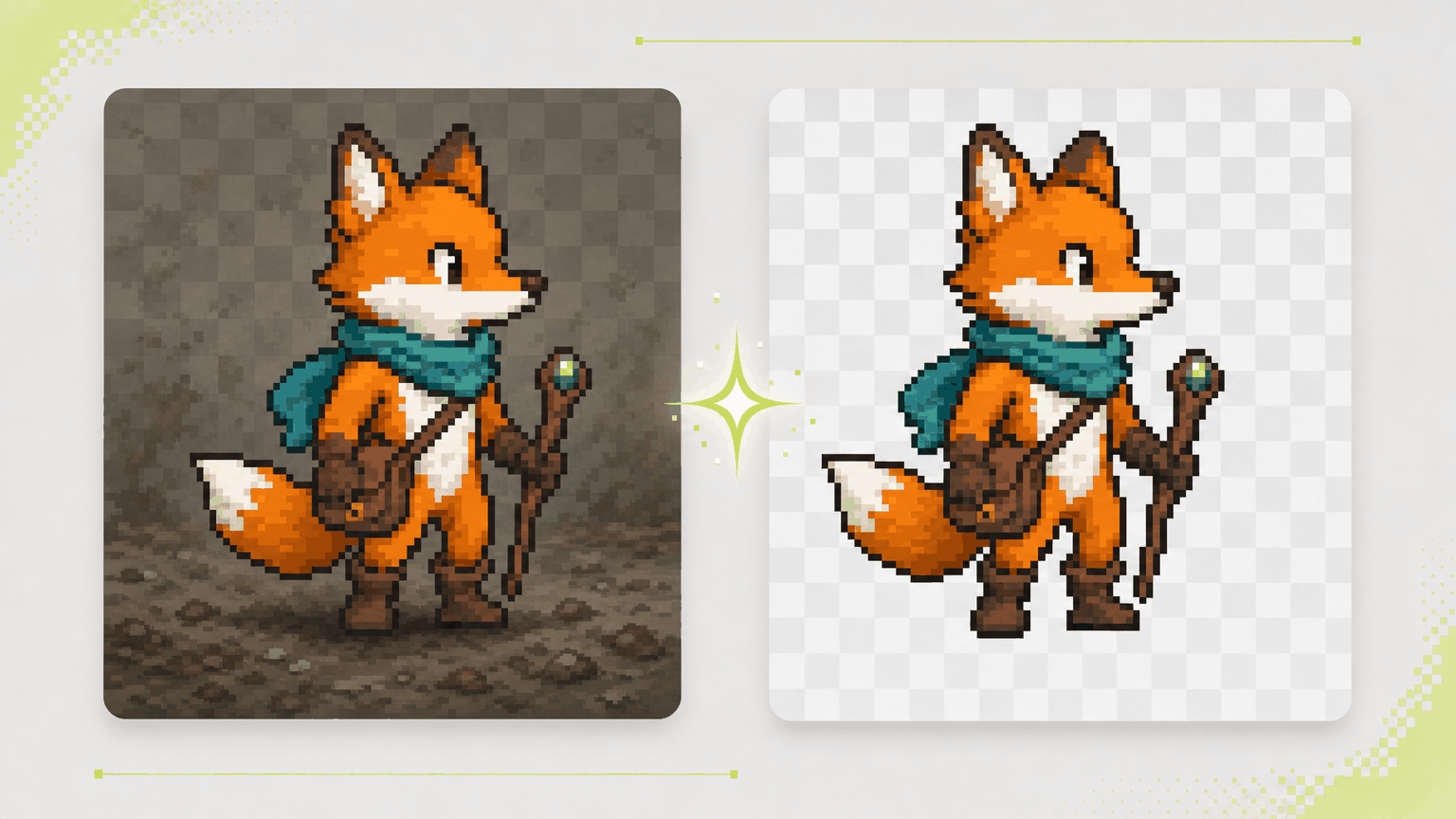
AI image tools often return a character on a gray wash, a gradient, or a fake checkerboard made of painted pixels. Choose Smart, and the sprite background remover finds the subject and clears everything behind it, with nothing to configure.
Try Smart Mode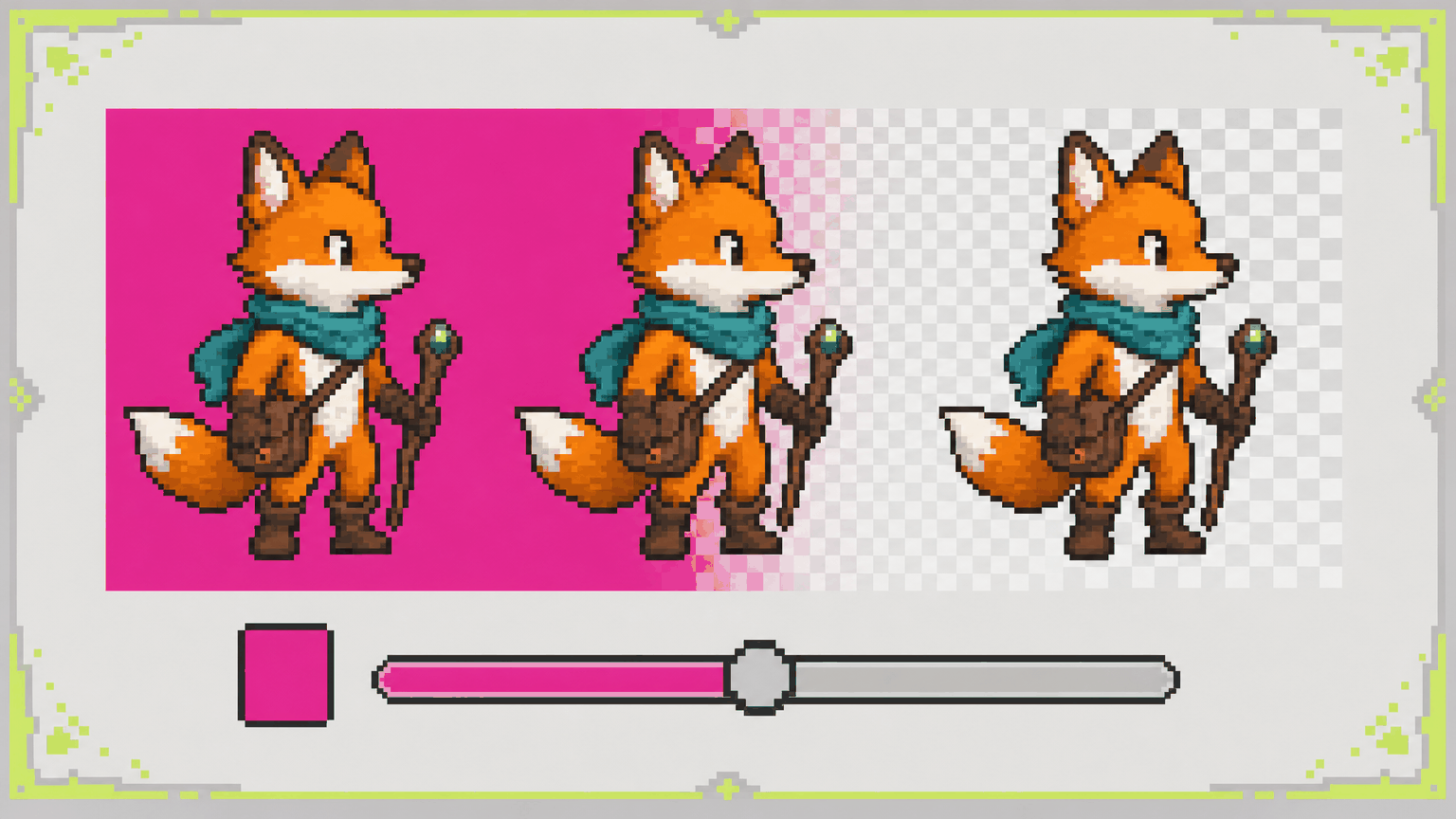
Many sprites sit on a flat key color such as magenta, green, or white. Switch to Standard, set that color, and adjust Tolerance from 0 to 300 to decide how close a shade must be to count as background. The sprite background remover clears it and leaves your artwork in place.
Remove a Solid Color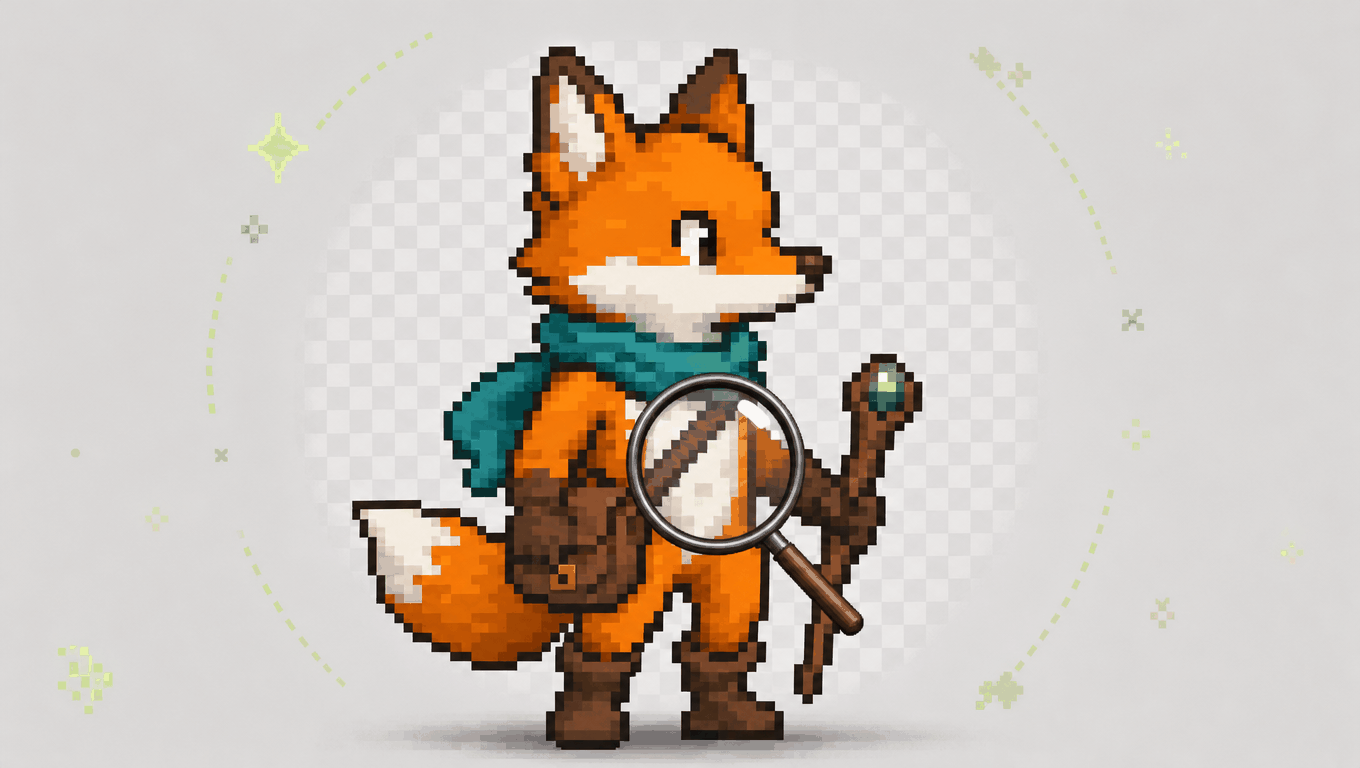
A white background and a white eye highlight should not vanish together. Standard only clears background pixels connected to the canvas edge, so the same color inside your character, like teeth, armor shine, or a white shirt, stays exactly where you drew it.
Clean Up My Sprite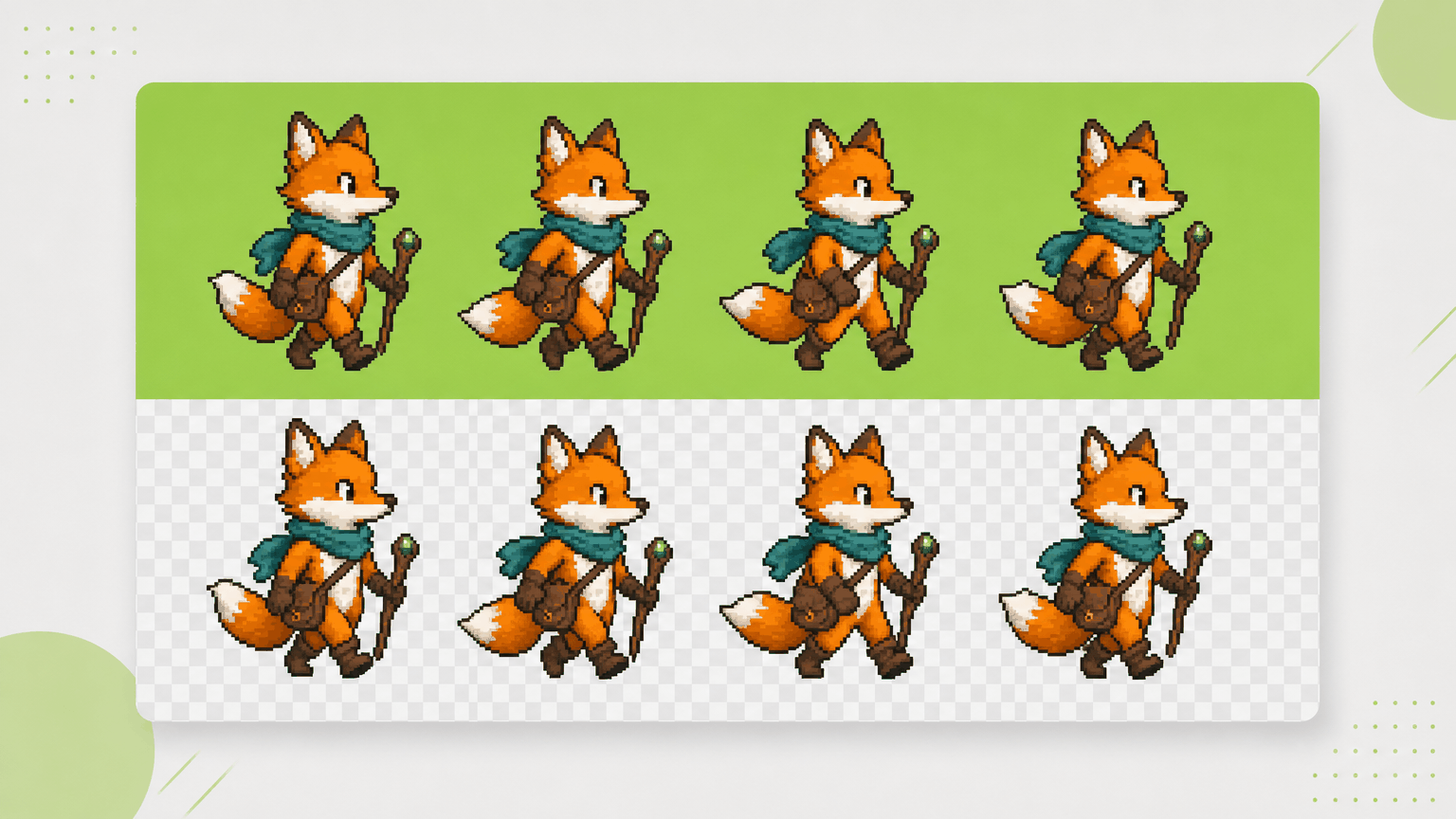
Upload a full sprite sheet PNG instead of cutting it into frames. The sprite sheet background remover treats the sheet as one image, so every frame gets the same treatment and the grid stays in place, ready for slicing or animation.
Upload a Sprite Sheet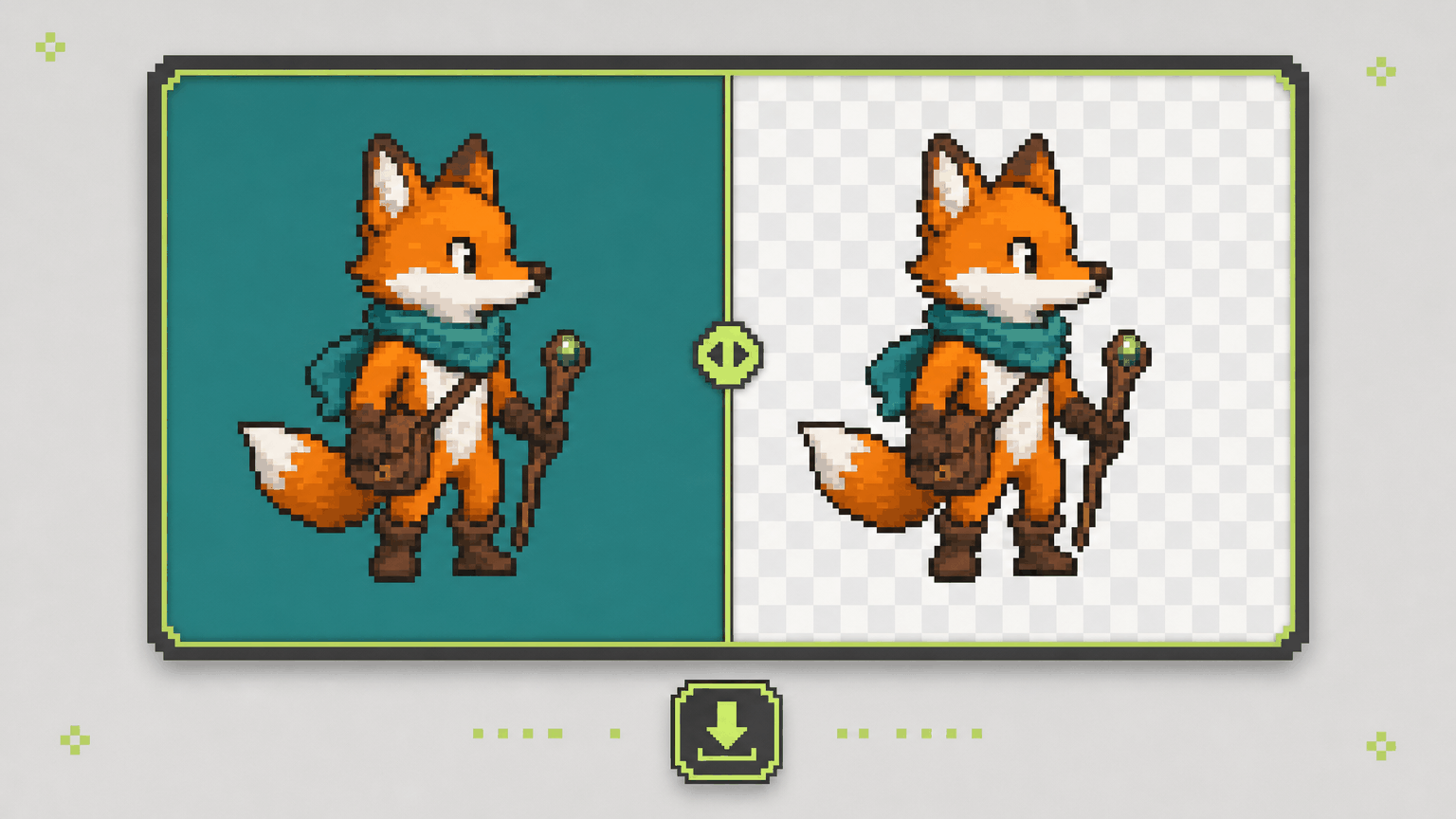
Open a finished job to see the source and the result together, then drag the slider to inspect edges pixel by pixel. Happy? Download it. If not, change the method or tolerance and run the sprite background remover again.
Compare and DownloadThree-step workflow
Sign in, bring your art, and let the sprite background remover handle the cleanup.
Upload a PNG, JPG, or WebP file up to 25 MB, or pick a character you already made from My Sprites. For a sprite sheet transparent background, upload the full sheet rather than single frames.
Choose Smart for busy or gradient backgrounds, or Standard for a flat color, then set the color and Tolerance and click Remove.
Your job appears in Creation Record. Open it, check the before-and-after view, and download your transparent sprite PNG.
Use cases
From first prototypes to portfolio pieces, a clean cutout makes the next step easier.
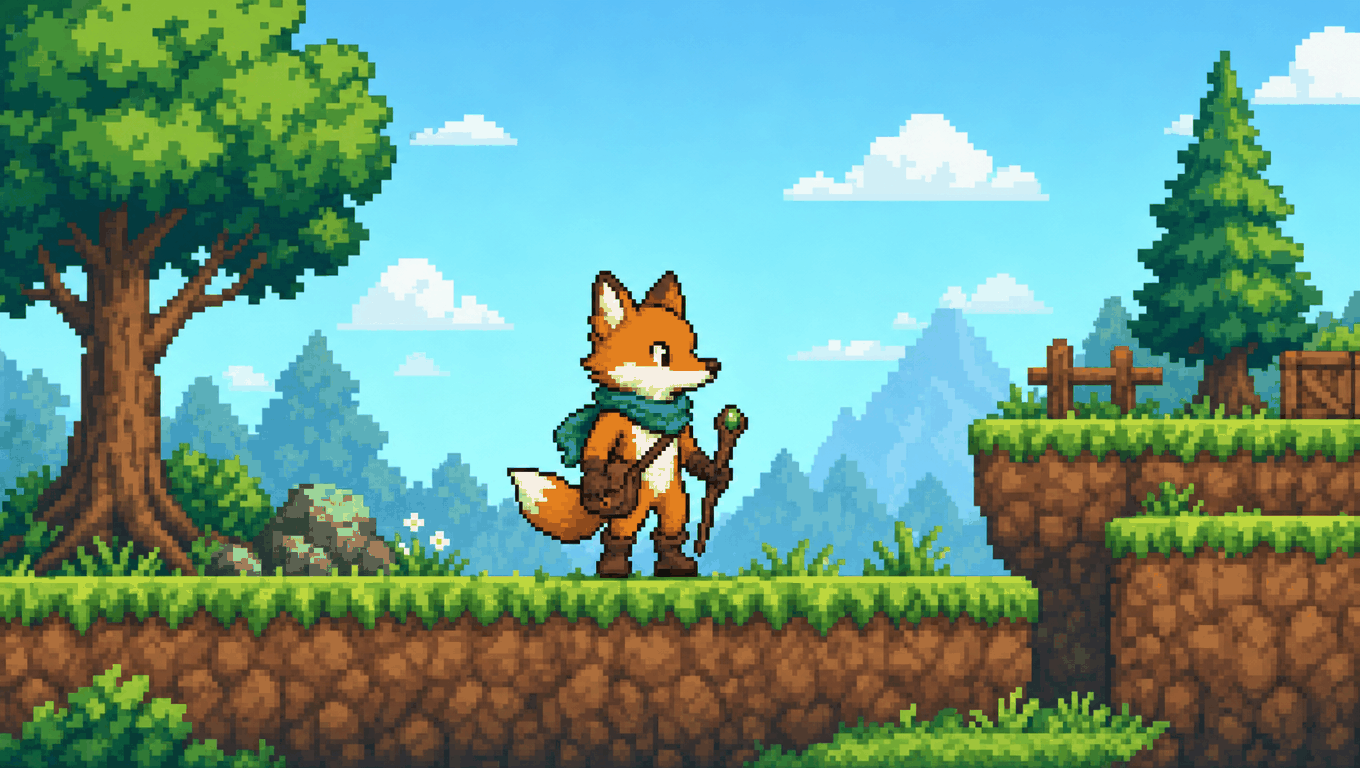
Your generated hero looks right but arrived on a gray card. Run the sprite background remover in Smart mode, then place the transparent sprite over your tiles to judge scale and contrast in the real scene.
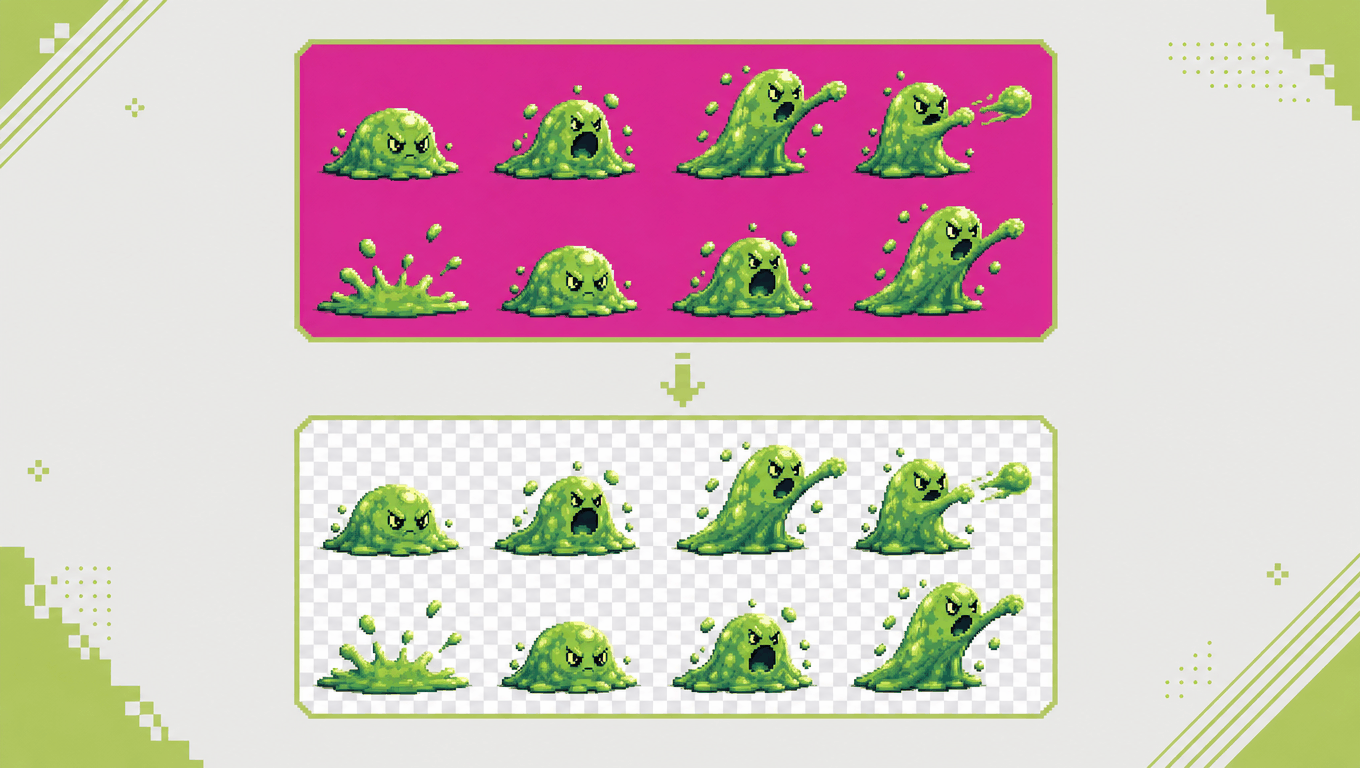
Older sheets often use magenta as the background. Set Standard to that color, and the sprite background remover returns a transparent sprite sheet with every frame still in its grid position.
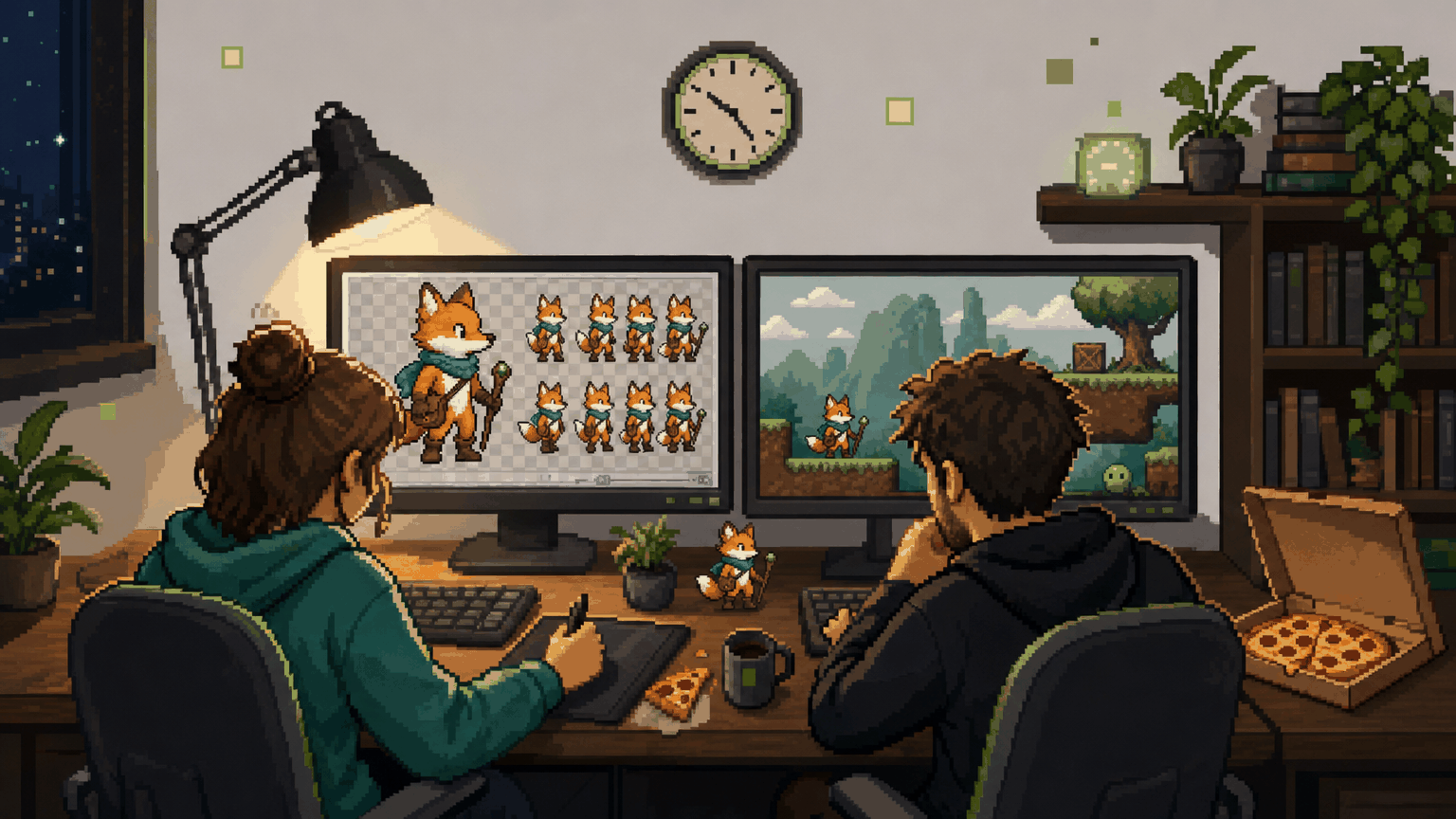
Nobody wants to erase backgrounds frame by frame on a deadline. Upload the PNG sprite sheet your teammate exported, remove the solid color in one pass, and get the art into the build in time to playtest.
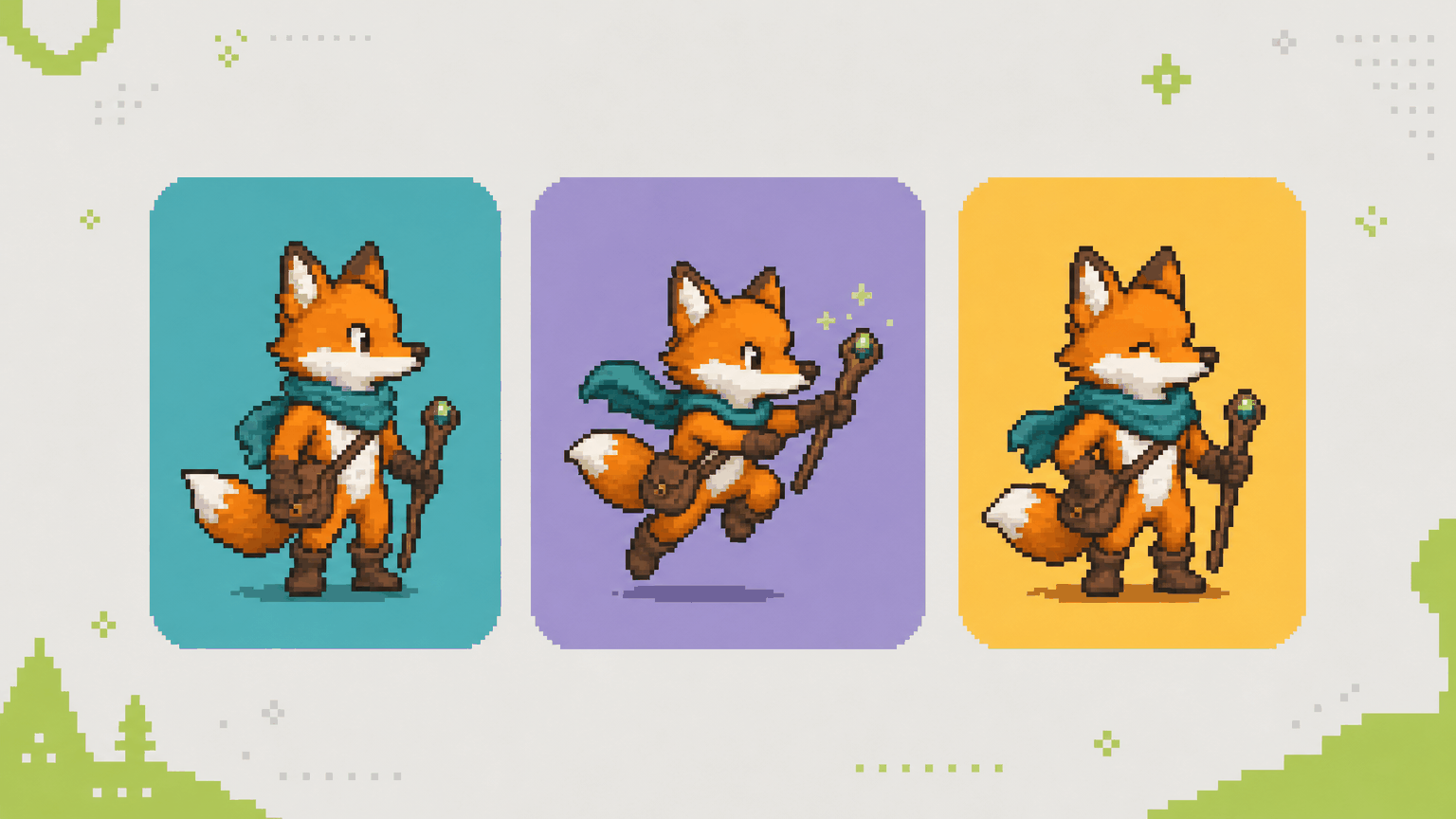
Transparent art sits cleanly on any page color, banner, or mockup. Use the sprite background remover on a finished character and share it in your devlog or portfolio without a boxy background.
Why SpriteSheetMaker
A good cutout depends on the image in front of you. This sprite tool lets you match the method to the art and see exactly what you get.
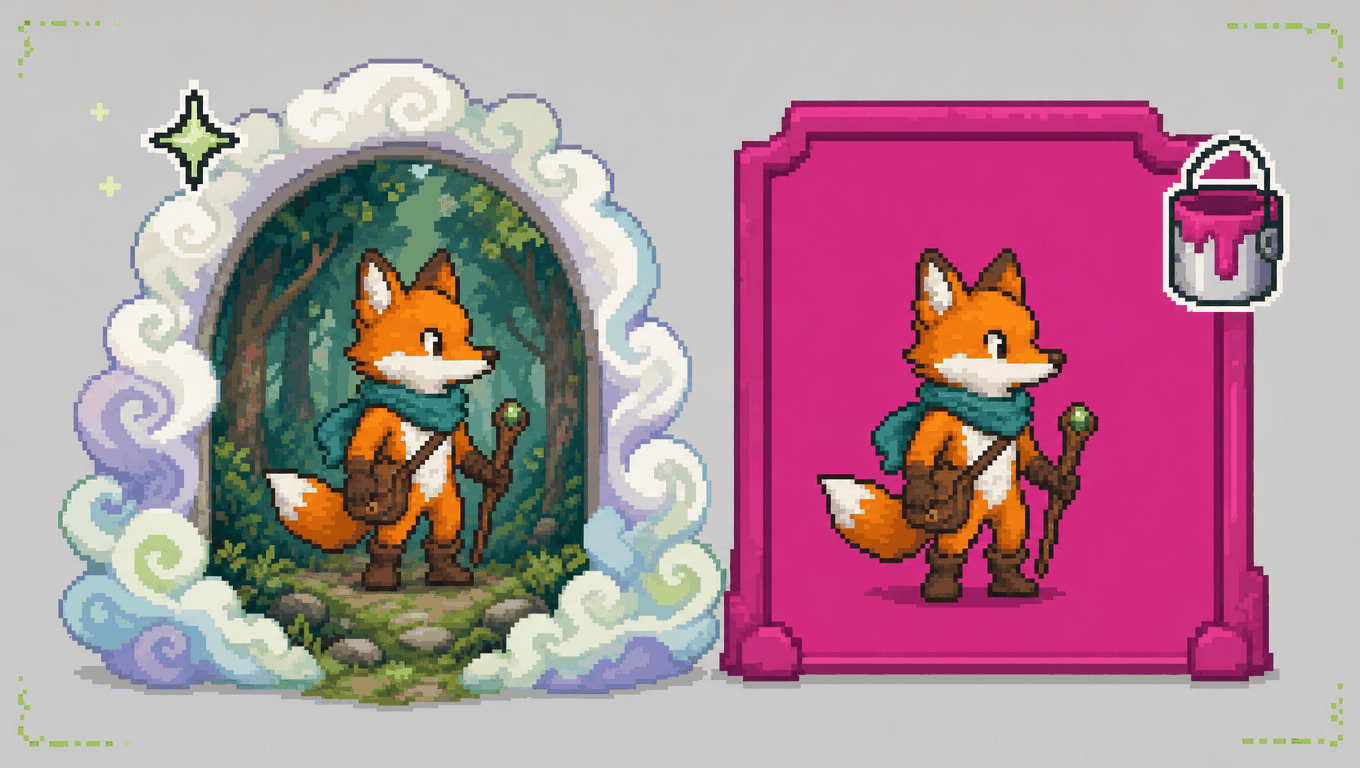
Busy backgrounds and flat key colors need different approaches. With Smart and Standard in one sprite background remover, you can switch methods and rerun the same image whenever the first result misses.
Choose a Method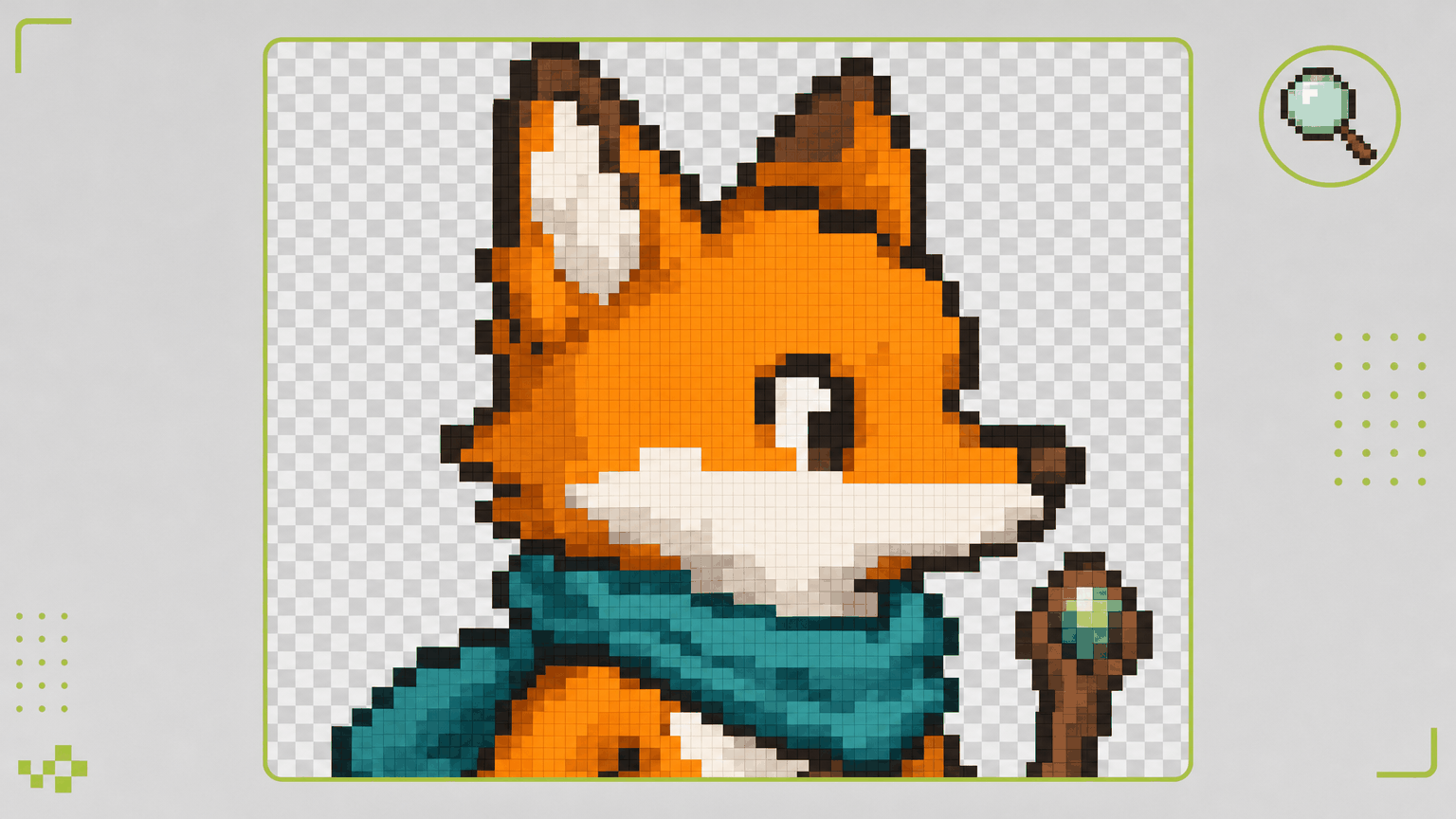
Previews in the sprite background remover keep crisp, square pixels on a checkerboard, so stray dots and thin outlines are easy to spot. Standard only makes background pixels transparent and never blurs your artwork, which suits hard-edged pixel art.
Start with Standard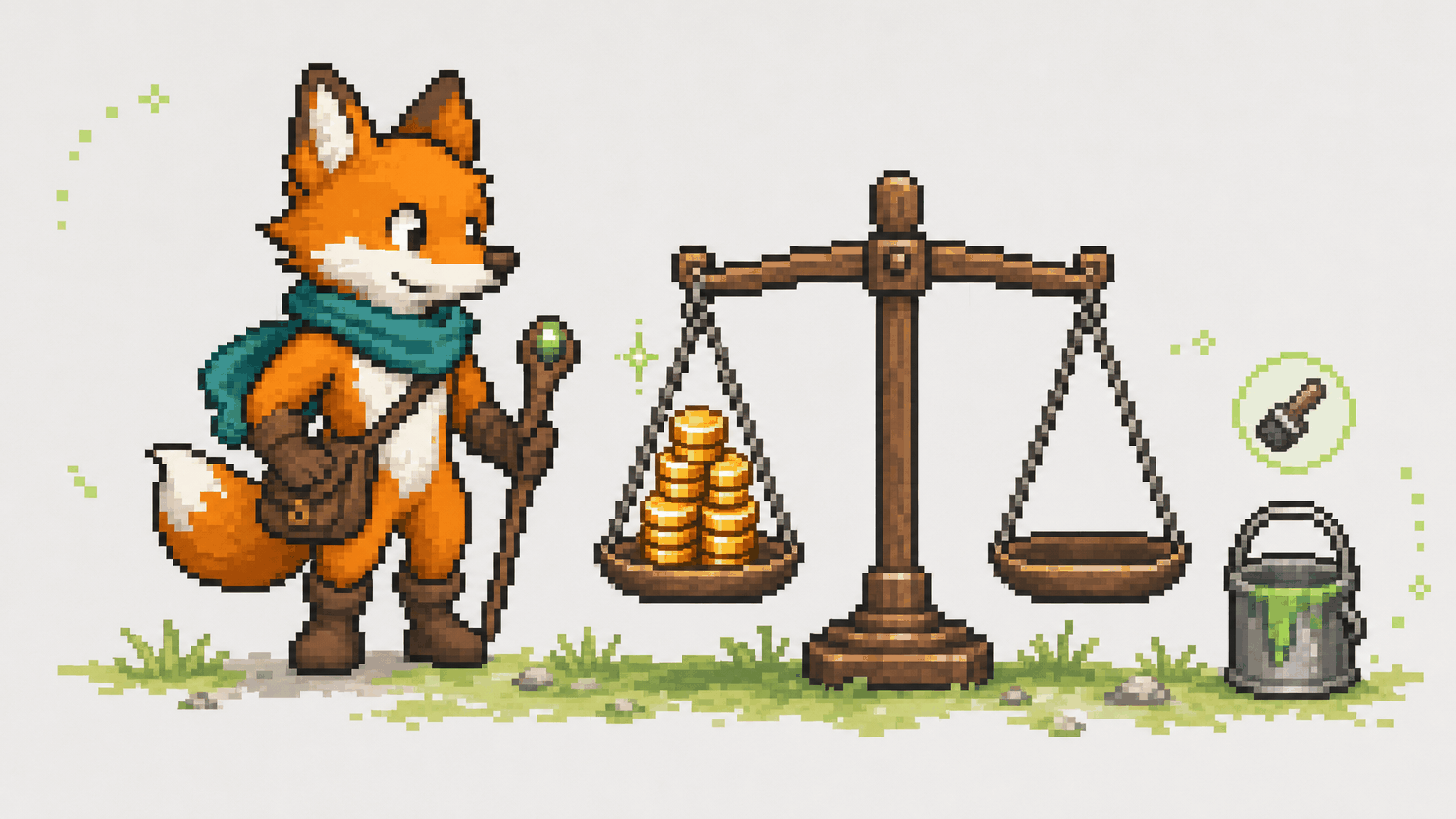
Standard mode uses no credits, so you can test colors and tolerance as often as you like and save Smart for the images that truly need it.
Open the Remover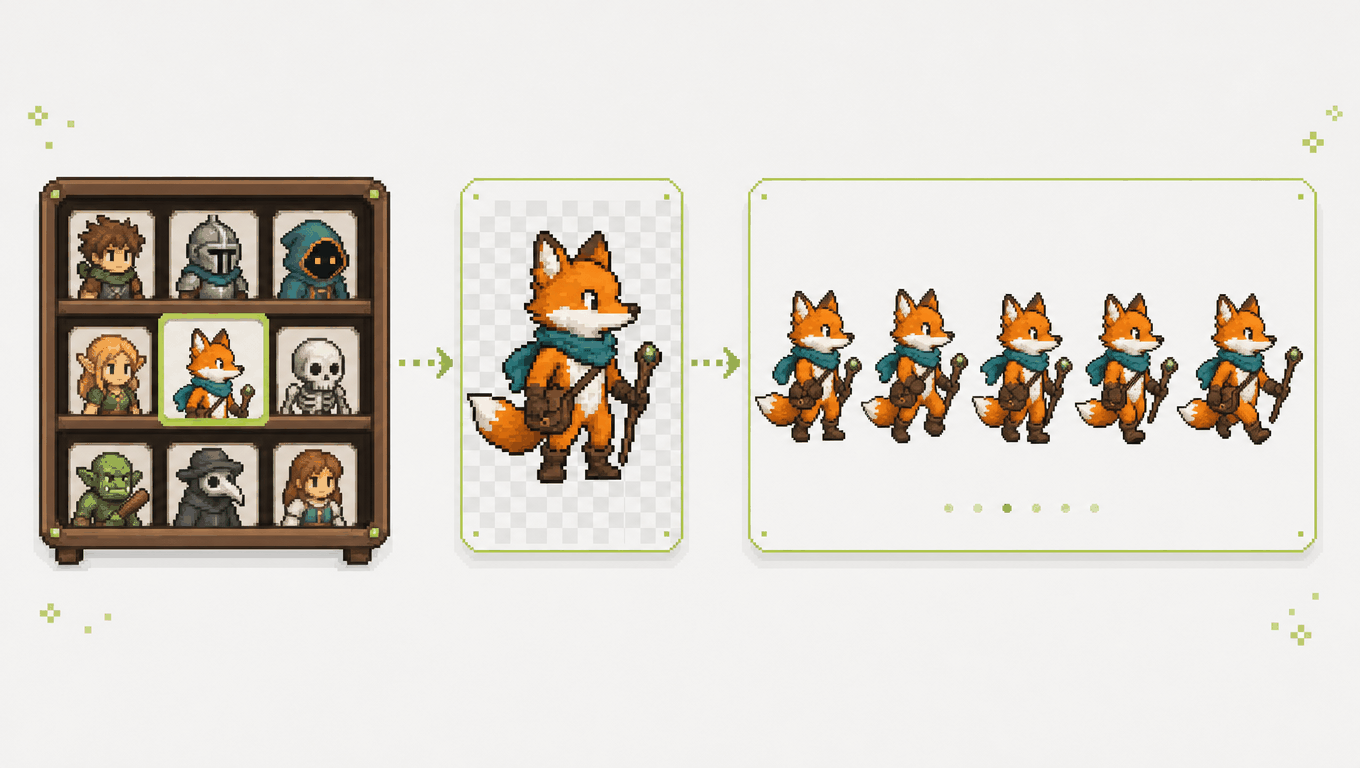
Pick characters from My Sprites or clean whole sheets with the sprite sheet background remover, then carry the transparent sprite sheet into the next sprite sheet tool you use.
Pick from My SpritesCommon questions
Quick answers about methods, files, settings, and credits before you start.
Start cleaning up
Upload a sprite or a full sheet, let the sprite background remover clear the background, and download a clean transparent sprite sheet or a single PNG.